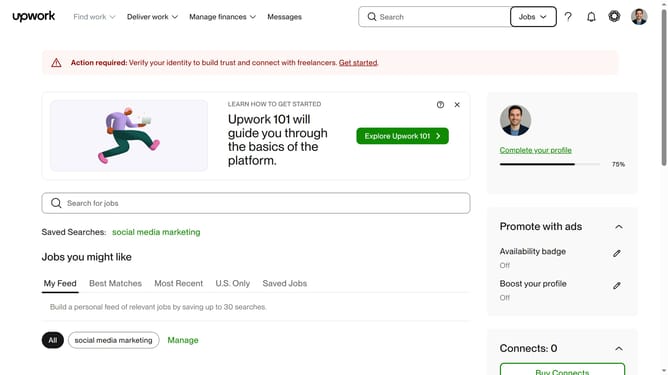
How to filter talents based on specific language proficiency on Upwork
Here is how to filter talents based on specific language proficiency on upwork
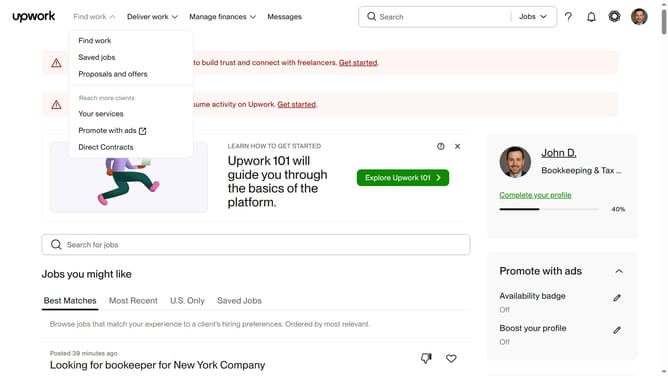
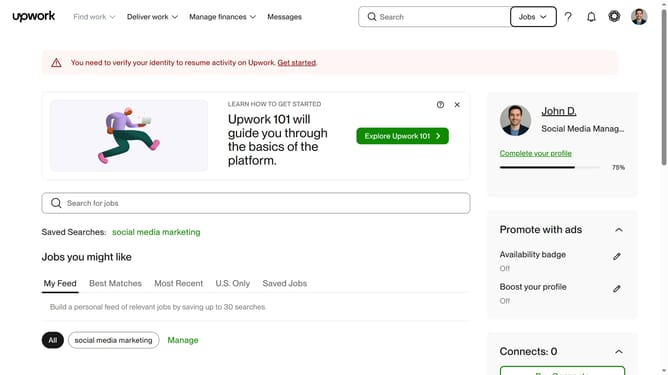
- First click on the dropdown button in the top navigation bar
- Then click on the "Talent" option from the dropdown menu
- Next click on the search field in the header and enter your search keyword
- Then click on the suggestion from the dropdown
- Then scroll the page down to the Other languages section
- Then click on the "Other languages" dropdown filter in the left sidebar
- Next click on the "Search languages" input field in the expanded language filter section
- Finally select from the language options list
Why should you filter talents based on specific language proficiency on Upwork
Upwork is a dynamic platform that connects businesses with freelancers from around the globe, tailored to meet diverse project needs.
A standout feature is the ability to filter talents based on specific language proficiency. This enhances the hiring process by ensuring clear communication and cultural understanding, which are vital for project success.
By focusing on language skills, employers can select freelancers who perfectly align with their project's linguistic demands, leading to smoother collaborations and boosted productivity.
Last update