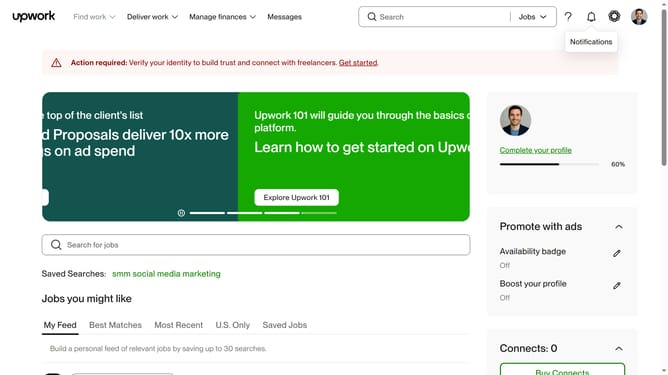
How to search for a project by articles and blog posts catalog on Upwork
Here is how to search for a project by articles and blog posts catalog on upwork
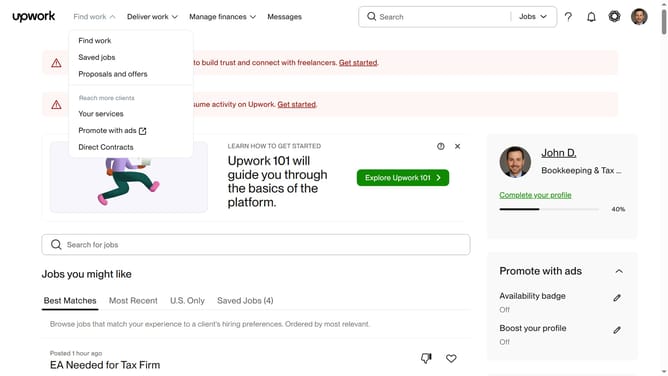
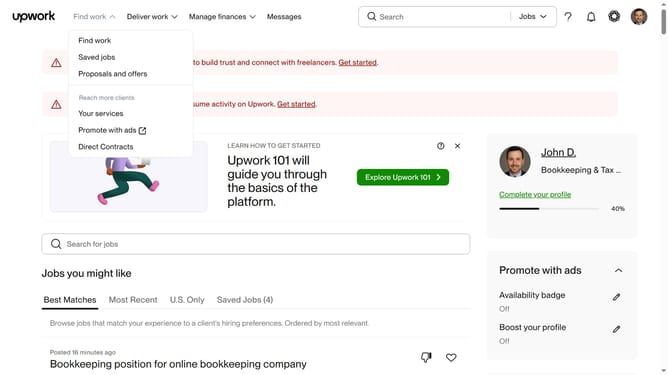
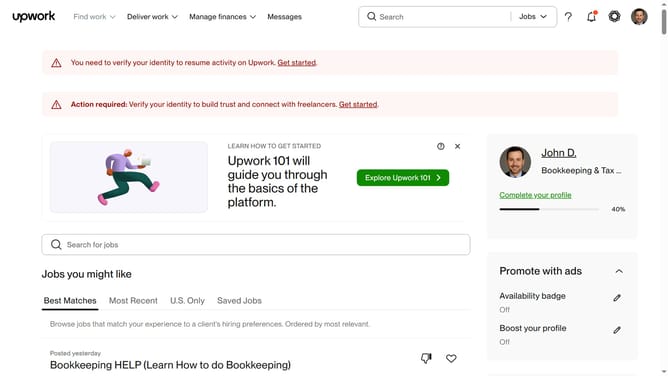
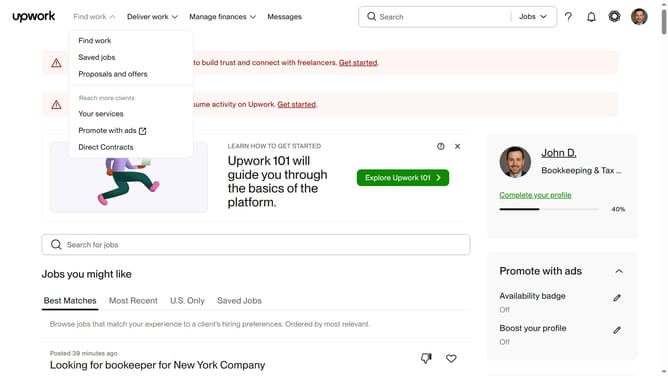
- First click on the dropdown button in the top navigation bar
- Then click on the "Projects" option from the dropdown menu
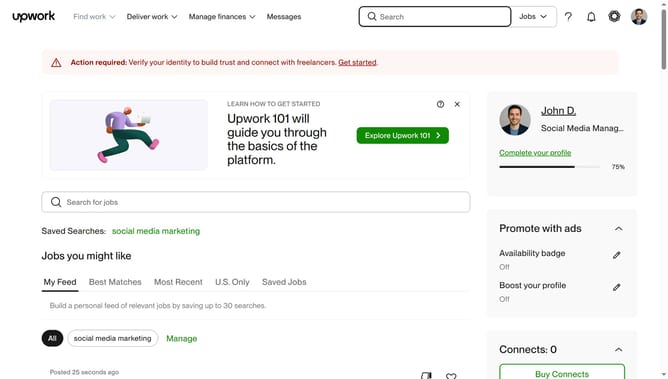
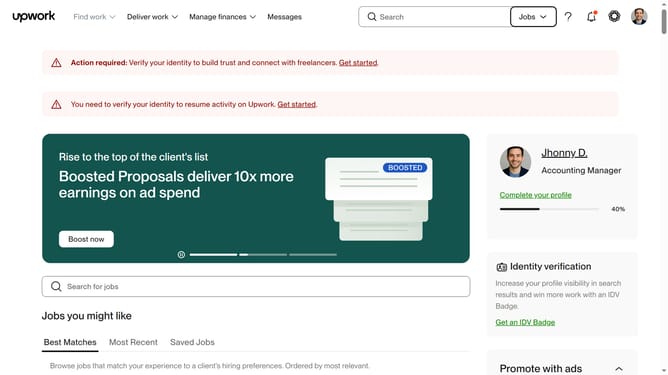
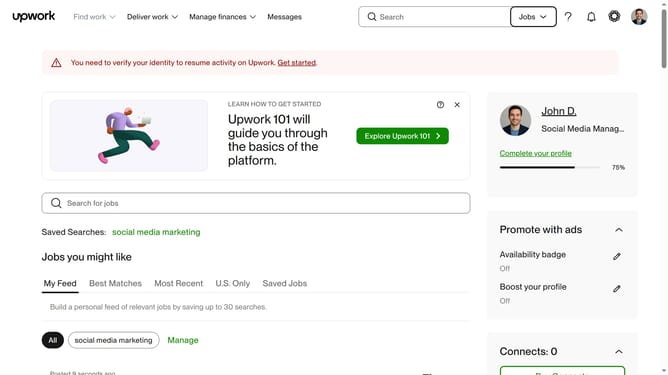
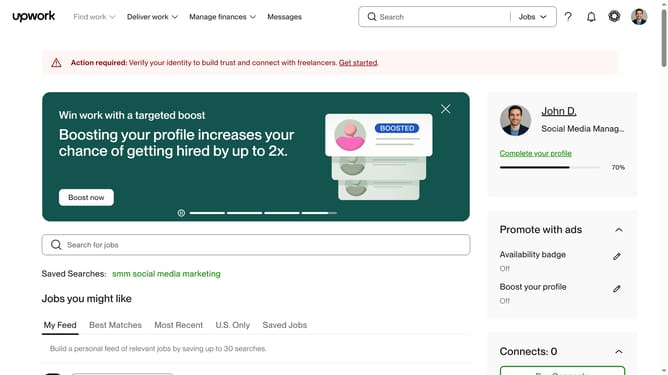
- Next click on the search bar in the header and type your search keyword
- Then click on the suggestion from the search dropdown
- Next click on the "Project Catalog" tab in the navigation menu
- Finally click on the "Articles & Blog Posts" category card in the shop by category section
Why should you search for a project by articles and blog posts catalog on Upwork
Upwork is a premier platform connecting freelancers with global opportunities, fostering successful collaborations.
Among its many features, Upwork offers an intuitive way to search for projects by browsing its comprehensive catalog of articles and blog posts. This allows freelancers to pinpoint specific projects tailored to their expertise in content creation.
By honing in on relevant projects, freelancers can engage in work that resonates with their skills and interests. This targeted approach enhances efficiency, boosts productivity, and opens doors to meaningful collaborations.
Last update