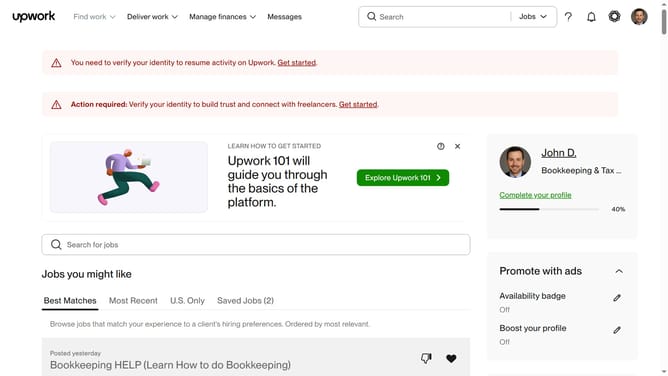
How to delete skills as a freelancer in Upwork
Here is how to delete skills as a freelancer in upwork
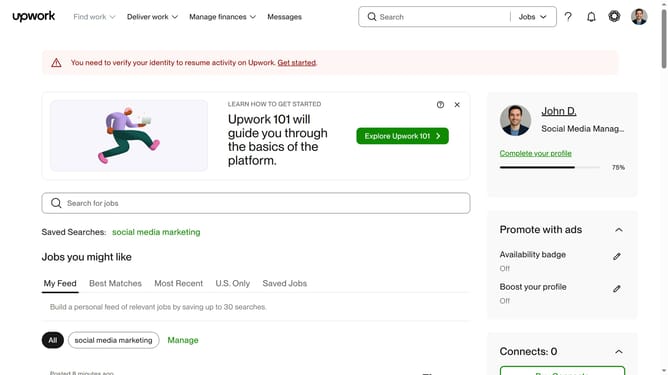
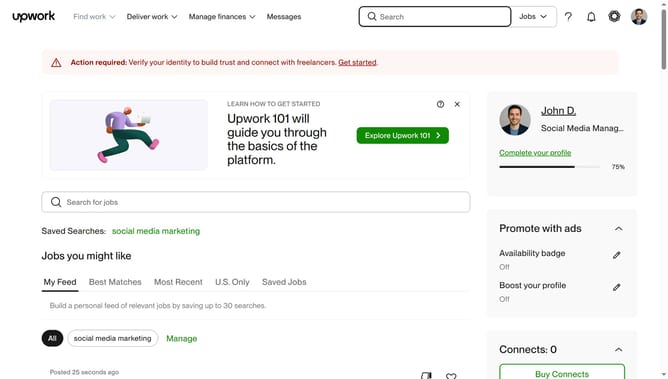
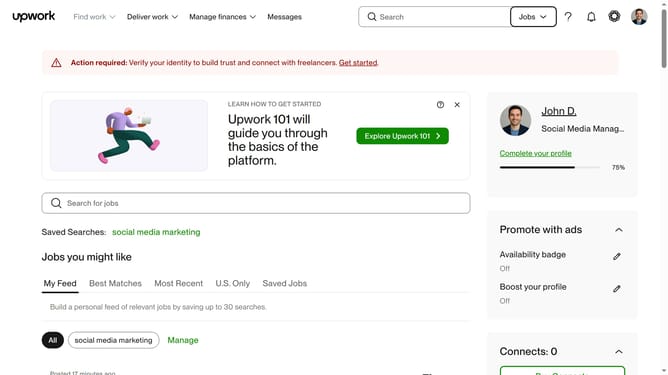
- First click on the profile icon in the top right corner of the header
- Then click on "Your profile" option from the dropdown menu
- Next click on the edit icon next to the "Skills" section
- Then click the X button next to the skill that you want to delete
- Finally click on the "Save" button to confirm the changes
Why should you delete skills as a freelancer in Upwork
Upwork is a dynamic platform connecting freelancers with global opportunities, enabling professionals to showcase their skills and expand their careers.
The ability to delete skills as a freelancer on Upwork allows individuals to tailor their profiles precisely to their current expertise and project preferences.
This feature enhances a freelancer's professional image by ensuring their skills remain relevant and aligned with evolving market demands.
By maintaining an updated skill set, freelancers can attract more suitable job offers, ultimately boosting their success on the platform.
Last update