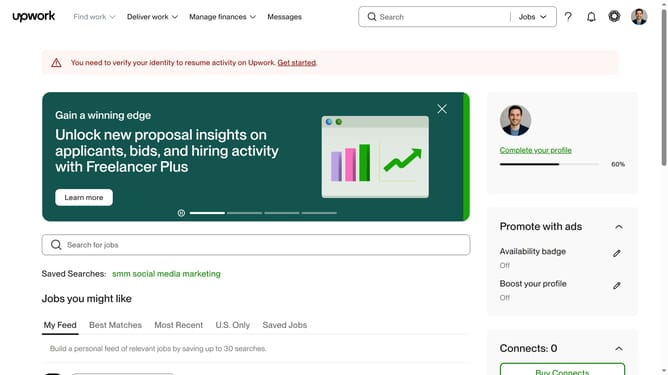
How to view projects by infographics and presentation design on Upwork
Here is how to view projects by infographics and presentation design on upwork
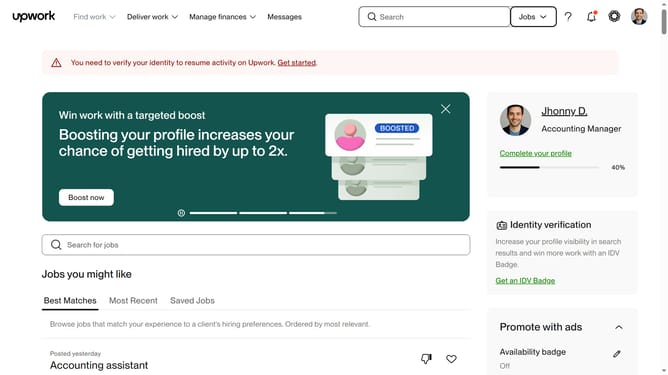
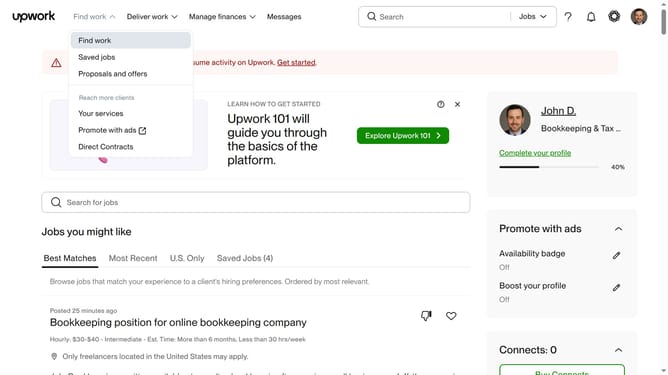
- First click on the dropdown button in the top navigation bar
- Then select "Projects" option from the dropdown menu
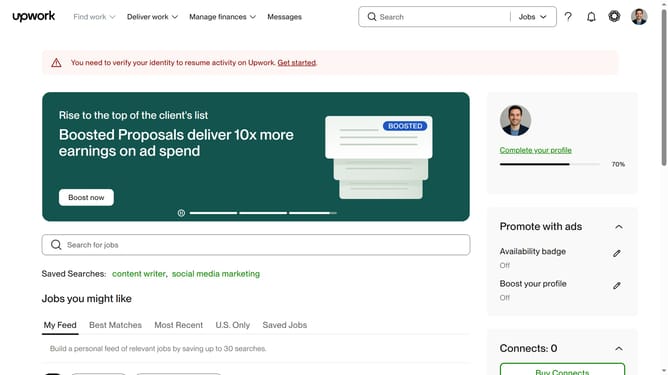
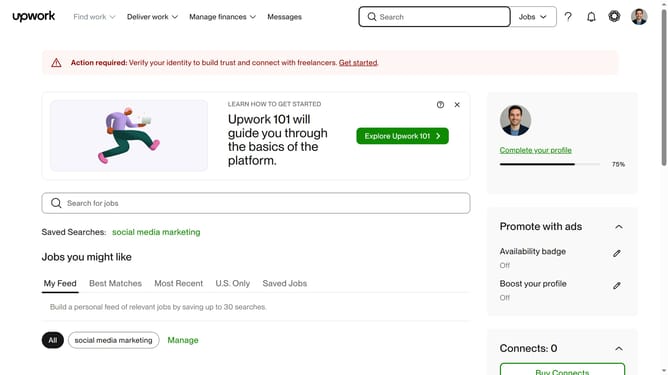
- Next click on the search field in the top navigation bar and enter search text
- Then click on a suggestion from the search dropdown
- Finally select "Infographics & Presentation Design" link from the Design category
Why should you view projects by infographics and presentation design on Upwork
Upwork is a dynamic platform that connects freelancers and clients across the globe for seamless collaboration on a wide range of projects.
Viewing projects by infographics and presentation design on Upwork offers a streamlined method to explore creative opportunities that specifically align with your skill set. This feature helps creatives focus their searches, efficiently targeting opportunities where they can excel.
Diving deep into the realm of infographics and presentation design projects provides freelancers with a focused approach, maximizing the potential for finding the perfect fit with clients who value visual storytelling and impactful design.
Last update