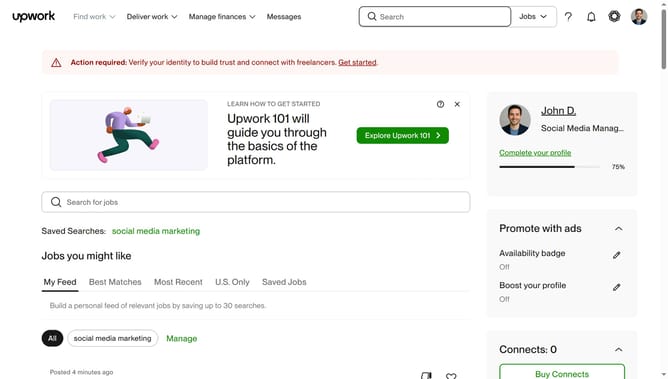
How to update profile overview as a freelancer in upwork
Here is how to update profile overview as a freelancer in upwork
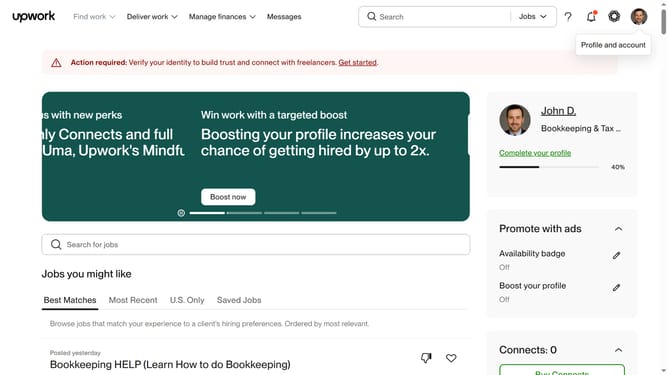
- First click on the profile icon in the top right corner of the header
- Then click on "Your profile" option in the dropdown menu
- Next click on the edit icon next to the profile overview section
- Then click in the profile overview text field and update the content
- Finally click on the "Save" button to save the changes
Why should you update profile overview as a freelancer in upwork
Upwork is a leading online platform connecting freelancers with clients worldwide for diverse work opportunities.
Updating your profile overview as a freelancer on Upwork is a critical step in showcasing your skills and professional brand.
By regularly refining your profile, you ensure it reflects your latest projects, skills, and achievements, aligning with market demands.
Emphasizing your unique expertise in your profile overview attracts potential clients and expands your freelancing prospects effectively.
Last update