How to view completed jobs of a freelancer in Upwork
Here is how to view completed jobs of a freelancer in upwork
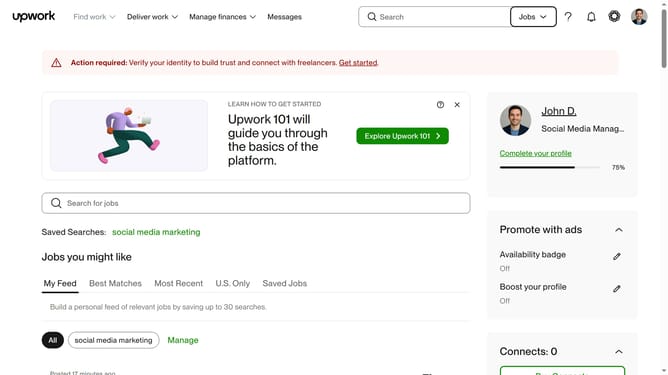
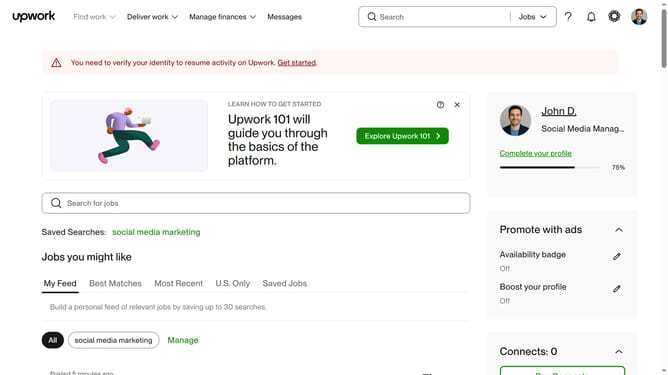
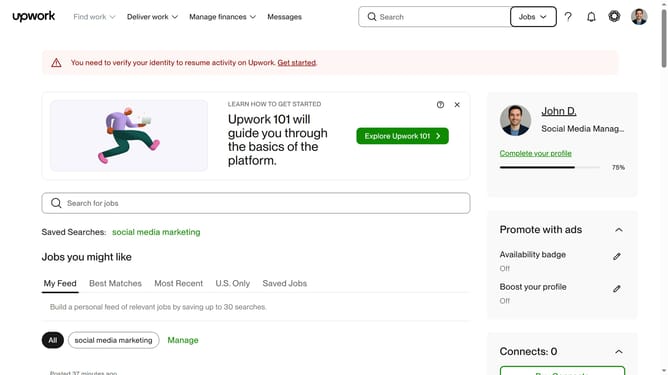
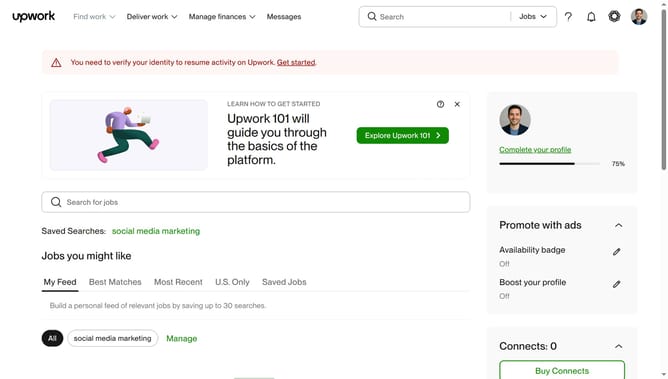
- First click on the "Jobs" dropdown button in the top navigation bar
- Then click on the "Talent" option in the dropdown menu
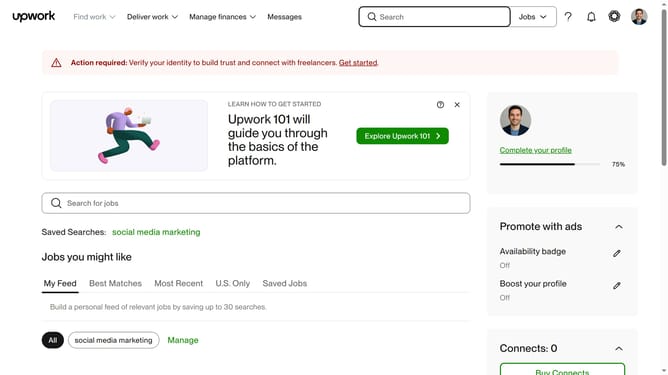
- Next click on the search field in the header and type your search query
- Then select from the search suggestions dropdown
- Click on the freelancer profile name in the search results
- Then click on the "Open profile in a new window"
- Next click on the "Completed jobs" tab in the Work history section
- Then click on the job entry to view details
- Finally click on the "Close" button to close the job details modal
Why should you view completed jobs of a freelancer in Upwork
Upwork is a global platform connecting freelancers with businesses seeking talent.
Viewing a freelancer's completed jobs on Upwork is a feature that fosters transparency and trust. It allows potential clients to assess the past performance and reliability of a freelancer, ensuring they make informed hiring decisions.
Exploring completed projects provides insights into the freelancer's consistency, strengths, and expertise areas. This not only saves time but enhances the selection process, ensuring a good match for project requirements.
Last update