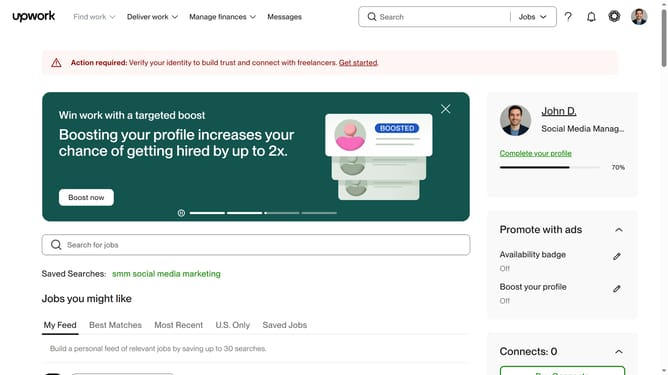
How to filter jobs by client location on Upwork
Here is how to filter jobs by client location on upwork
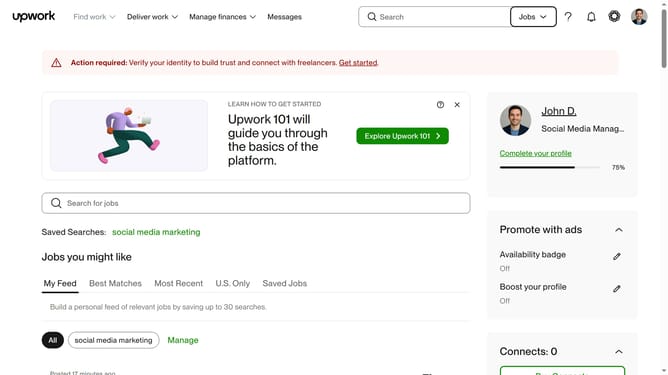
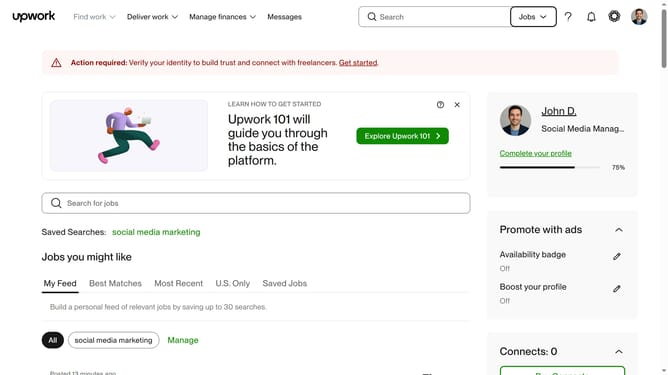
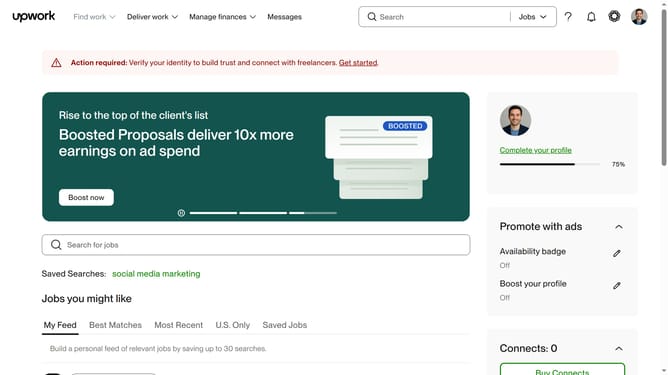
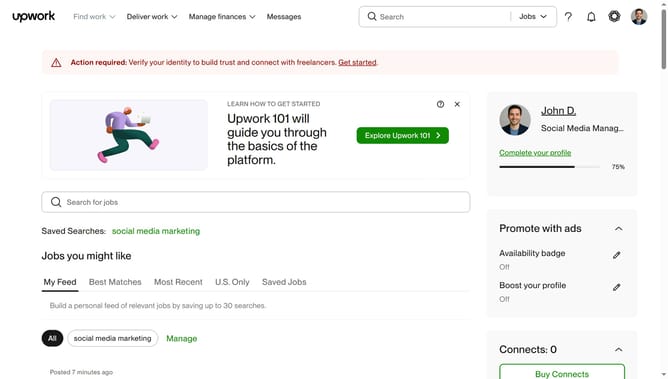
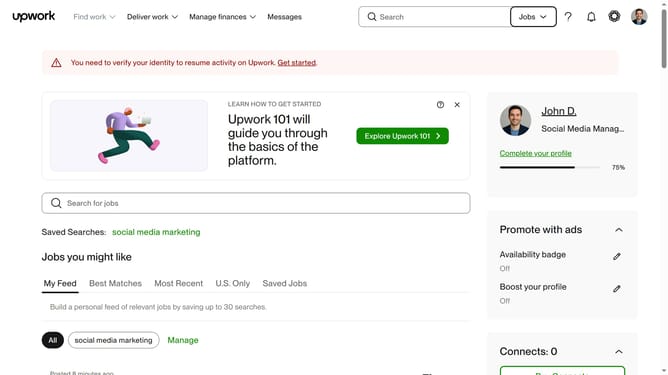
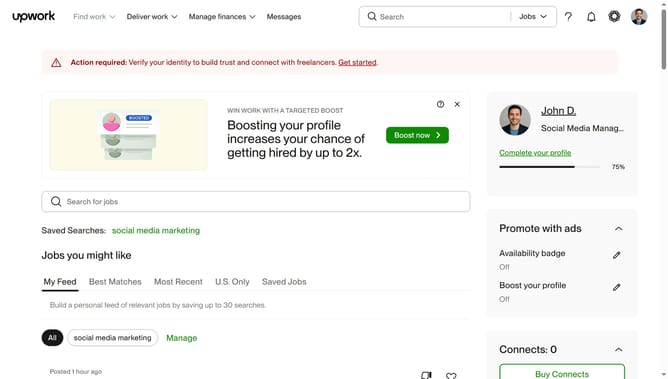
- First click on the "Find work" dropdown menu in the top navigation bar
- Then click on the "Search for jobs" input field and enter your job search keyword
- Then scroll down at the lower part of the page
- Then click on the "Select client locations" dropdown in the left sidebar filters
- Finally select the checkbox from the regions list in the client location filter
Why should you filter jobs by client location on Upwork
Upwork is a dynamic platform connecting freelancers with clients worldwide to collaborate on diverse projects.
The ability to filter jobs by client location on Upwork is a highly advantageous feature. This tool allows freelancers to tailor their job search to match personal preferences or logistical considerations.
By focusing on specific geographical areas, freelancers can better align themselves with clients whose needs or time zones match theirs, enhancing communication and collaboration.
This filtering option maximizes work efficiency, potentially leading to more satisfying and successful project outcomes.
Last update