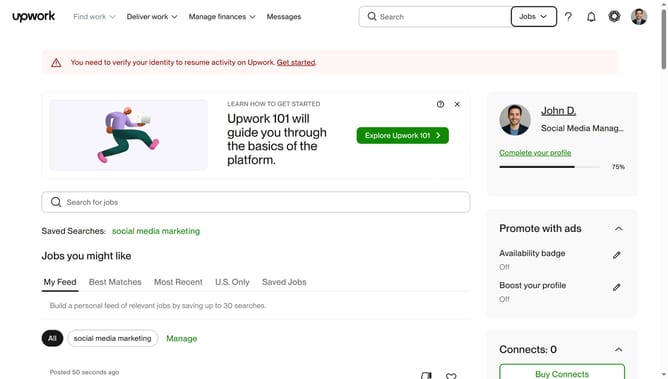
How to filter projects by English level of the talent on Upwork
Here is how to filter projects by english level of the talent on upwork
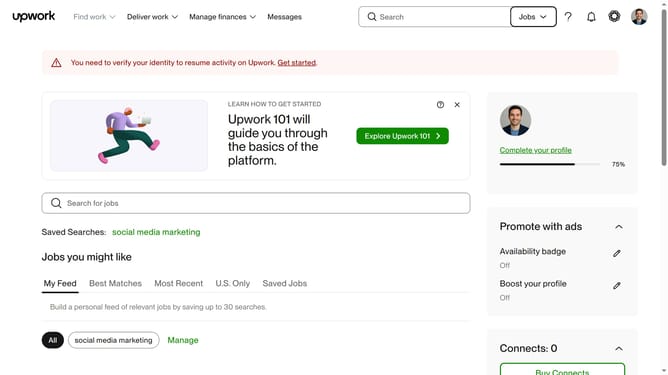
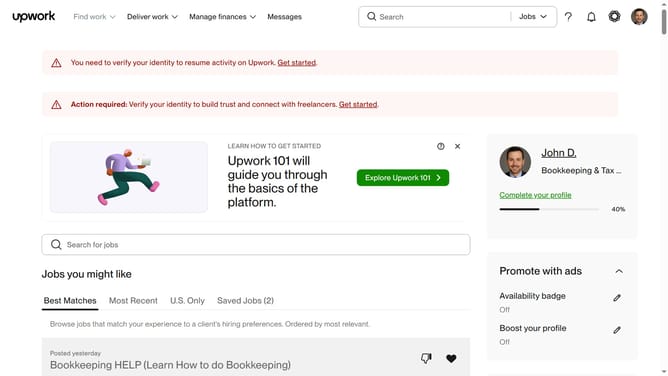
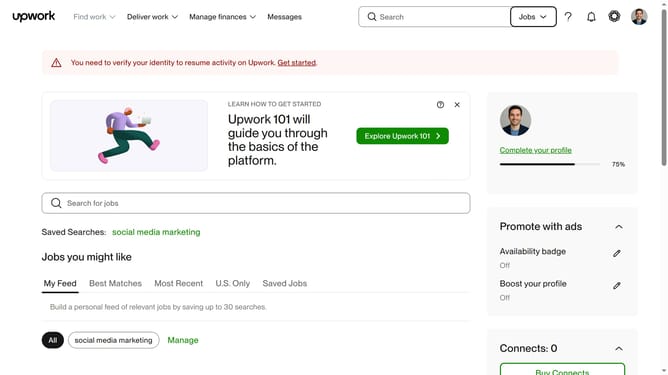
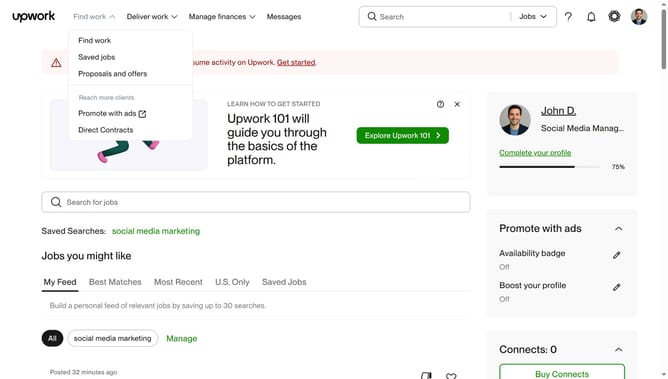
- First click on the dropdown button in the top navigation bar
- Then click on the "Projects" option from the dropdown menu
- Next click on the search field in the top navigation bar and type your search query
- Then select from the search suggestions dropdown
- Next click on the "Talent Details" filter button to expand the filter options
- Then select from the radio button option under the English Level section in the Talent Details filter panel
- Finally click on Apply to view the filtered project listings
Why should you filter projects by English level of the talent on Upwork
Upwork is a versatile platform connecting businesses with talented freelancers across the globe.
A crucial feature on Upwork is the ability to filter projects by the English proficiency of freelancers. This allows clients to find talent whose language skills align perfectly with their project needs.
By customizing your search with this filter, you ensure more effective communication and fewer misunderstandings, leading to more successful project outcomes. This streamlines the hiring process, making it faster and more efficient.
Last update