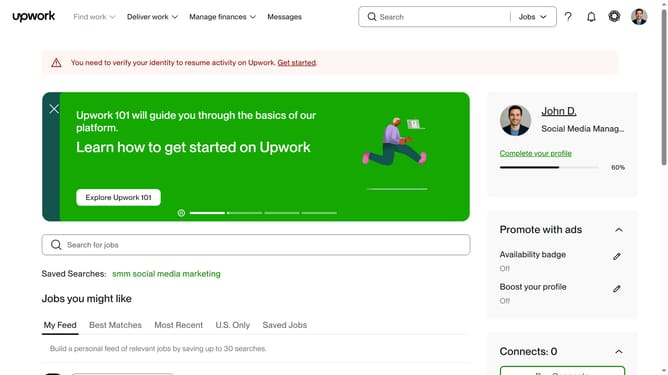
How to filter projects by attributes on Upwork
Here is how to filter projects by attributes on upwork
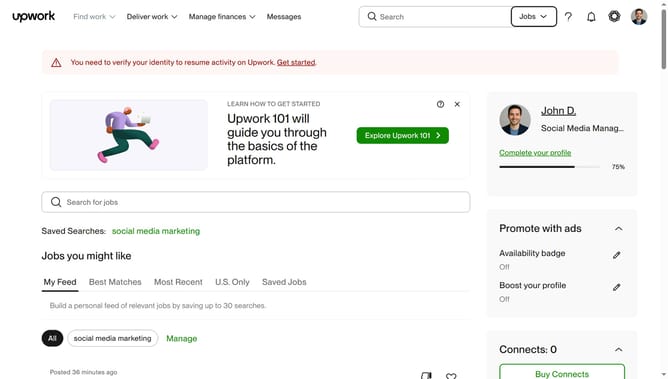
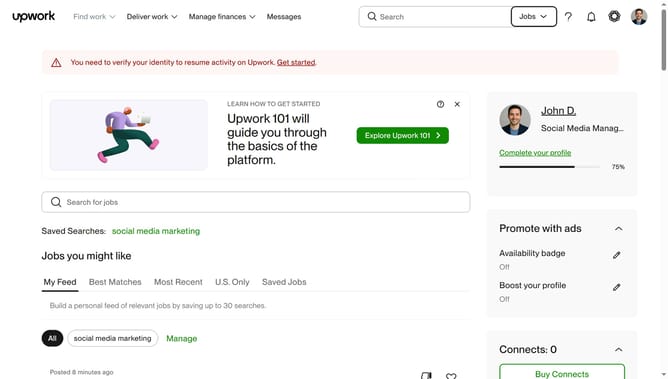
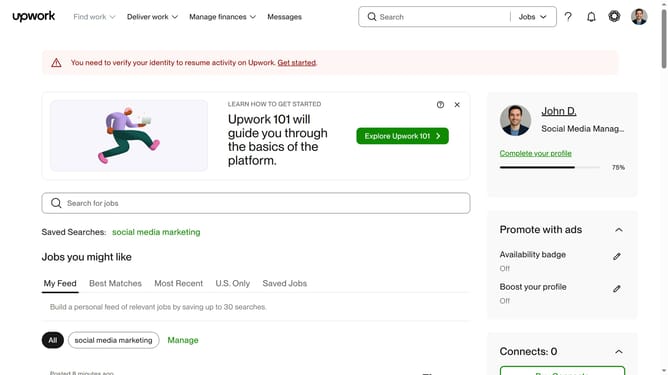
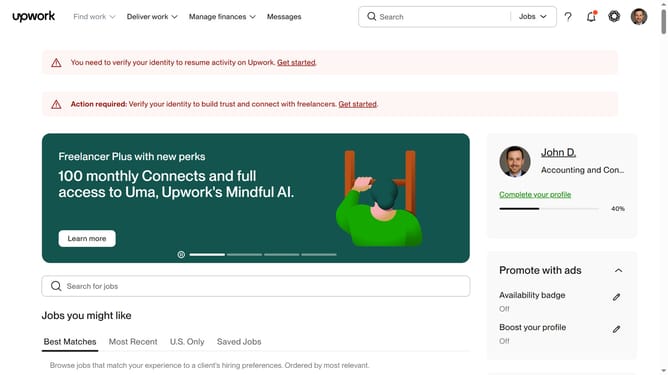
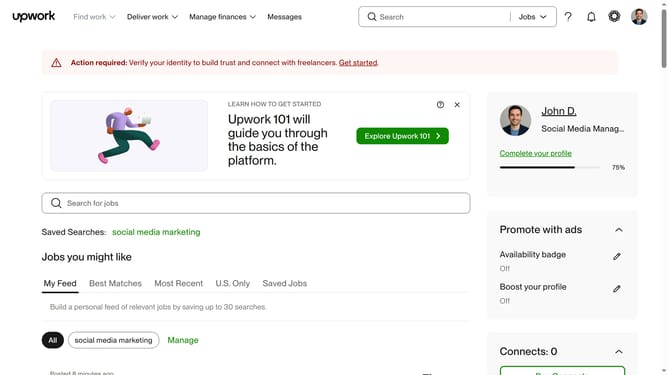
- First click on the dropdown button in the top navigation bar
- Then click on the "Projects" option from the dropdown menu
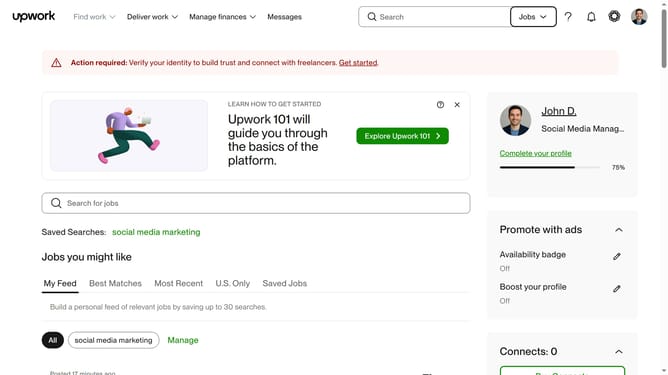
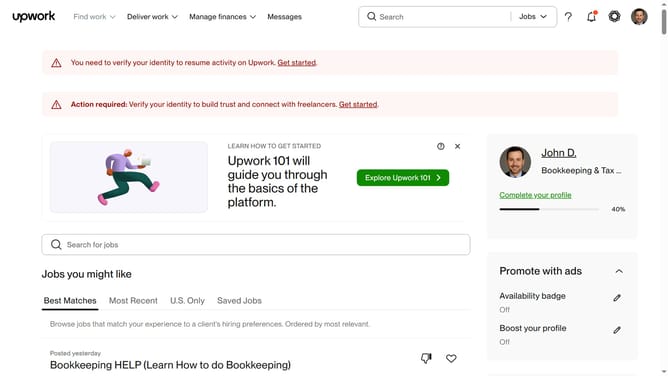
- Next click on the search field in the top navigation bar
- Then click on the suggestion from the search dropdown
- Next click on the "Project Attributes" filter button below the search results heading
- Then click on your preferred checkbox in the Project Attributes filter
- Finally click on the "Apply" button at the bottom of the Project Attributes filter panel
Why should you filter projects by attributes on Upwork
Upwork is a vibrant platform bringing freelancers and clients together to collaborate effortlessly on various projects.
Filtering projects by attributes on Upwork allows freelancers to swiftly navigate through numerous opportunities, pinpointing projects that align with their skills and preferences. This feature enhances the user experience by simplifying the project selection process.
By focusing only on relevant projects, freelancers can increase their efficiency, improve job satisfaction, and ultimately achieve greater success.
Last update