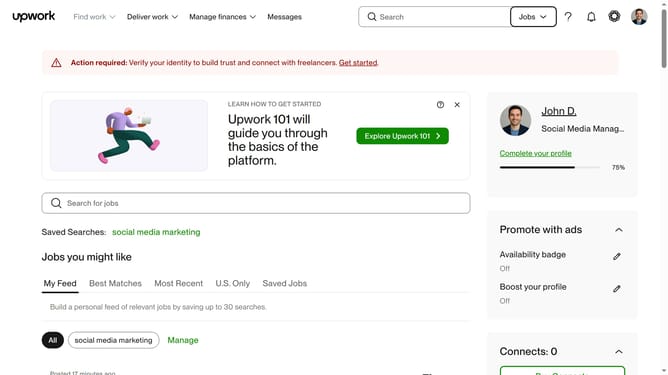
How to filter projects by talent rating on Upwork
Here is how to filter projects by talent rating on upwork
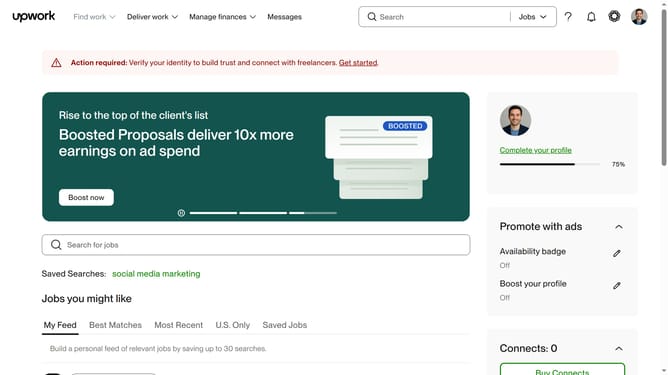
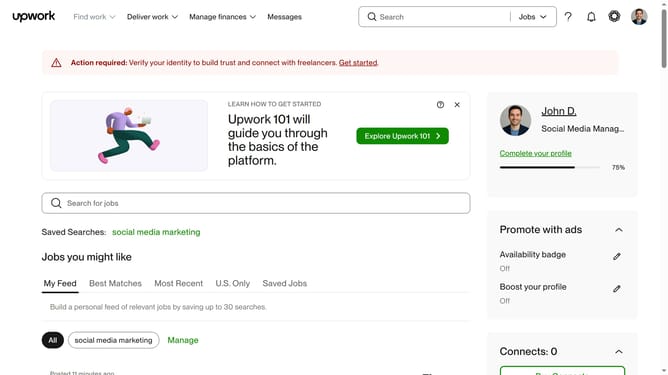
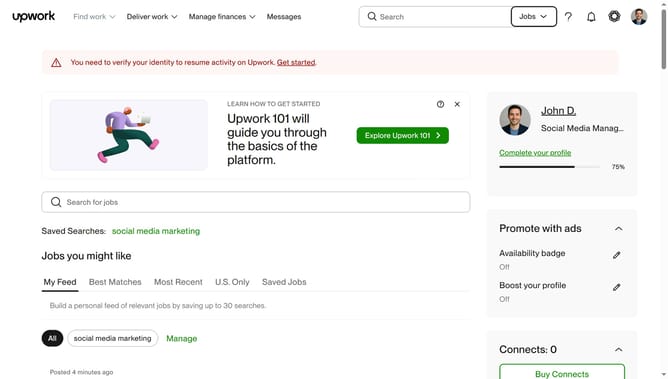
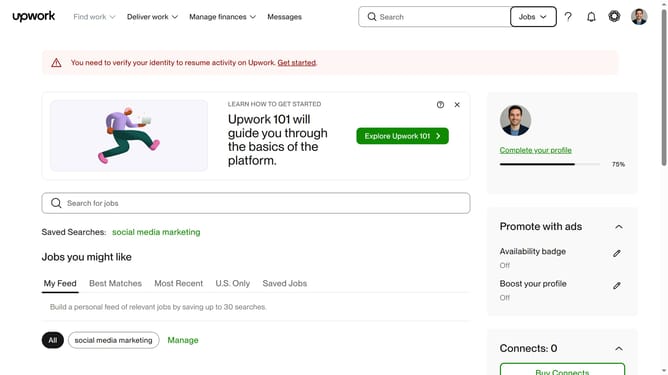
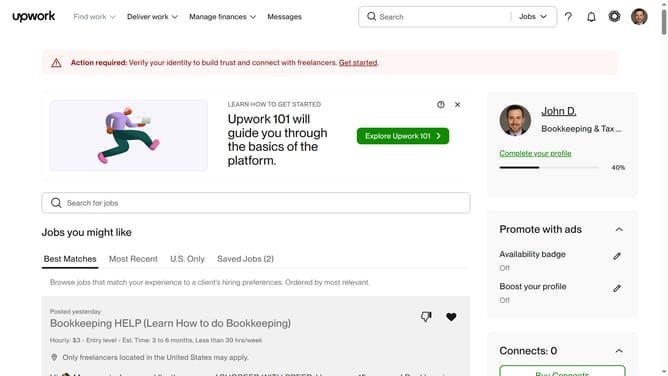
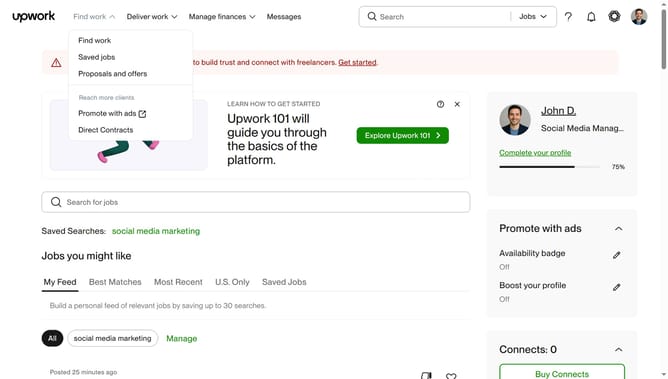
- First click on the dropdown button in the top navigation bar
- Then click on the "Projects" option from the dropdown menu
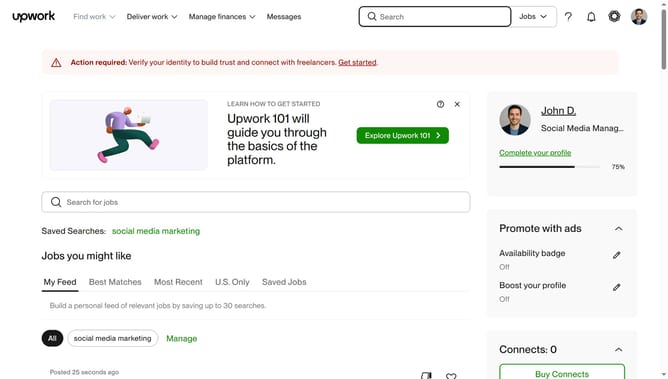
- Next click on the search field in the top navigation bar and enter your search query
- Then type select from the search suggestions
- Next click on the "Talent Details" filter button to expand the filter options
- Then select from the rating option from the Rating filter section
- Finally click on the "Apply" button to apply the selected filters
Why should you filter projects by talent rating on Upwork
Upwork is a leading online platform connecting businesses with freelancers for various projects around the globe.
Filtering projects by talent rating on Upwork is a powerful feature that allows employers to refine their search and prioritize candidates who consistently deliver quality work.
Using this filter streamlines the hiring process, ensuring that employers can easily identify top-tier experts who meet their specific project needs.
The ability to focus on highly-rated talent increases the chances of successful project outcomes, saving both time and resources.
Last update