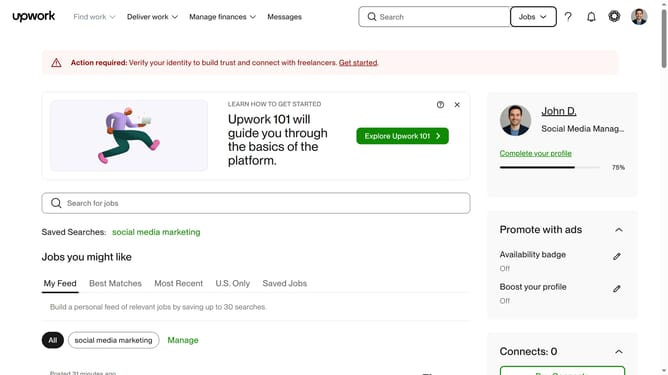
How to filter talents based on English level on Upwork
Here is how to filter talents based on english level on upwork
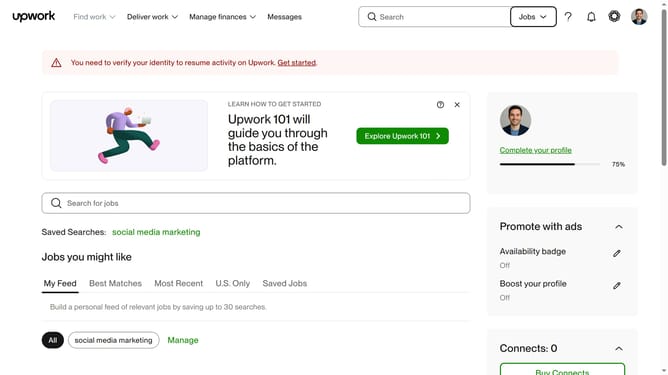
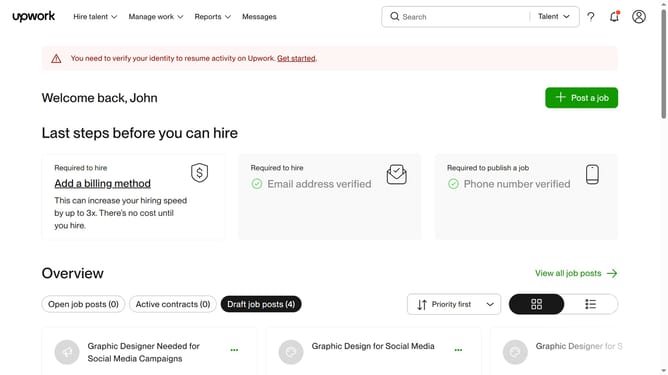
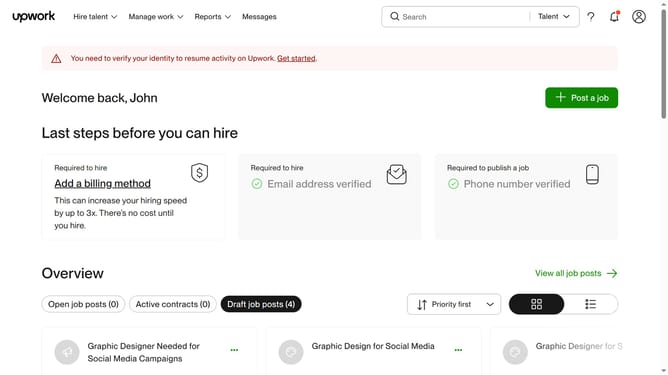
- First click on the dropdown button in the top navigation bar
- Then click on the "Talent" option from the dropdown menu
- Next click on the search bar in the header area and enter your search keyword
- Then click on the suggestion from the search dropdown
- Scroll down the page to the English level section
- Then click on the "English level" filter dropdown in the left sidebar
- Finally click on your preferred option from the English level filter menu
Why should you filter talents based on English level on Upwork
Upwork is a dynamic platform connecting clients with skilled freelancers across the globe.
Filtering talents based on English level on Upwork streamlines finding professionals who meet specific communication requirements, ensuring project fluency.
This feature enhances project efficiency by aligning language proficiency with project needs, reducing miscommunication and boosting collaboration. It's a simple yet powerful tool that saves time while ensuring quality.
Last update