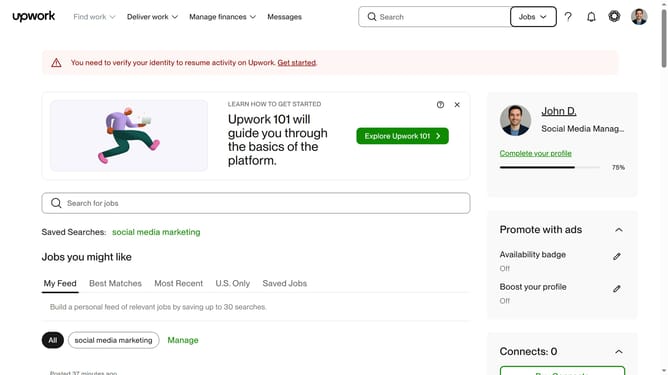
How to view projects by brand identity design on Upwork
Here is how to view projects by brand identity design on upwork
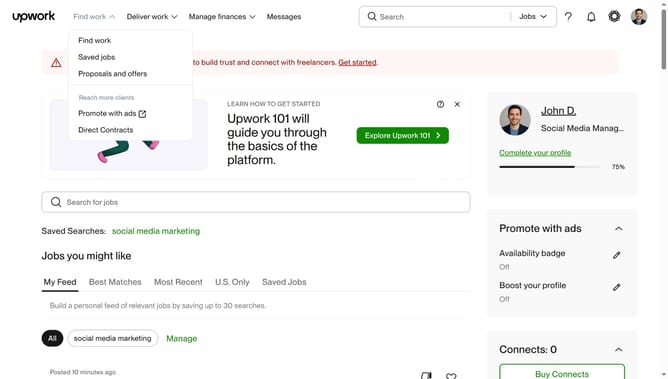
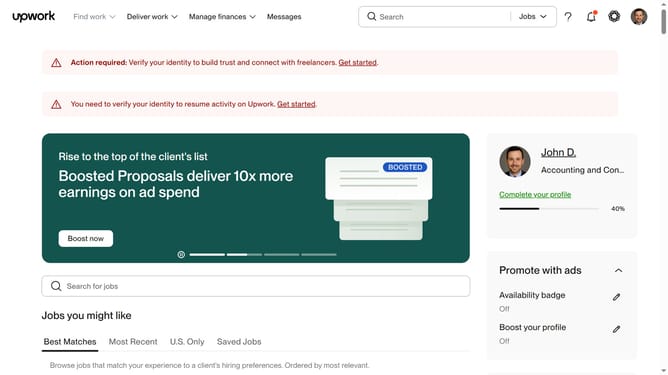
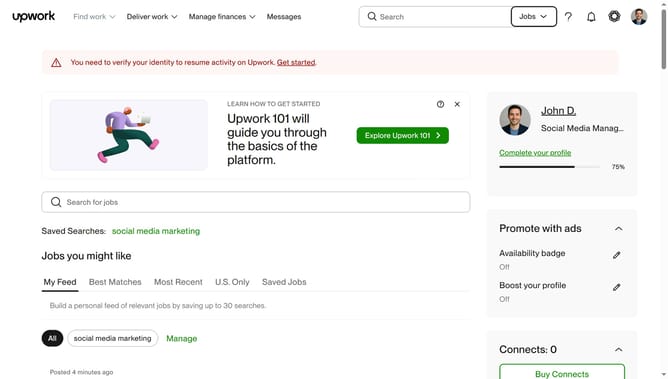
- First click on the dropdown button in the top navigation bar
- Then click on the "Projects" option from the dropdown menu
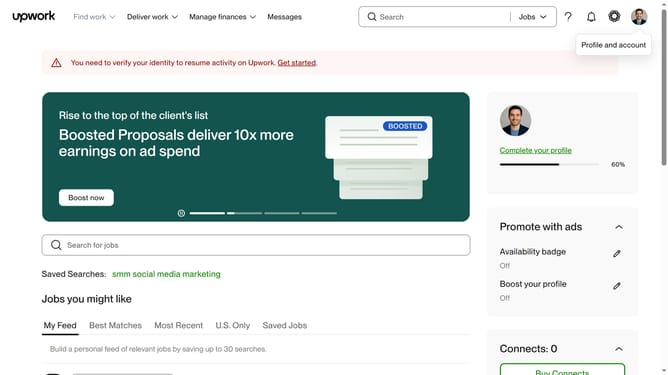
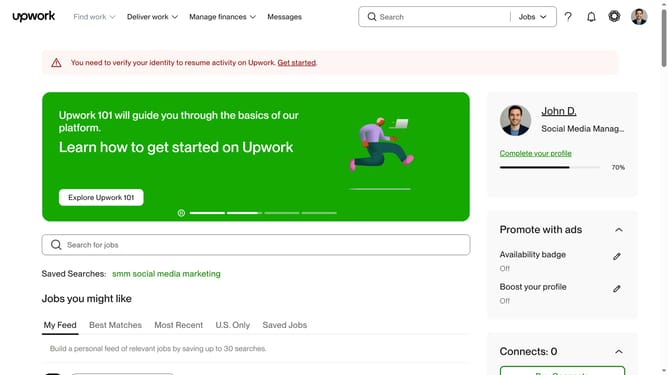
- Next click on the search field in the top navigation bar and type your search query
- Then click on the suggestion from the dropdown
- Then click on the "Design" category tab in the navigation menu
- Finally click on the "Brand Identity Design" subcategory from the left sidebar menu and see the filtered result
Why should you view projects by brand identity design on Upwork
Upwork is a dynamic platform connecting freelancers with businesses seeking their talents.
Discovering projects by brand identity design on Upwork offers you access to a plethora of creative opportunities. This feature enables you to streamline your search, focusing solely on projects that fit your design expertise.
By navigating projects specifically related to brand identity, you can efficiently connect with clients who value specialized skills. This targeted approach not only enhances your chances of finding the right projects but also saves invaluable time, fostering more productive collaborations.
Last update