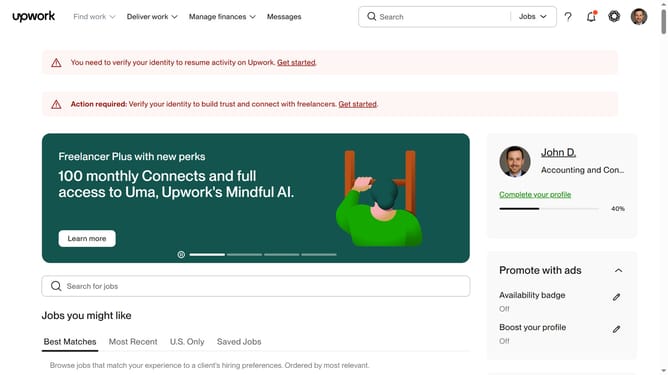
How to manage mobile notifications as a freelancer from Upwork
Here is how to manage mobile notifications as a freelancer from upwork
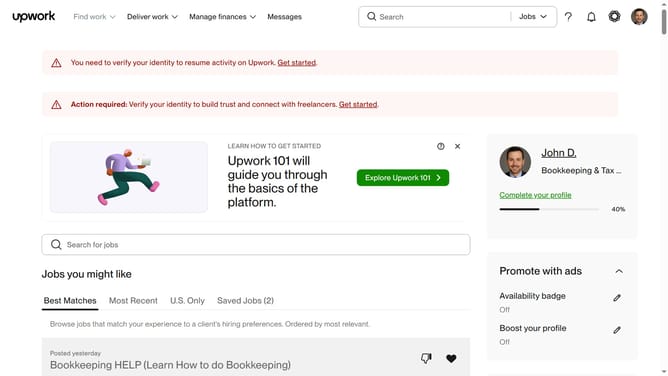
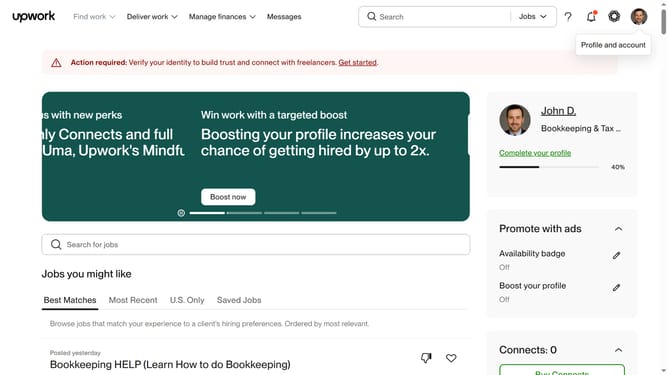
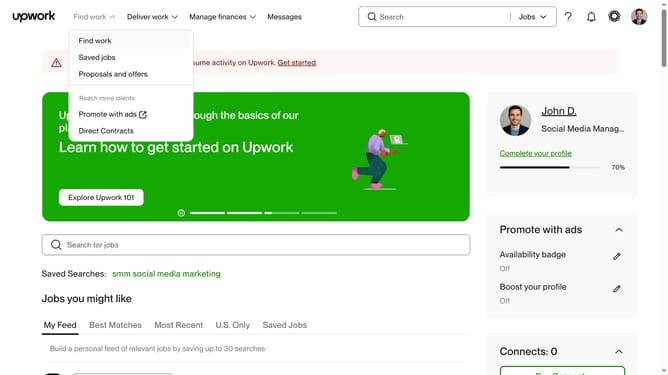
- First click on the profile icon in the top right corner of the header
- Then click on "Account settings" option in the dropdown menu
- Next click on "Notification Settings" in the left sidebar under User Settings section
- Then click on the "Messages" tab in the notification settings tabs
- Next click on the "Show notifications for:" dropdown under the Mobile section
- Then select "Important activity only" option from the dropdown menu based on your preference
- Next click on the "Increment message counter for:" dropdown under the Mobile section
- Finally select "Important activity only" option from the dropdown menu
Why should you manage mobile notifications as a freelancer from Upwork
Upwork is a vibrant platform connecting freelancers with clients across the globe.
Managing mobile notifications as a freelancer on Upwork offers seamless control over your work-life balance. By customizing which alerts you receive, you ensure that only the most critical communications catch your attention.
This feature is particularly beneficial as it allows for uninterrupted focus on ongoing projects while staying updated on new opportunities. Such control enhances productivity and ensures that you remain engaged without being overwhelmed.
Last update