How to sort job search results on Upwork by client rating
Here is how to sort job search results on upwork by client rating
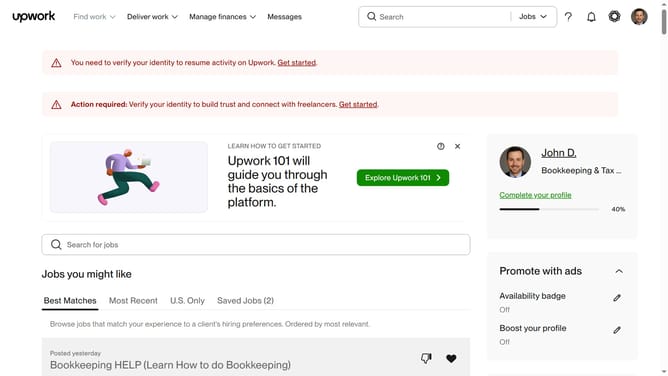
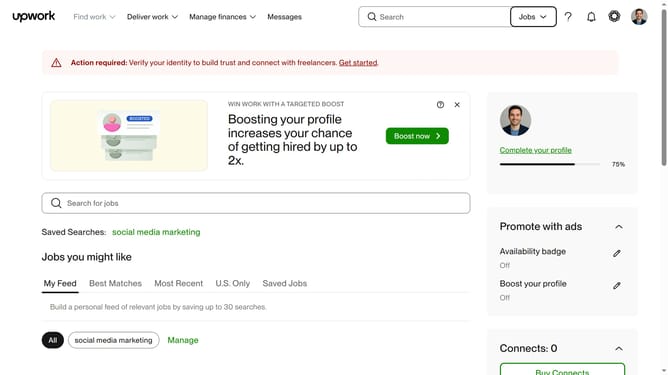
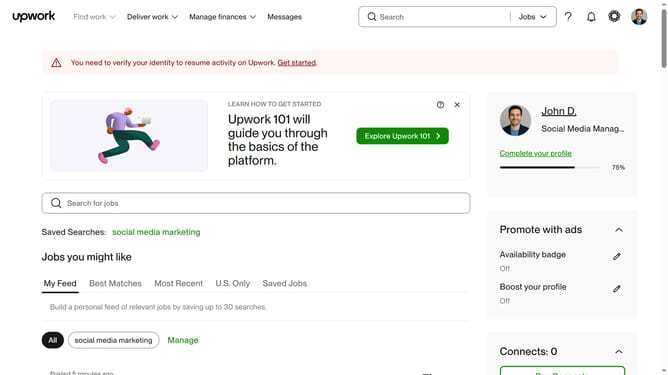
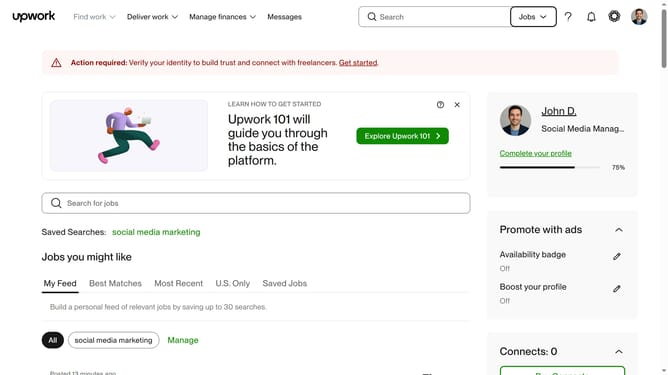
- First click on the "Find work" dropdown menu in the top navigation bar
- Then click on the "Search for jobs" input field in the main content area and enter your job search keyword
- Next select keywords from the search suggestions dropdown
- Then click on the "Sort by" dropdown in the upper right section of the job listings
- Finally select "Client rating" from the sorting options dropdown menu
Why should you sort job search results on Upwork by client rating
Upwork is a dynamic platform connecting freelancers with clients worldwide for diverse projects.
One of Upwork's efficient features is sorting job search results by client rating. It allows freelancers to prioritize projects from clients with excellent ratings.
Using this feature ensures that freelancers engage with clients known for prompt payment and clear communication, increasing the likelihood of a positive collaboration.
This approach not only aligns freelancers with top-rated clients but also saves time, contributing to a more fulfilling work experience.
Last update