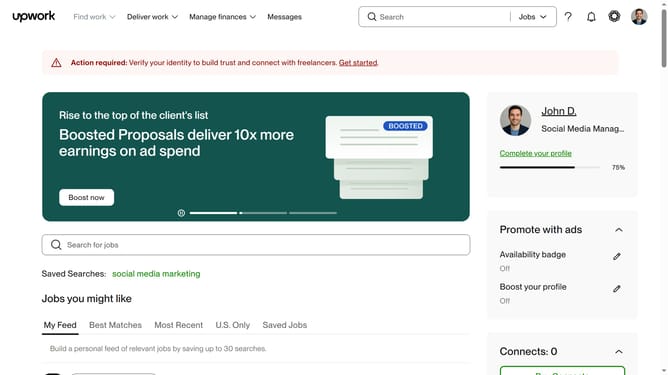
How to change display theme in upwork
Here is how to change display theme in upwork
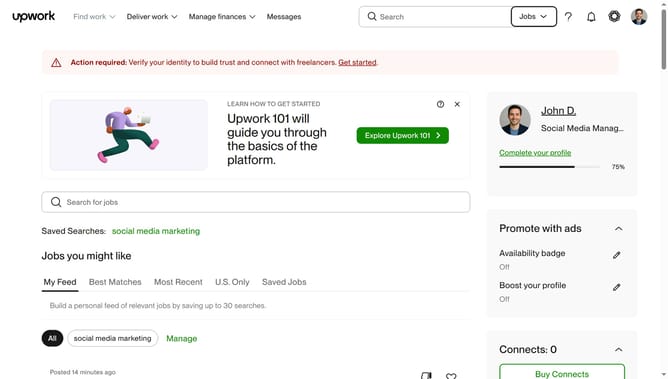
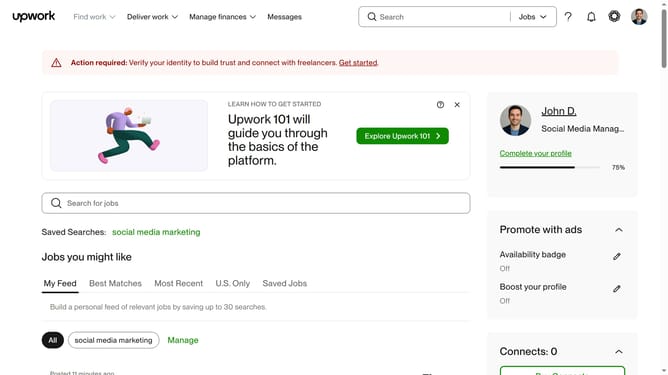
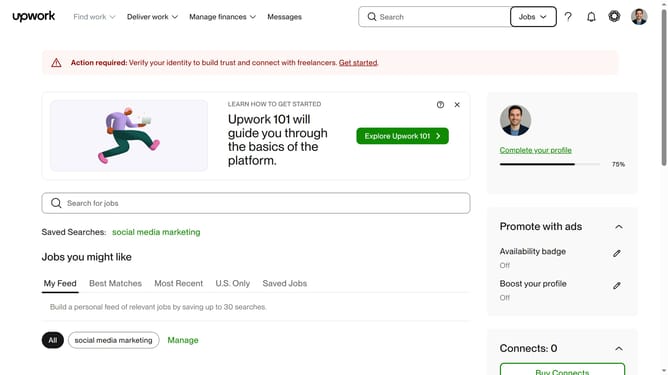
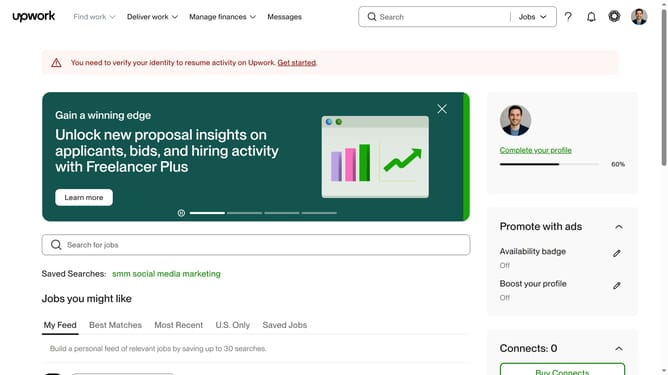
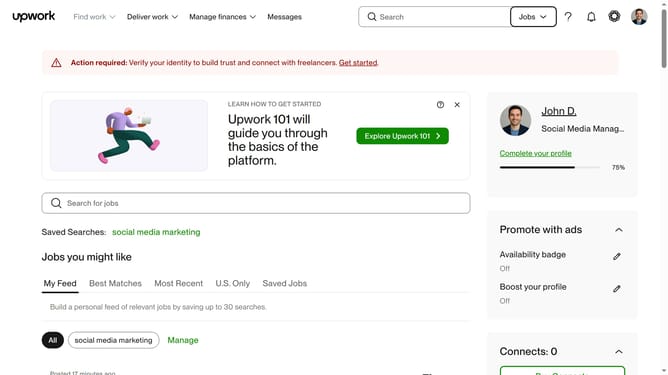
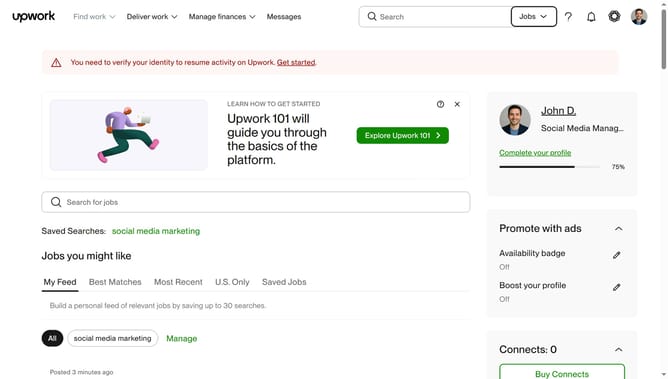
- First click on the "Profile" button in the top right corner of the header
- Then click on the "Theme" menu item in the dropdown
- Finally select your preferred theme from the expanded menu
Why should you change display theme in upwork
Upwork is a dynamic platform designed to connect talented freelancers with businesses in need of specialized skills.
Among its useful features, the ability to change display themes stands out by allowing users to customize their workspace environment.
This personalization enhances user experience, making navigation more enjoyable and efficient.
Utilizing this feature can lead to improved productivity through a visually appealing and comfortable interface, tailored to individual preferences.
Last update