How to set a minimum and maximum hourly rate on Upwork
Here is how to set a minimum and maximum hourly rate on upwork
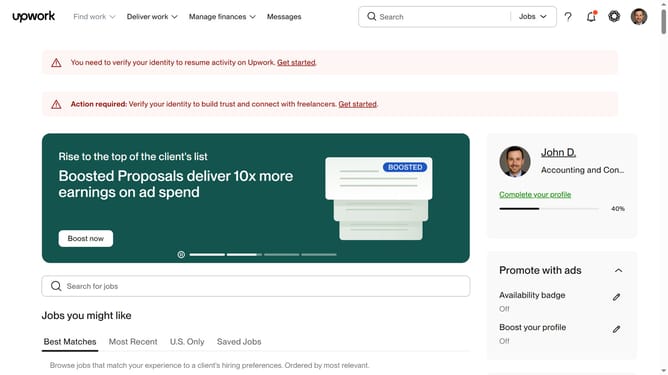
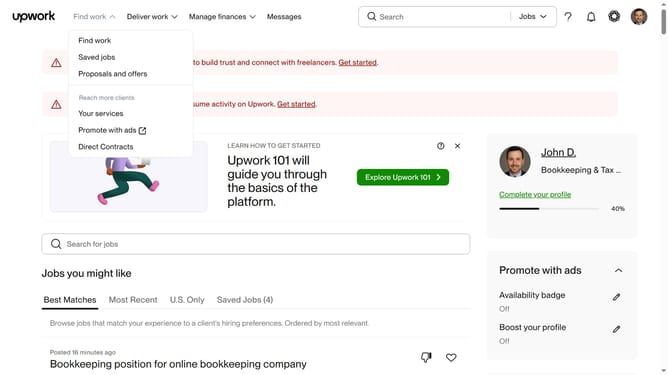
- First click on the "Find work" dropdown menu in the top navigation bar
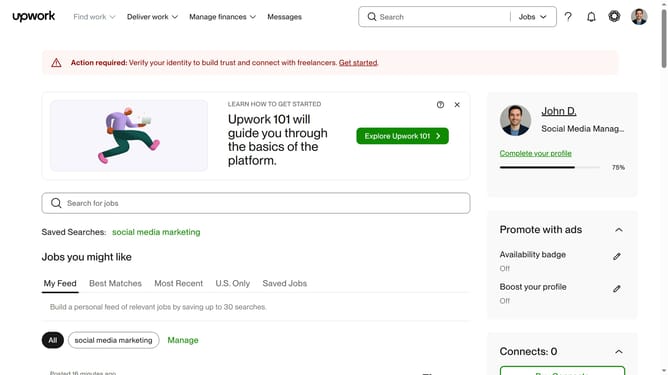
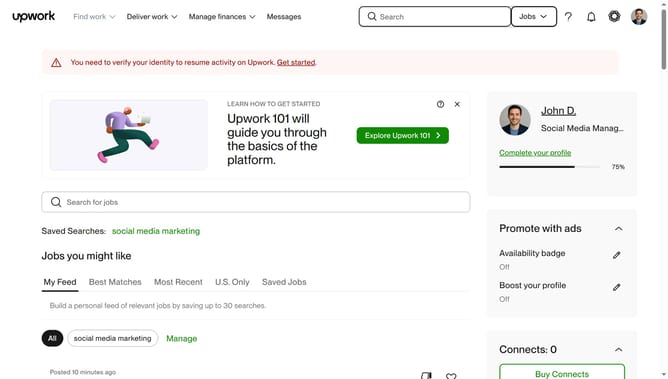
- Then click on the search field in the center of the page and enter your job search keyword
- Then scroll down to the "Job type" filter
- Then click on the "Hourly" checkbox
- Then select the checkbox under "Hourly"
- Then click on the minimum hourly rate input field and enter your preferred minimum hourly rate
- Finally click on the maximum hourly rate input field and enter your preferred rate
Why should you set a minimum and maximum hourly rate on Upwork
Upwork is a leading platform that connects freelancers and clients for diverse project needs.
The feature of setting minimum and maximum hourly rates on Upwork empowers freelancers to clearly communicate their financial expectations and ensures alignment with clients' budgets.
This feature allows for efficient job matching, enabling freelancers to attract well-suited projects while giving clients a clear understanding of cost boundaries, ultimately fostering smoother collaborations.
By utilizing this feature, both parties can ensure that discussions remain within a mutually agreeable financial framework, enhancing satisfaction for all involved.
Last update