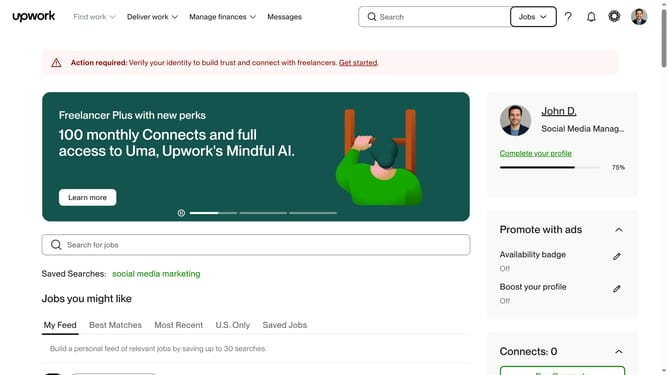
How to delete language as a freelancer in Upwork
Here is how to delete language as a freelancer in upwork
- First click on the profile icon in the top right corner of the header
- Then click on "Your profile" option in the dropdown menu
- Next click on the edit icon next to "Languages" section in the left sidebar
- Then click on the delete icon next to the language you want to delete
- Finally click on the "Save" button at the bottom of the "Edit languages" dialog
Why should you delete language as a freelancer in Upwork
Upwork is a dynamic platform connecting freelancers with clients across the globe for diverse projects.
As a freelancer on Upwork, managing your profile effectively is key to success. Deleting a language from your profile is a streamlined feature that allows you to present the most relevant skills to potential clients. By keeping your language skills up-to-date and pertinent, you enhance your profile's appeal.
This feature aids in maintaining a clean and focused profile, which can lead to more accurate job matches and increased visibility for opportunities aligned with your expertise. Embrace this flexibility to optimize your professional presence on Upwork.
Last update