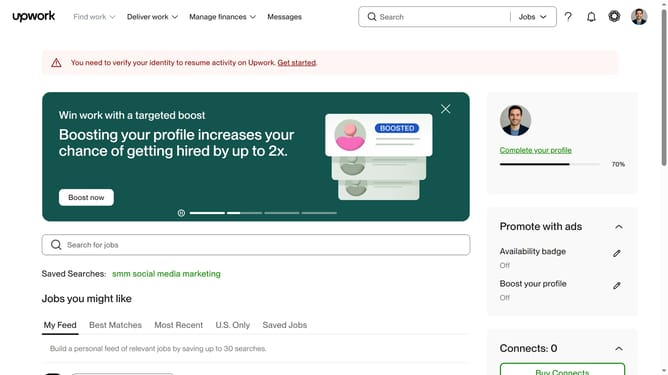
How to manage tax notification settings from Upwork
Here is how to manage tax notification settings from upwork
- First click on the profile icon in the top-right header to open the user menu
- Then click on "Account settings" option from the dropdown menu
- Next click on "Notification Settings" link in the left sidebar under User Settings section
- Then click on the "Tax settings" tab in the notification settings area
- Next click on the checkbox to enable digital tax documents
- Finally click on the "I agree" button in the Electronic consent modal dialog to confirm your consent
Why should you manage tax notification settings from Upwork
Upwork is a leading global platform connecting professionals and clients for seamless freelance collaboration.
The ability to manage tax notification settings efficiently on Upwork adds a layer of convenience for freelancers and businesses alike. Tailoring these settings to your preferences ensures you're always informed about important tax updates and obligations.
This feature helps streamline financial management, allowing for a focused work environment without unexpected tax-related surprises. Stay organized and proactive with your finances on Upwork, fostering a worry-free freelance experience.
Last update