How to view projects related to professional and business writing on Upwork
Here is how to view projects related to professional and business writing on upwork
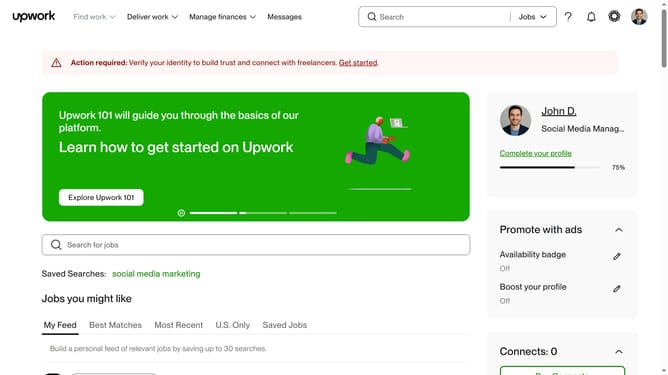
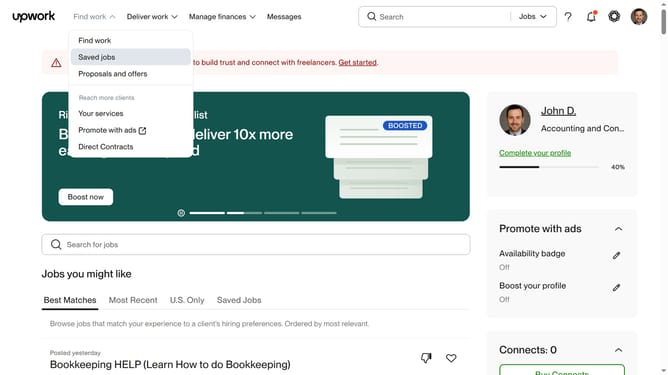
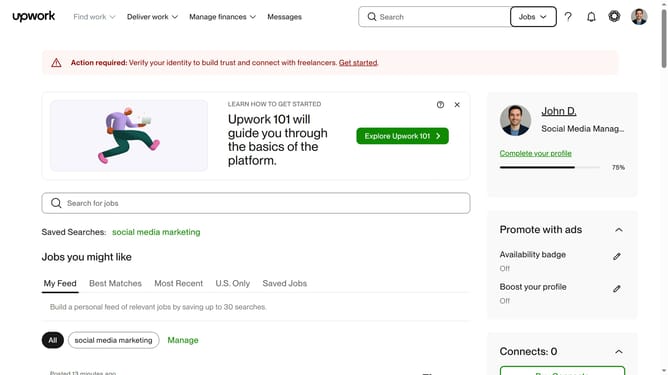
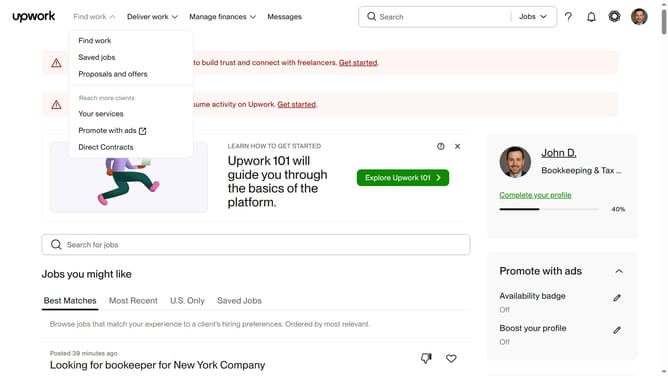
- First click on the dropdown button in the top navigation bar
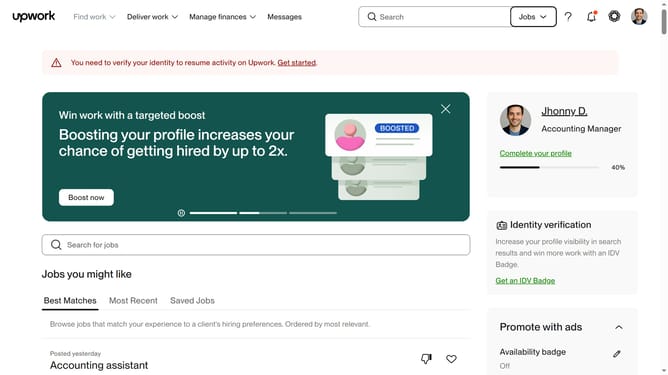
- Then select "Projects" option from the dropdown menu
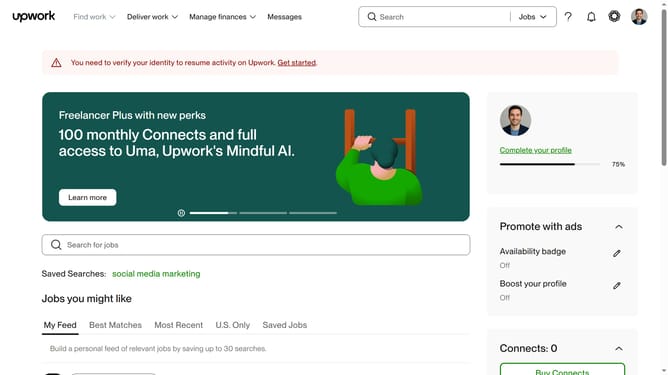
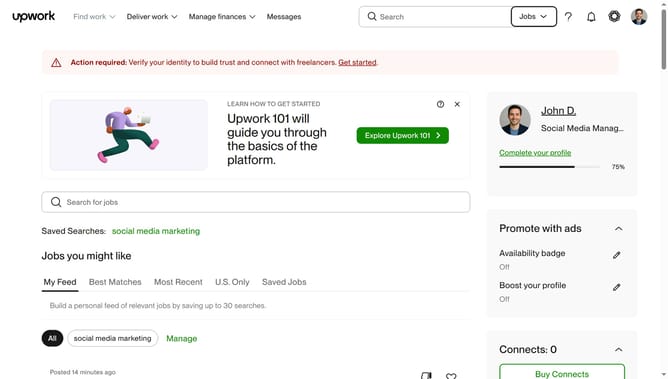
- Next click on the search field in the top navigation bar and enter your query
- Then select from the search suggestions dropdown
- Next click on the "Writing & Translation" tab in the category navigation menu
- Finally click on "Professional & Business Writing" section in the content area
Why should you view projects related to professional and business writing on Upwork
Upwork is a leading online platform connecting freelancers and clients for diverse projects worldwide.
For those interested in professional and business writing, Upwork offers a seamless way to browse relevant projects. The feature to view writing projects allows freelancers to quickly identify opportunities that align with their expertise.
This efficient browsing boosts productivity and ensures a targeted approach, promoting better job matches and optimal project outcomes.
Last update