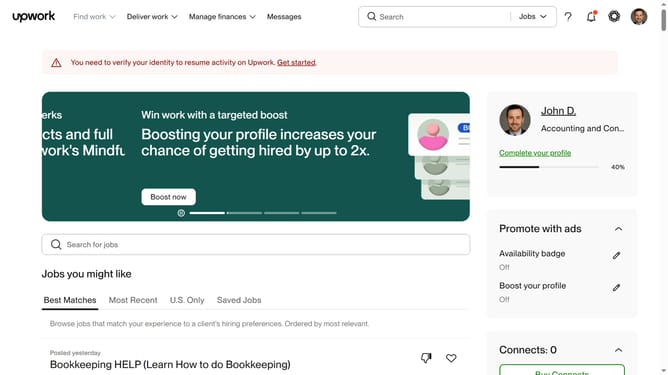
How to filter talents based on location on Upwork
Here is how to filter talents based on location on upwork
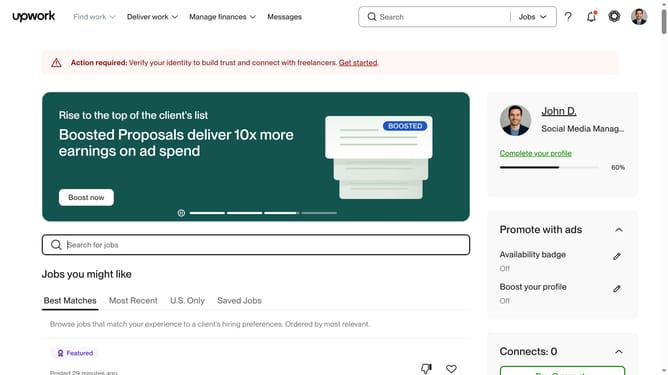
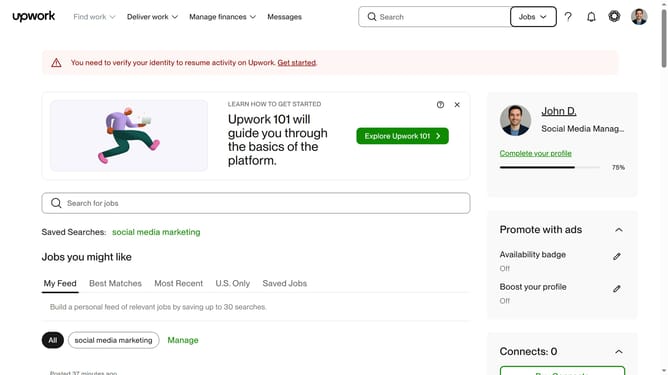
- First click on the "Jobs" dropdown button in the top navigation bar
- Then click on the "Talent" option from the dropdown menu
- Next click on the search field in the top navigation bar and type in your search keyword
- Then select from the suggestions dropdown
- Then scroll down to the "Location" filter
- Then click on the "Location" dropdown filter in the left sidebar
- Finally select your desired country, region, or location preference.
Why should you filter talents based on location on Upwork
Upwork is a dynamic platform connecting freelancers and clients worldwide to meet diverse project needs.
One of its standout features is the ability to filter talents based on location, enhancing ease of collaboration by aligning time zones and legal requirements.
This feature allows clients to tailor their workforce, ensuring they find freelancers who can offer localized insights and culturally resonant solutions.
By narrowing down searches, clients can efficiently build a team that meets specific geographic and strategic business needs.
Last update