How to save search in Upwork
Here is how to save search in upwork
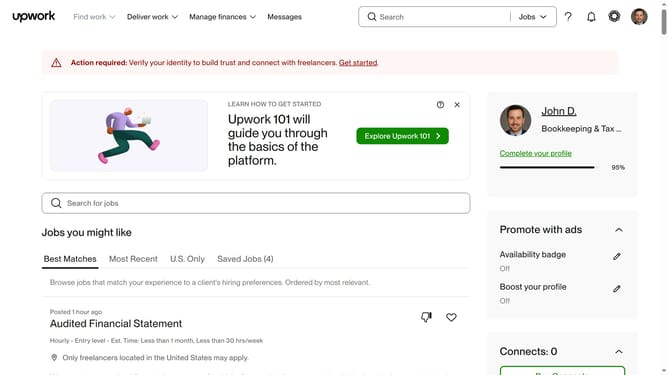
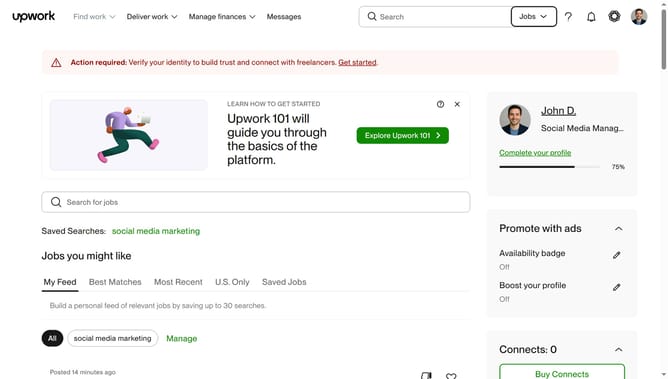
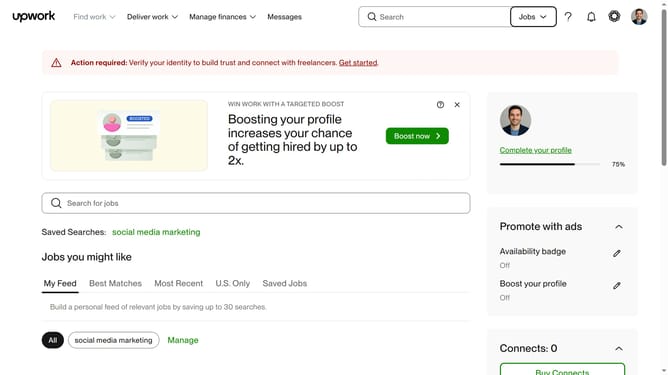
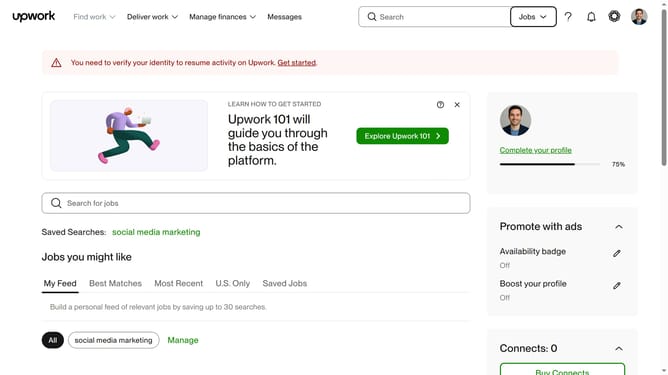
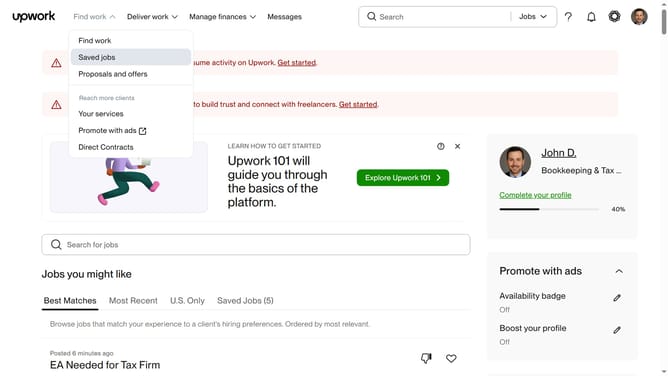
- First click on the search field for jobs and type your job search query
- Then select your preferred job from the search suggestions dropdown
- Next click on the "Save search" button to save your search criteria
- Finally click on the "Save" button in the save search dialog to confirm
Why should you save search in Upwork
Upwork is a leading platform that connects freelancers with businesses seeking skilled professionals for their projects.
One of its innovative features is the ability to save searches, allowing users to streamline their job search process.
This feature offers the convenience of quickly accessing your preferred job criteria, eliminating the need to repeatedly enter the same parameters.
By saving searches, freelancers can efficiently monitor job opportunities that best fit their skills, ensuring they never miss out on the perfect gig.
Last update