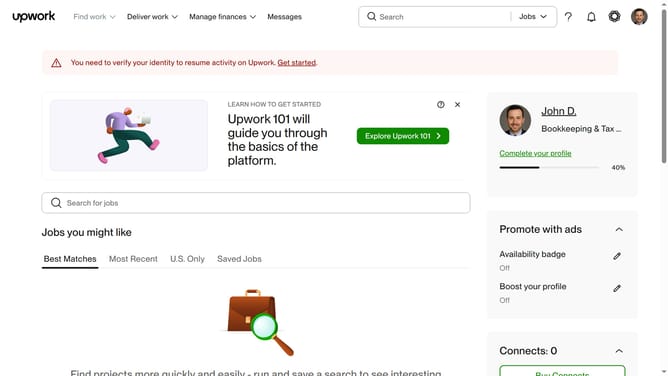
How to edit school information in Upwork
Here is how to edit school information in upwork
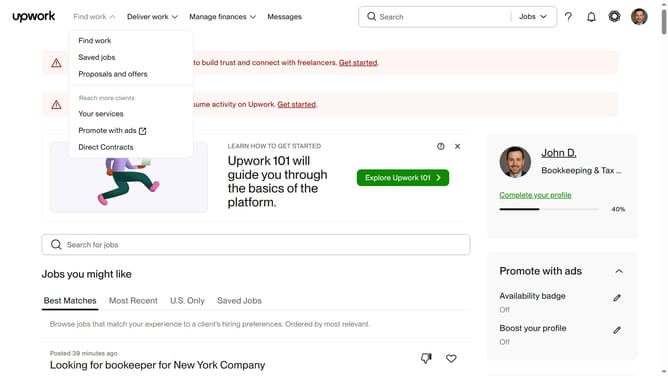
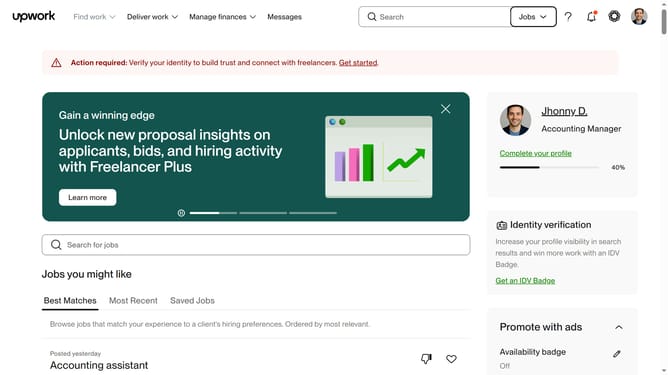
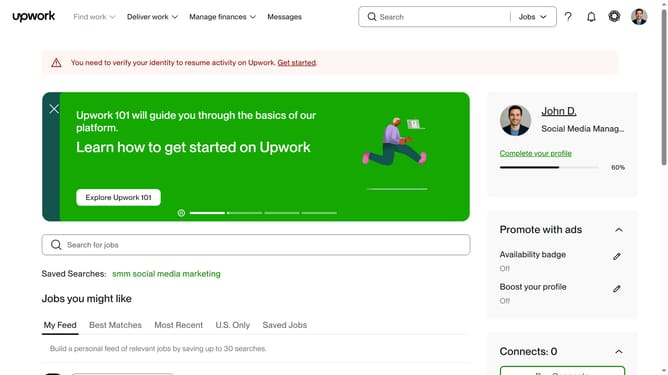
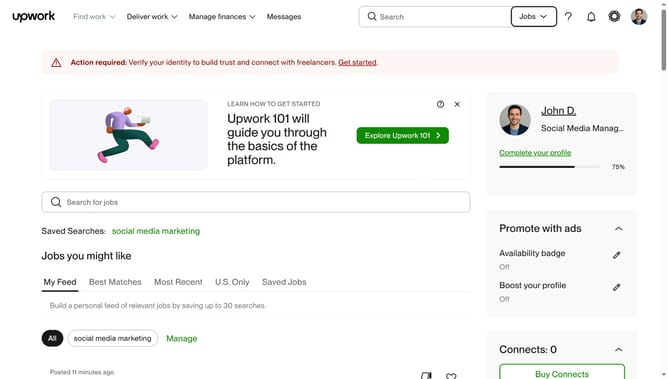
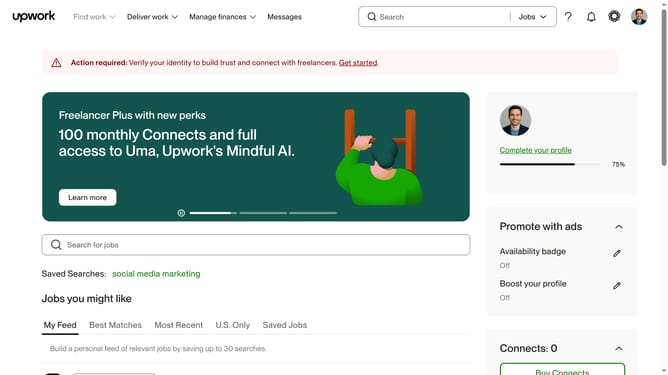
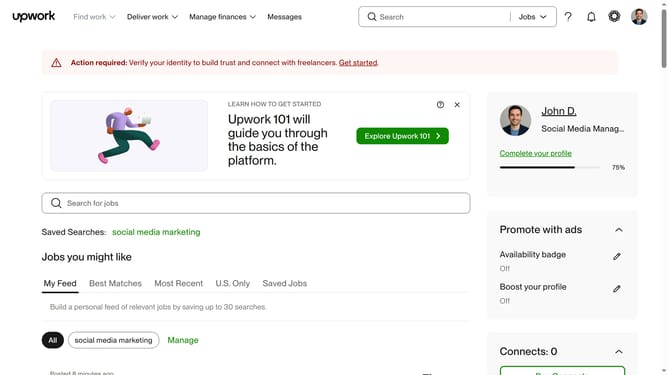
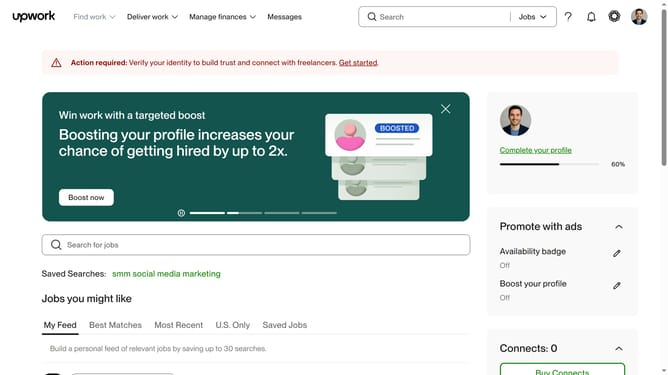
- First click on the profile icon in the top right corner of the header
- Then click on "Your profile" option in the dropdown menu
- Next click on the edit button next to the school you want to edit
- Then modify the input field that you want to edit
- Finally click on the "Save" button at the bottom right of the "Edit education" dialog to save changes
Why should you edit school information in Upwork
Upwork is a dynamic platform connecting freelancers and clients across diverse fields.
Editing school information on Upwork is a valuable feature that allows professionals to update and refine their educational background, ensuring their profile accurately reflects current qualifications.
This feature enhances credibility and supports one's career development by presenting the most relevant and updated academic credentials to potential clients.
Keeping school information current can lead to better project matches and increased client trust.
Last update