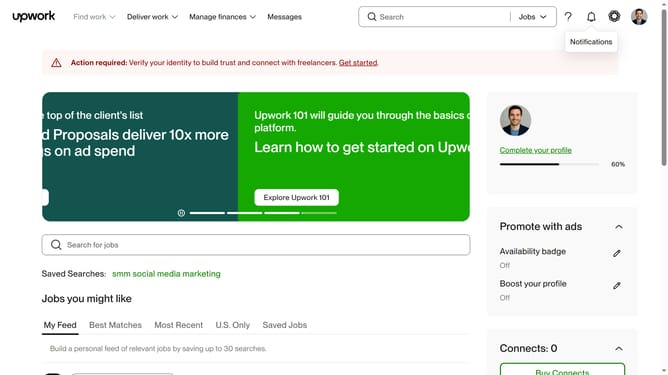
How to manage email updates for communications from Upwork
Here is how to manage email updates for communications from upwork
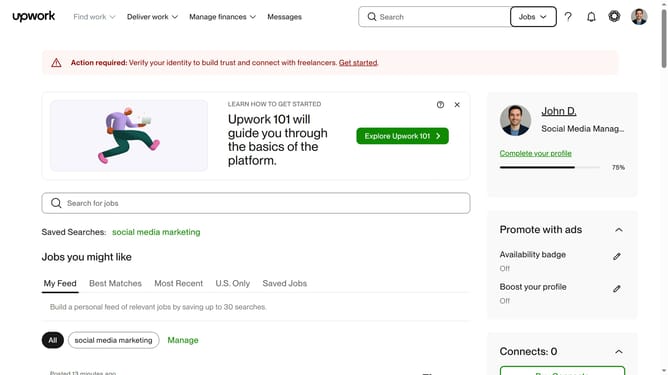
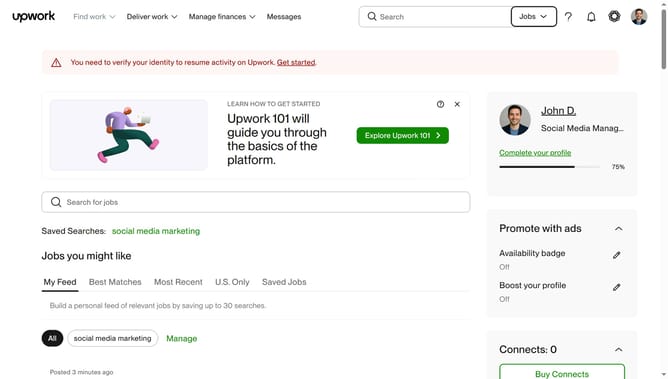
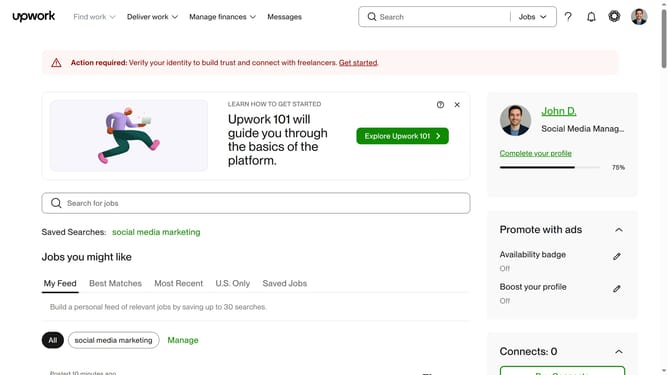
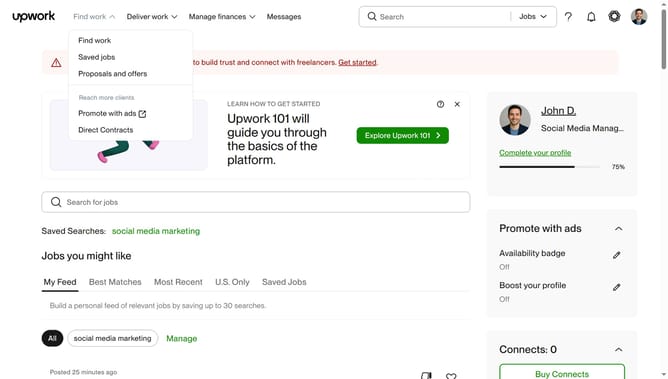
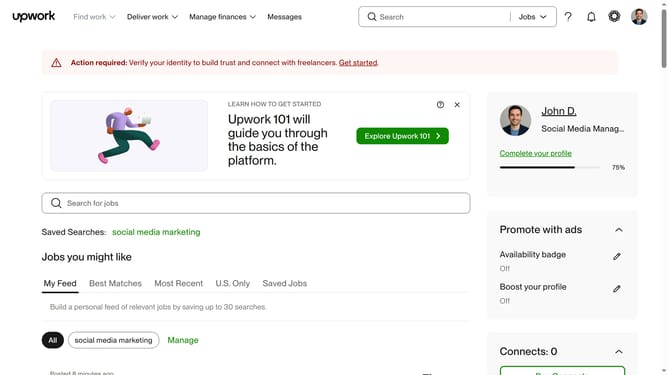
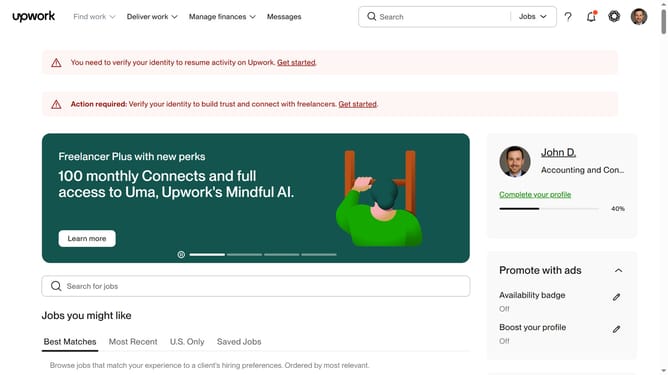
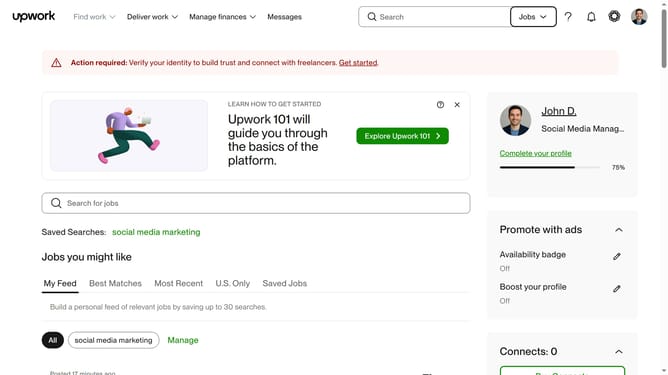
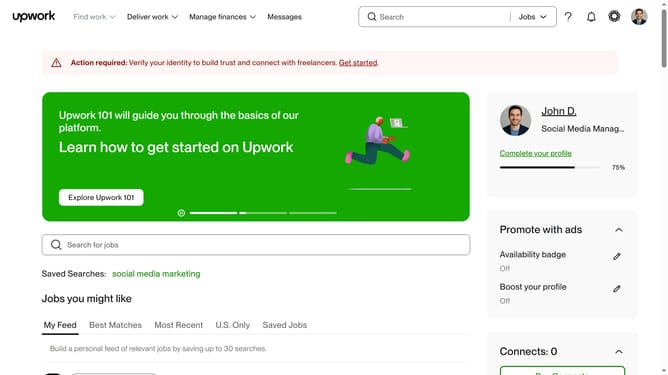
- First click on the profile icon in the top right corner of the header
- Then click on "Account settings" option in the dropdown menu
- Next click on "Notification Settings" in the left sidebar under User Settings
- Then click on the "Email updates" tab in the notification settings section
- Finally check the checkbox under Communications from Upwork
Why should you manage email updates for communications from Upwork
Upwork connects freelancers and clients in a seamless digital marketplace for productive collaborations.
The platform offers an intuitive feature that allows you to manage email updates to ensure your inbox only receives relevant communication.
By customizing these settings, you streamline your notifications, enhancing focus and productivity while staying informed about important updates.
This control over communication keeps your workflow uninterrupted and tailored to your needs.
Last update