How to filter freelance jobs by budget in Upwork
Here is how to filter freelance jobs by budget in upwork
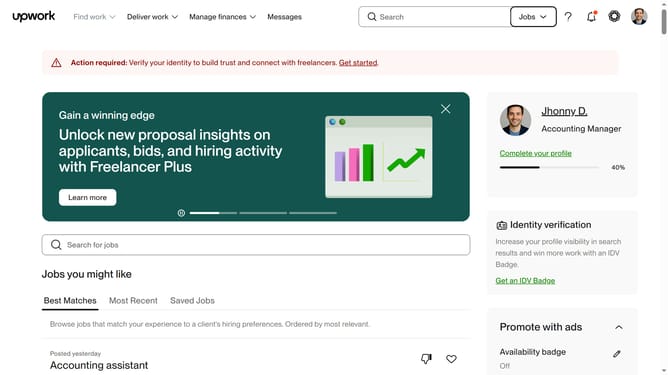
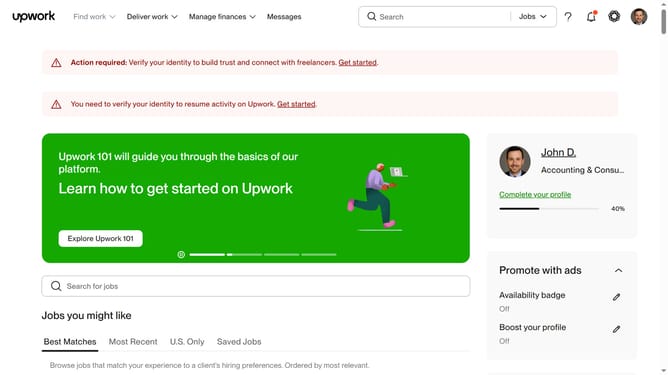
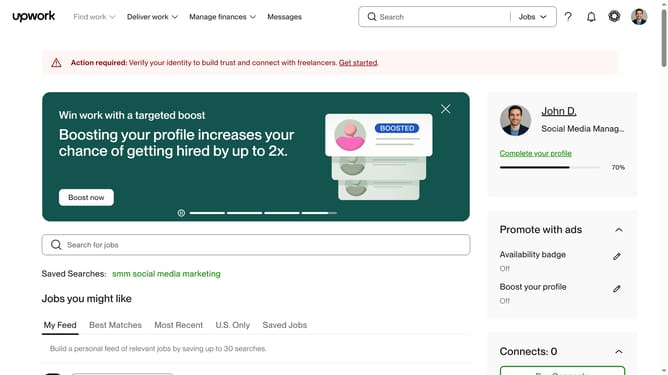
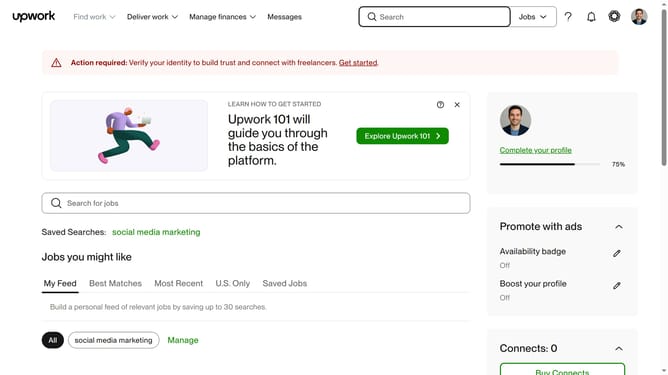
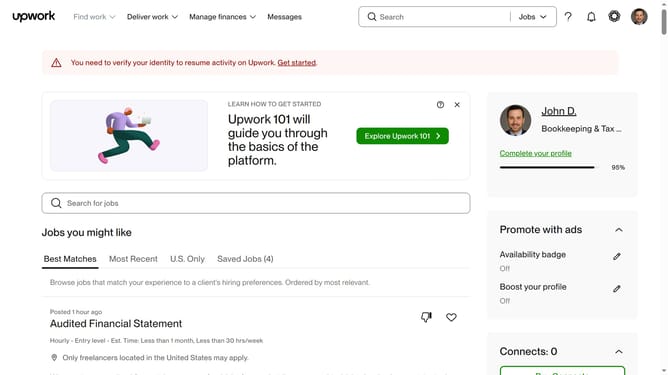
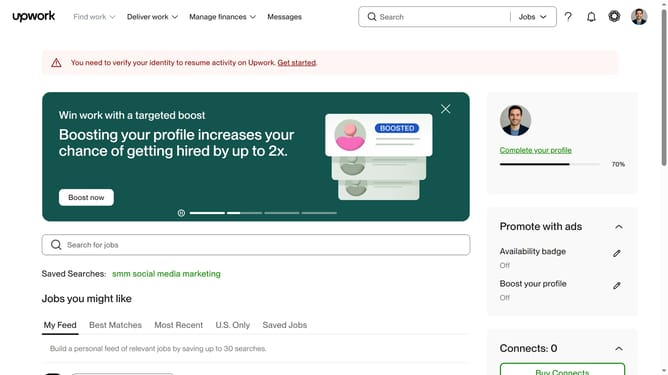
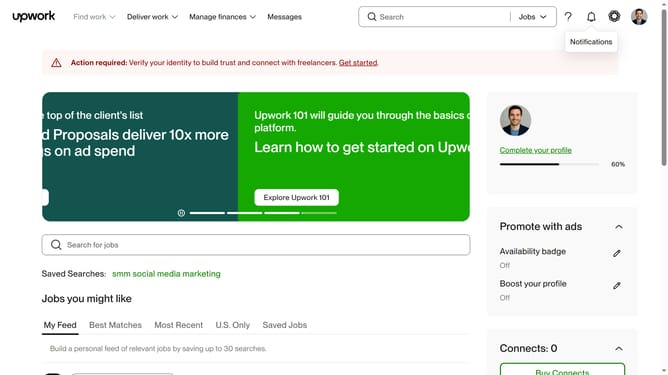
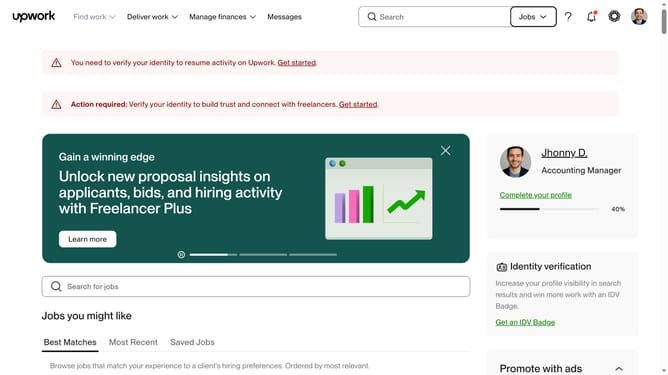
- First click on the "Find work" dropdown menu in the top navigation bar
- Then click on the "Search for jobs" textbox and enter your job keywords
- Next click on the suggested search keywords
- Finally click the checkbox of your preferred budget range in the left sidebar filter and review the jobs that matches your range
Why should you filter freelance jobs by budget in Upwork
Upwork is a versatile platform connecting freelancers and clients worldwide to collaborate efficiently.
Filtering freelance jobs by budget on Upwork empowers users to swiftly identify opportunities that align with their financial expectations.
This feature contributes to a more targeted job search, eliminating positions that do not meet one's monetary standards, thus saving time.
By focusing on budget-specific opportunities, freelancers can maximize potential earnings and engage in projects that respect their financial worth.
Last update