How to delete school information in Upwork
Here is how to delete school information in upwork
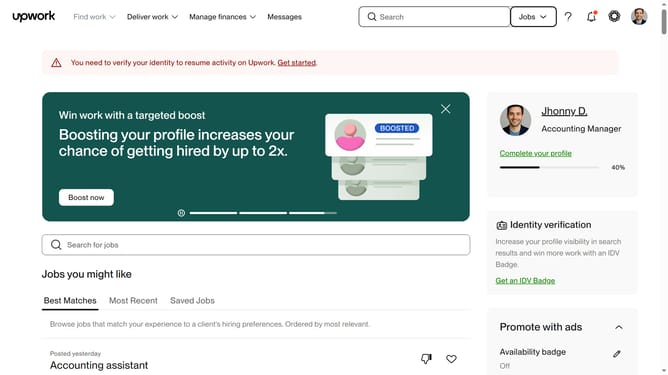
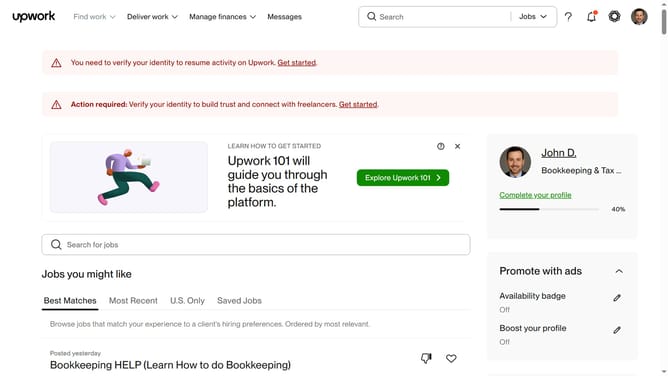
- First click on the profile avatar button in the top-right corner of the header
- Then click on "Your profile" option in the dropdown menu
- Next click on the delete button or trash icon next to the education entry you want to delete
- Finally click on the "Delete" button in the confirmation dialog to confirm deletion of the education entry
Why should you delete school information in Upwork
Upwork is a dynamic platform connecting freelancers and clients from around the globe to collaborate efficiently on projects.
One valuable feature on Upwork is the ability to delete school information from your profile.
This offers the flexibility to keep your profile current and reflective of only relevant academic achievements.
Removing outdated or irrelevant education details ensures your profile is focused and tailored, enhancing your professionalism and attracting the right opportunities.
Last update