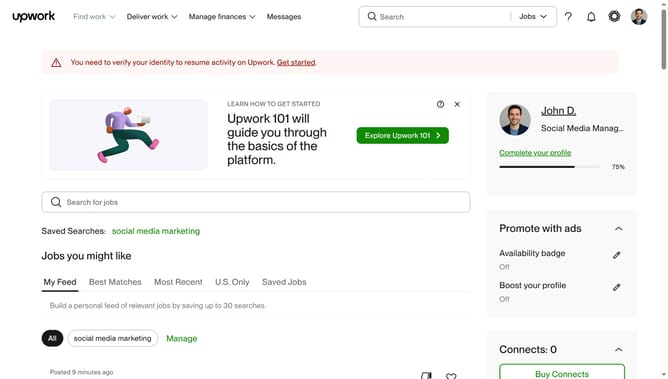
How to view projects related to search marketing on Upwork
Here is how to view projects related to search marketing on upwork
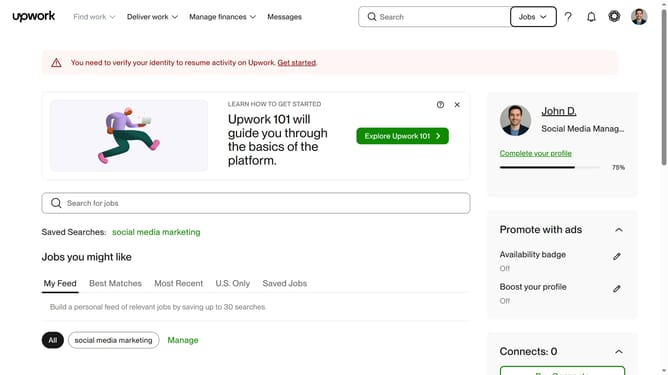
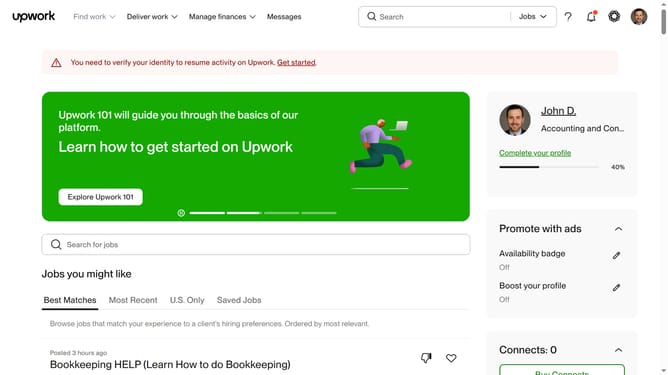
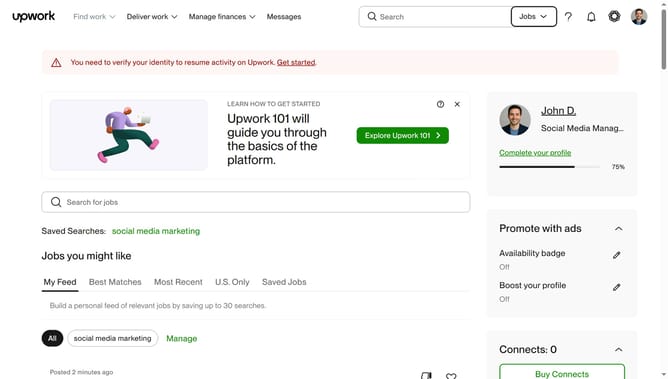
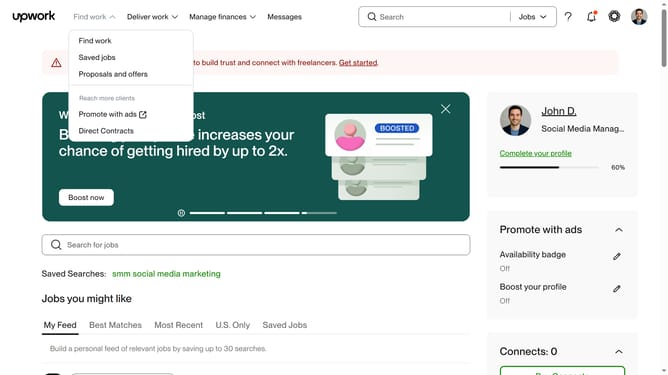
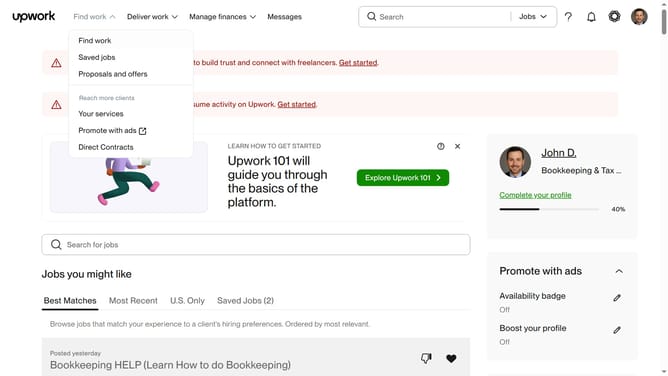
- First click on the dropdown button in the top navigation bar
- Then click on the "Projects" option from the dropdown menu
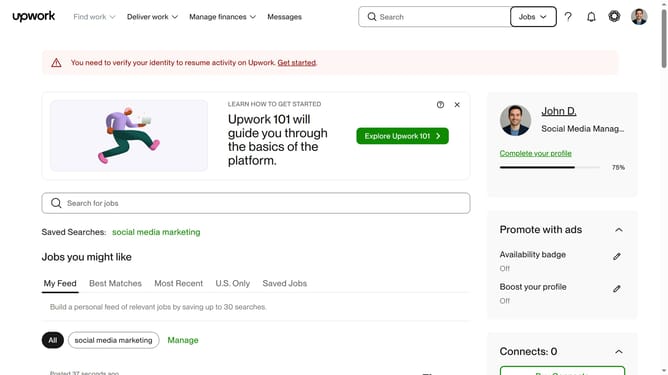
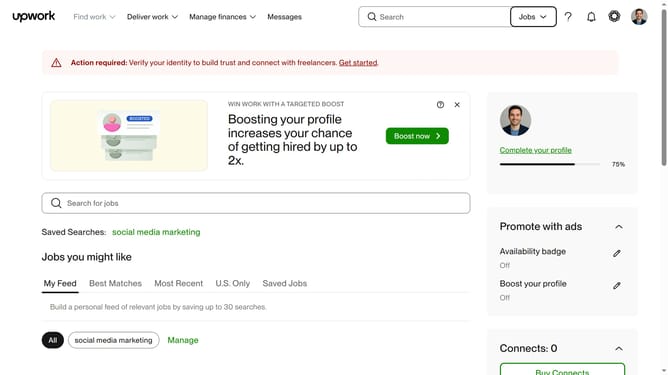
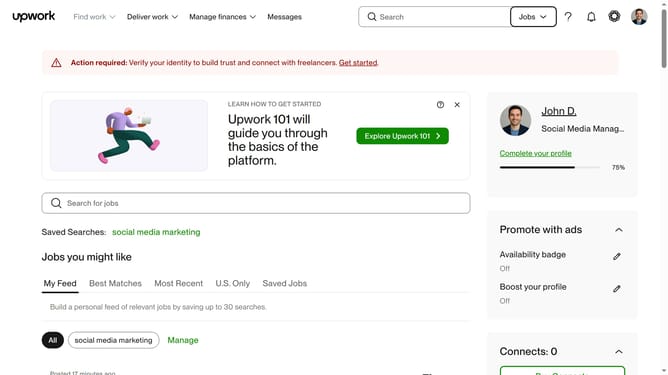
- Next type your search query in the search field at the top of the page
- Then click on a suggestion from the search dropdown
- Next click on the "Marketing" tab in the navigation menu
- Finally click on the "Search Marketing" category from the left sidebar
Why should you view projects related to search marketing on Upwork
Upwork is a dynamic platform connecting skilled freelancers with businesses seeking expertise for a wide range of projects.
Finding projects related to search marketing on Upwork is straightforward, allowing professionals to easily discover opportunities that match their expertise in this ever-evolving field.
Using this feature not only streamlines the process of landing projects but also enhances your ability to connect with clients who value your skills. This makes the platform an invaluable resource for growing your career in search marketing.
Last update