How to sort job search results on Upwork by client spend
Here is how to sort job search results on upwork by client spend
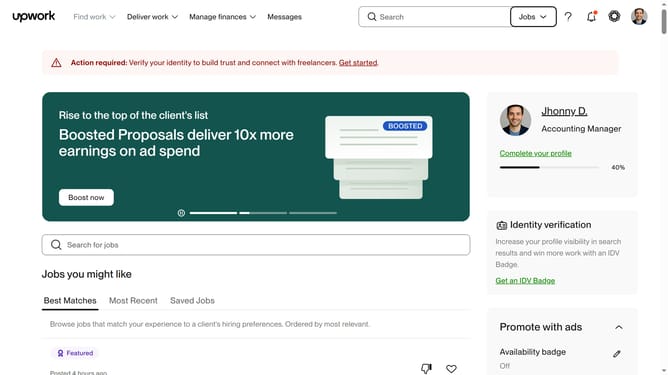
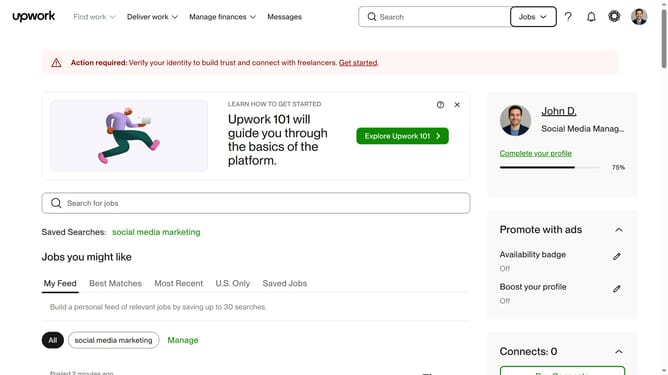
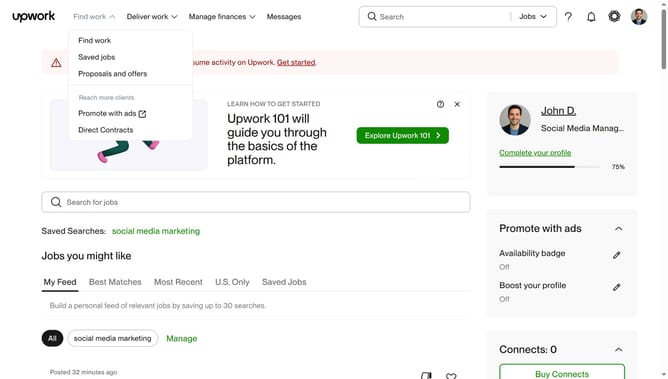
- First click on the "Find work" dropdown menu in the top navigation bar
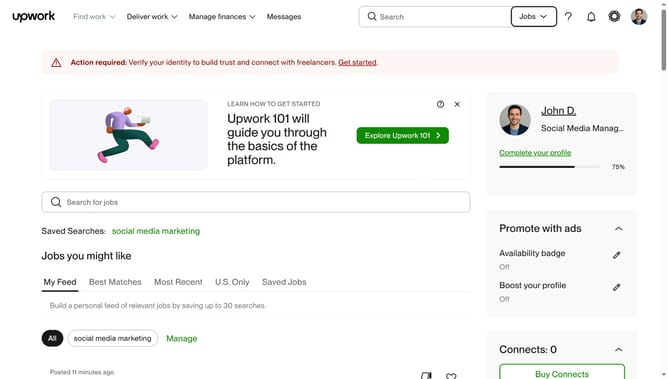
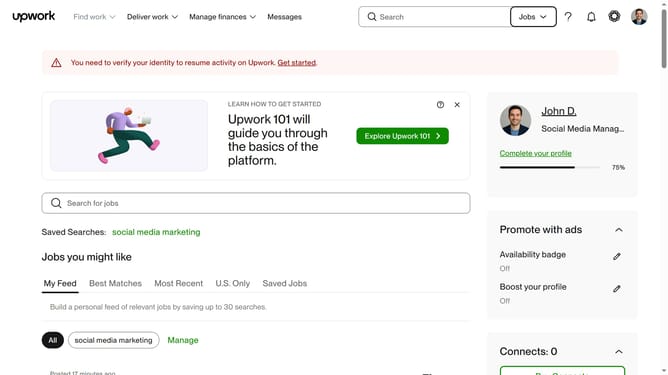
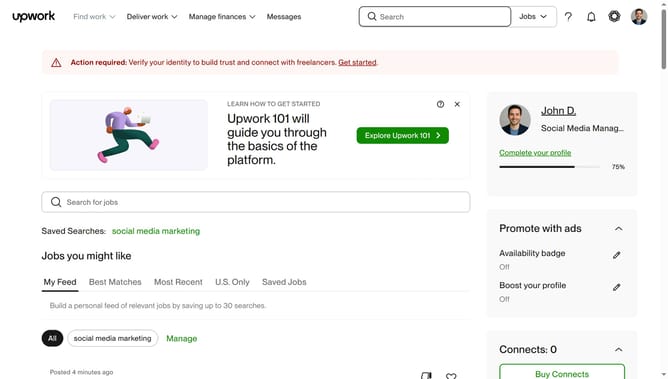
- Then click on the search field for jobs in the main content area and enter your job search keyword
- Next select from the search suggestions dropdown
- Then click on the "Sort by:" dropdown option in the upper right section of the job listings
- Finally select "Client spend" option from the sorting dropdown menu
Why should you sort job search results on Upwork by client spend
Upwork is a premier platform connecting freelancers with clients worldwide for varied projects.
Sorting job search results by client spend on Upwork allows freelancers to prioritize opportunities with clients who have a history of investing in projects. This feature showcases clients who not only hire regularly but also value quality, offering freelancers a chance to align with established clients.
Using this feature enhances your chances of securing high-value projects, ensuring your efforts are aligned with clients who appreciate and invest in professional work. This strategic approach can lead to long-term partnerships and better career development.
Last update