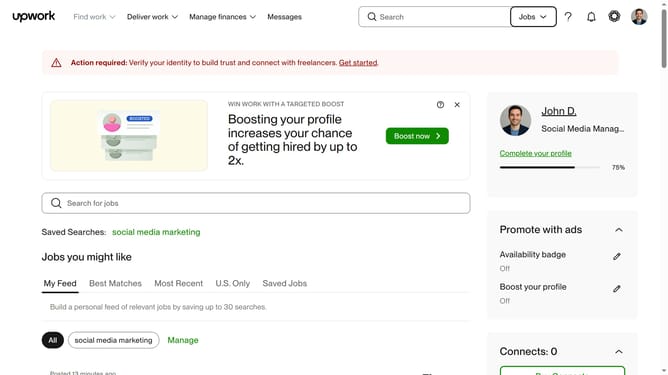
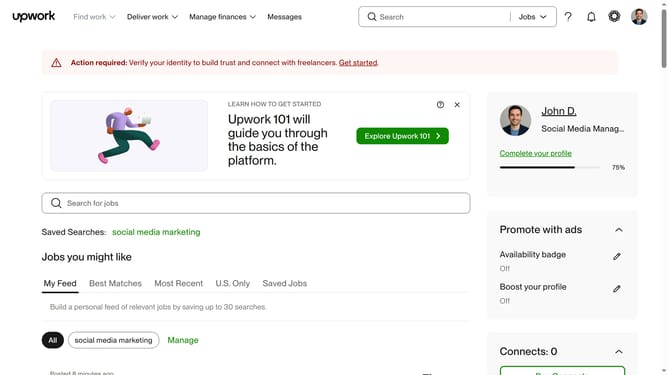
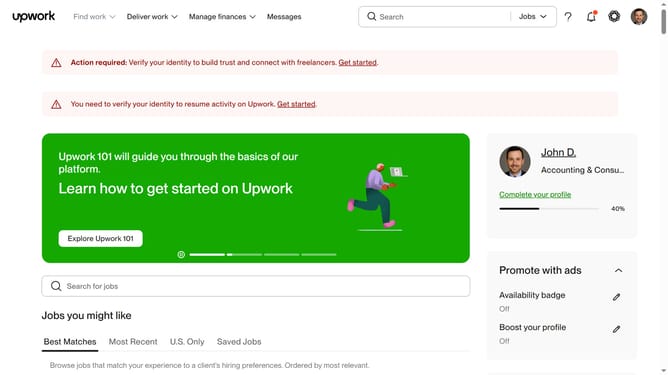
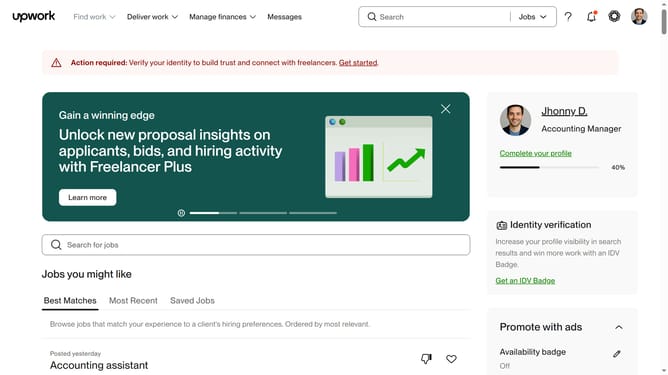
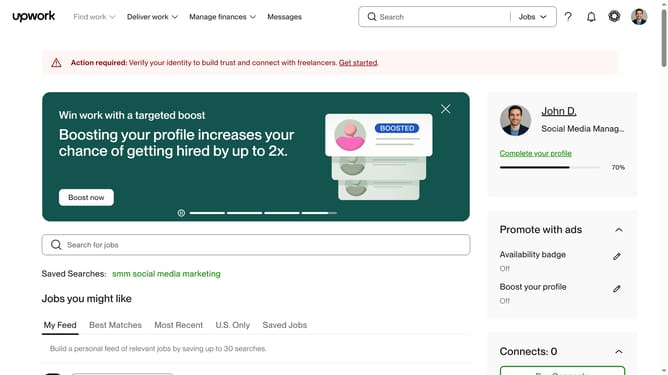
How to view projects related to audio and production editing on Upwork
Here is how to view projects related to audio and production editing on upwork
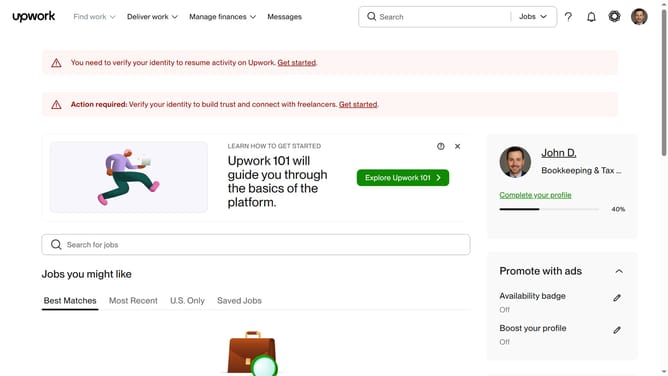
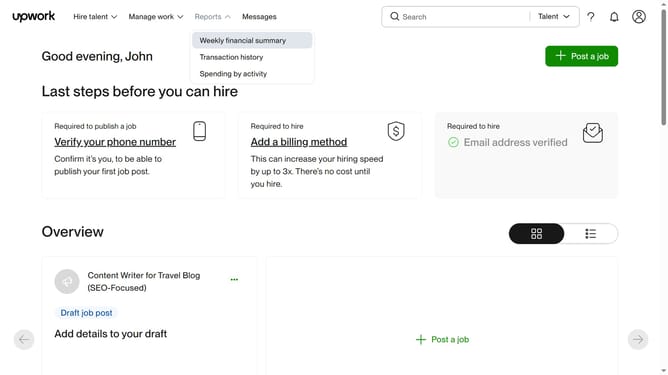
- First click on the dropdown button in the top navigation bar
- Then click on the "Projects" option from the dropdown menu
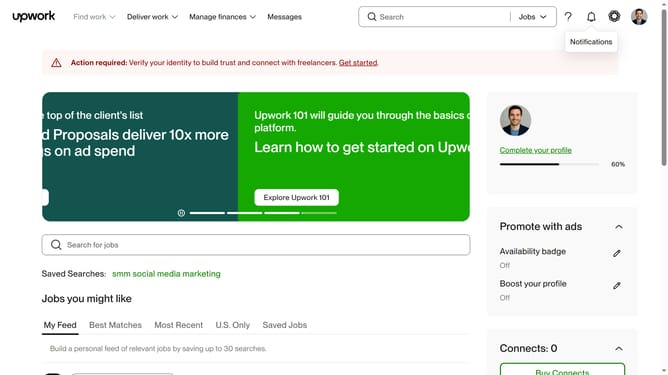
- Next click on the search bar in the header area
- Then select a suggestion from the search dropdown
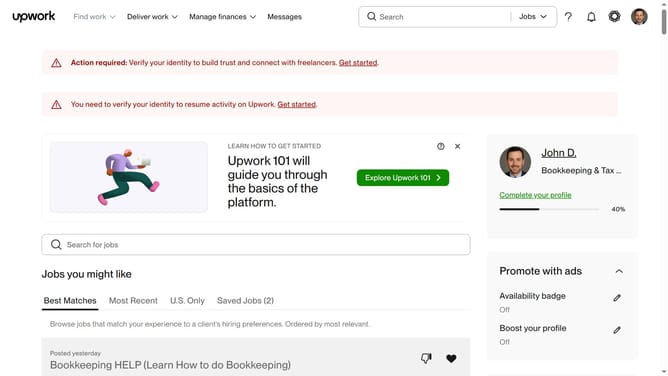
- Then, click on the "Video & Audio" category tab in the navigation menu
- Finally click on the "Audio Production & Editing" option from the category submenu
Why should you view projects related to audio and production editing on Upwork
Upwork is a leading platform connecting freelancers with clients in countless industries worldwide.
To find projects specifically tailored to audio and production editing, Upwork allows users to effortlessly filter and search for opportunities within this niche field.
This feature streamlines the process, saving time and ensuring that the projects you view align with your expertise.
Utilizing Upwork’s search capabilities not only boosts productivity but also enhances the chances of matching with projects that truly fit your skills and experience.
Last update