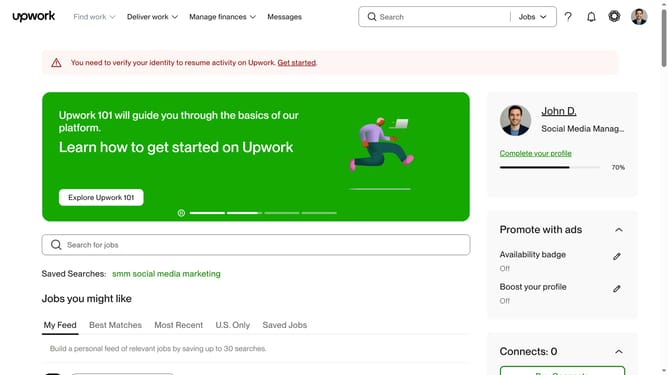
How to update project preference in Upwork
Here is how to update project preference in upwork
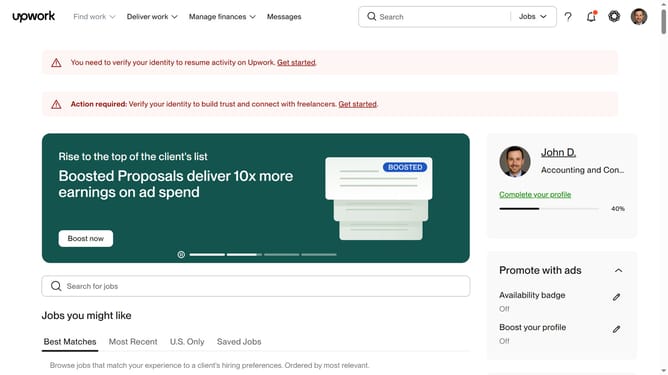
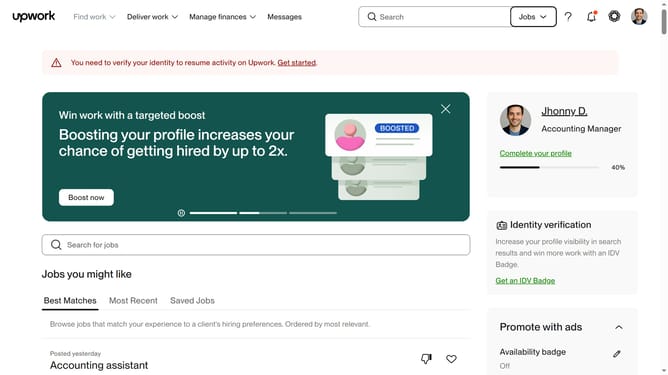
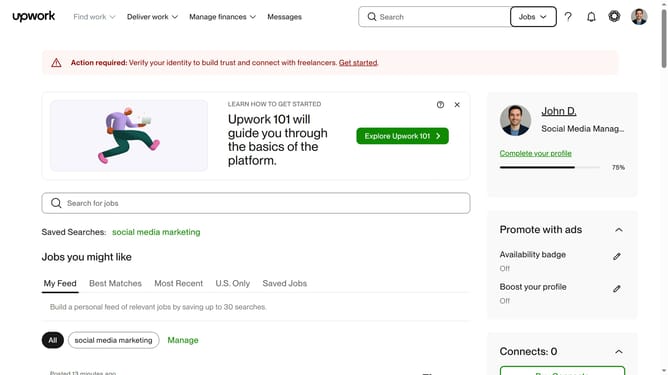
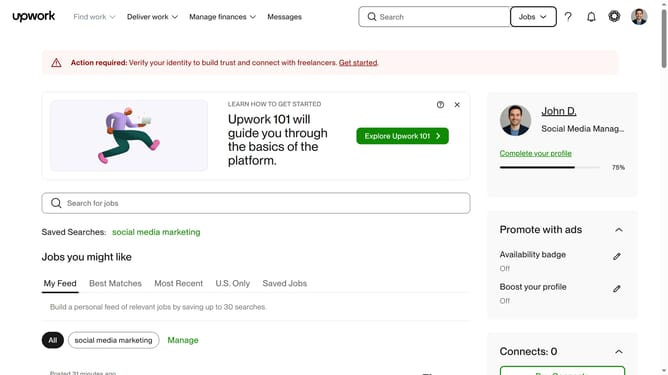
- First click on the profile avatar button in the top right corner of the header
- Then click on "Your profile" option in the dropdown menu
- Next click on the "Profile settings" button in the profile page header
- Then click on the "Project preference" dropdown menu
- Finally select your preferred option from the dropdown menu
Why should you update project preference in Upwork
Upwork is a dynamic platform connecting freelancers with clients around the globe to collaborate on diverse projects.
Updating your project preferences on Upwork sharpens your visibility, ensuring you align with projects that match your skills and interests.
By fine-tuning these preferences, you enhance your opportunities to engage with projects that resonate with your professional goals and passion.
This feature not only optimizes your job search but also enhances client interactions by showcasing your tailored skill set effectively.
Last update