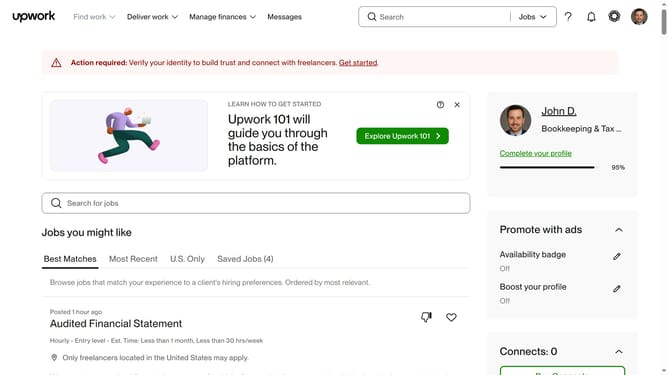
How to add language as a freelancer in Upwork
Here is how to add language as a freelancer in upwork
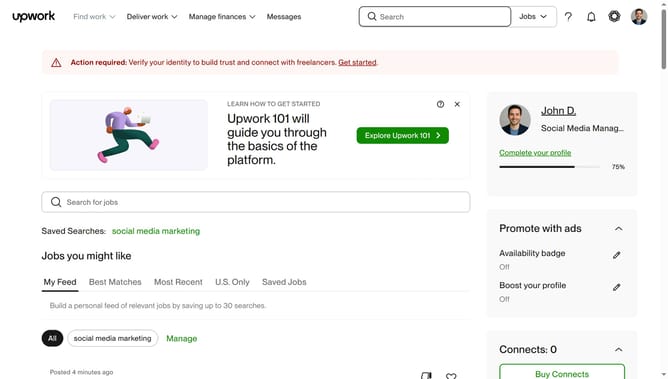
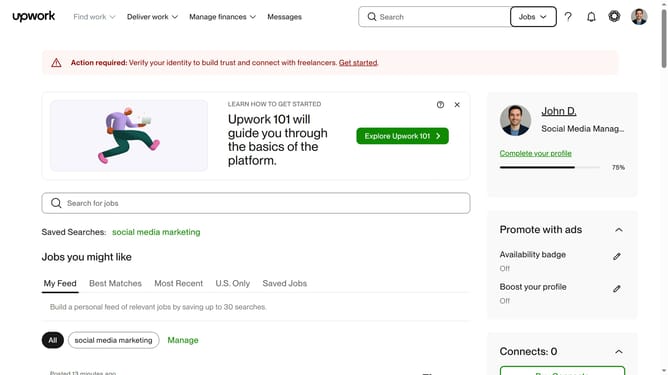
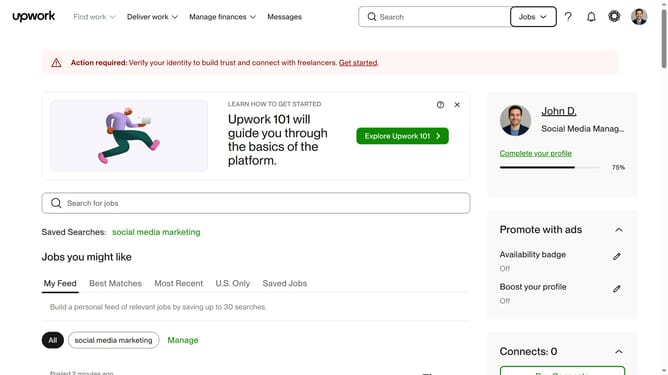
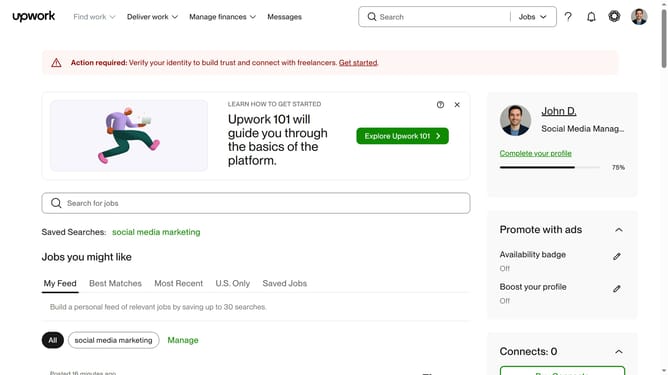
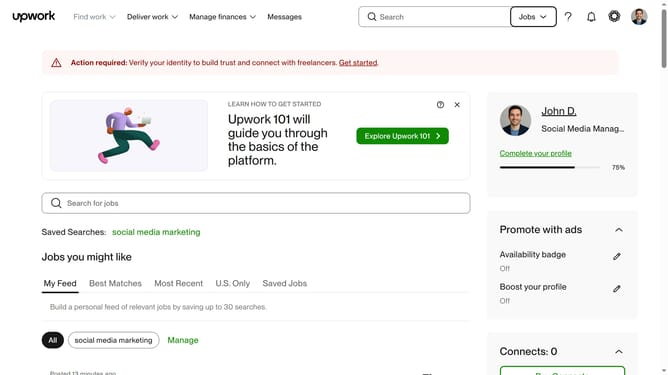
- First click on the profile icon in the top right corner of the header
- Then click on "Your profile" option in the dropdown menu
- Next click on the add language button or plus icon in the Languages section of the profile sidebar
- Then click on the "Language" dropdown field in the Add language dialog
- Next select the language you want to add from the language dropdown list
- Then click on the "Proficiency level" dropdown field
- Next select your proficiency level from the dropdown options
- Finally click on the "Save" button to confirm adding the language
Why should you add language as a freelancer in Upwork
Upwork is a dynamic platform connecting freelancers with clients seeking top-notch talent.
Adding languages to your freelancer profile can significantly enhance your visibility and marketability on Upwork. Offering multilingual services allows you to connect with a broader range of clients and projects, establishing trust and credibility in diverse marketplaces.
This feature can be particularly beneficial for attracting international clients who prefer communication in their native language, opening up more opportunities for collaboration and success.
Last update