How to filter open to contract-to-hire talents in Upwork
Here is how to filter open to contract-to-hire talents in upwork
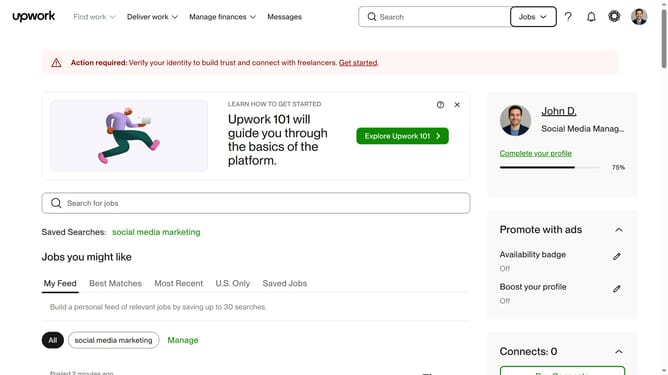
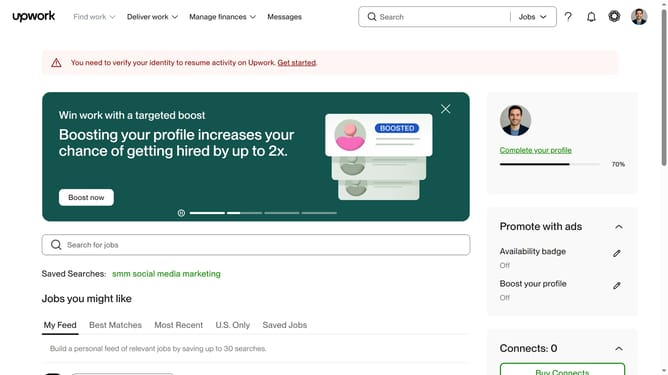
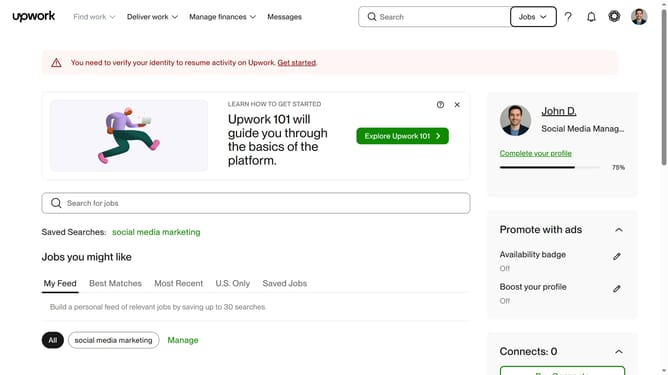
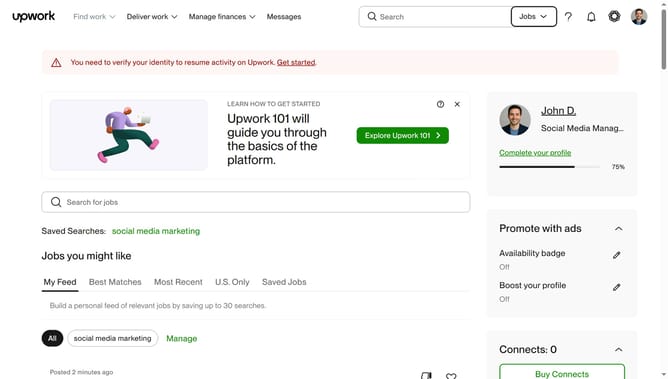
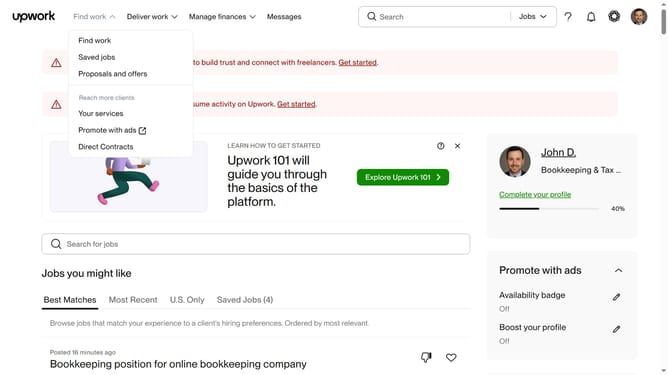
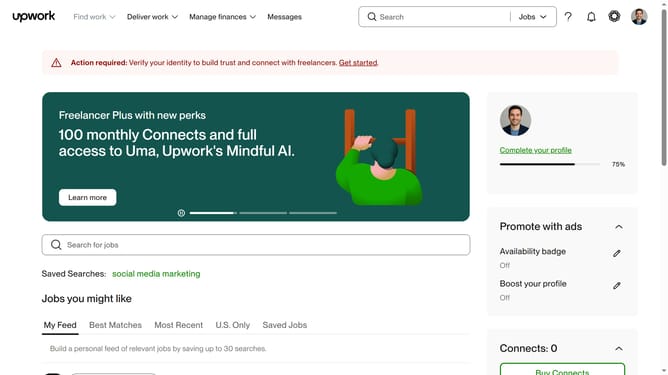
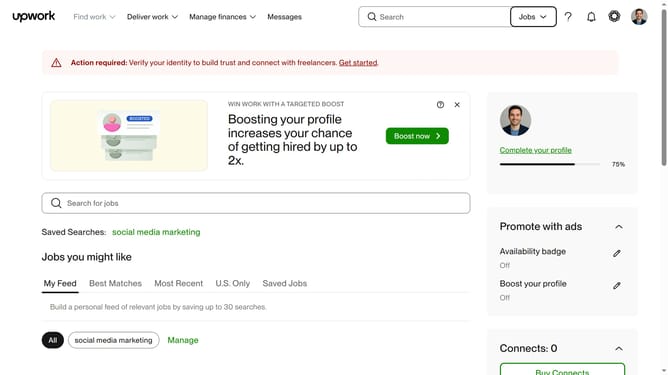
- First click on the dropdown button in the top navigation bar
- Then click on the "Talent" option from the dropdown menu
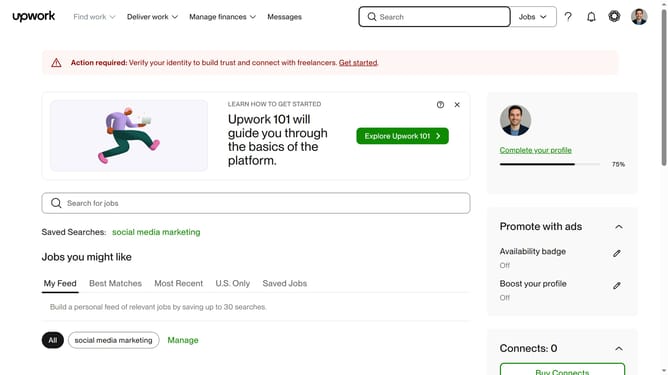
- Next click on the search field in the header area and enter your job search keyword
- Then select from the suggestions dropdown
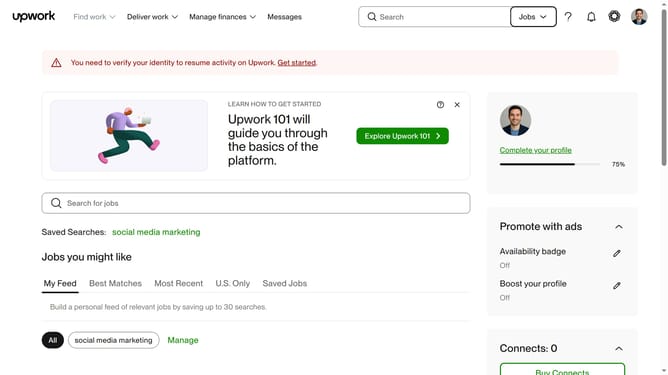
- Scroll down the page
- Finally click on the "Open to contract-to-hire" checkbox in the left sidebar filters
Why should you filter open to contract-to-hire talents in Upwork
Upwork is a dynamic platform connecting businesses with freelance talent worldwide.
Filtering for contract-to-hire talents on Upwork is an essential feature for businesses seeking long-term collaboration with freelance professionals. It offers flexibility and potential continuity that can enhance project outcomes.
By utilizing this feature, companies can access a pool of flexible, yet committed professionals, maximizing project efficiency and fostering sustained growth.
Last update