How to filter projects by price on Upwork
Here is how to filter projects by price on upwork
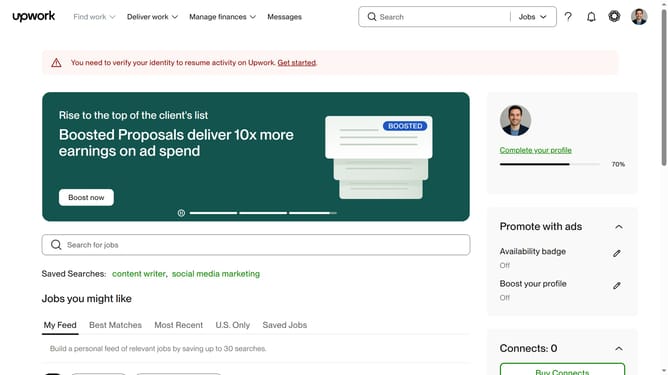
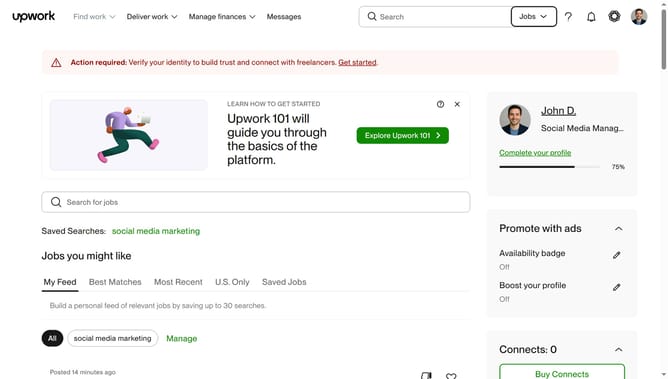
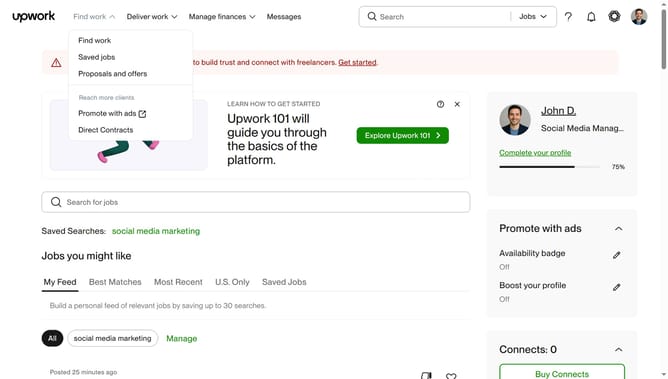
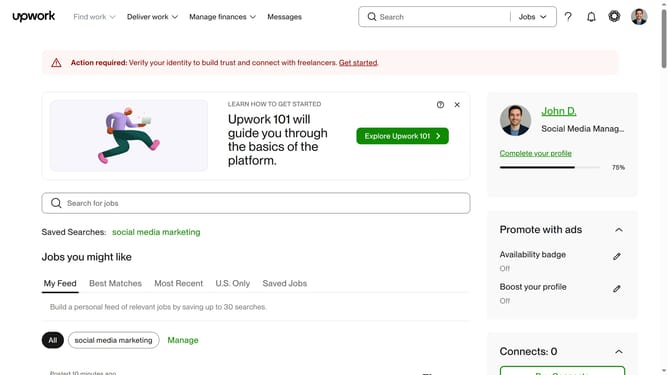
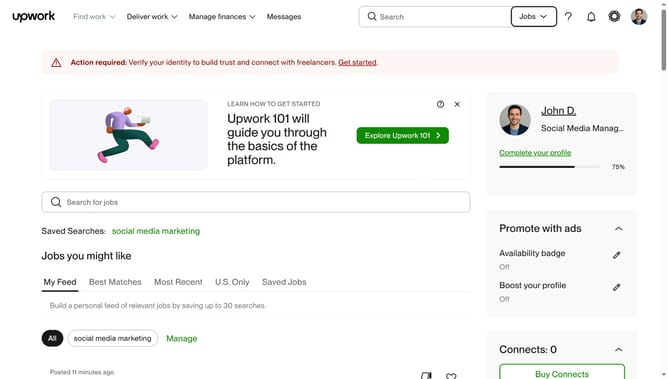
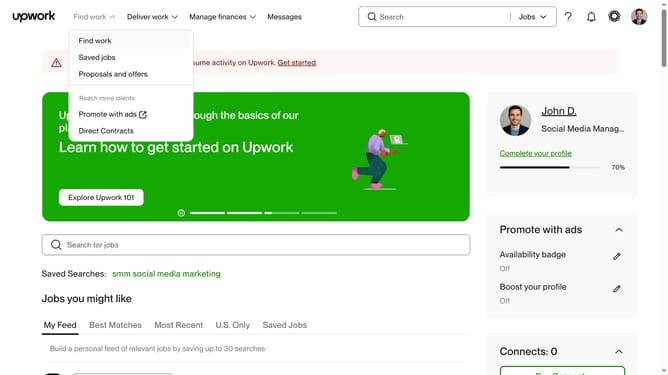
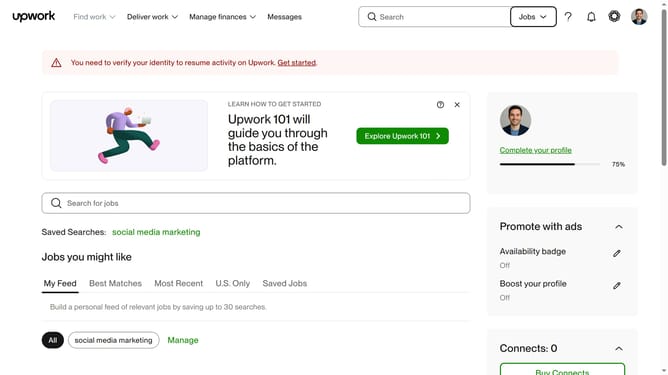
- First click on the dropdown button in the top navigation bar
- Then click on the "Projects" option from the dropdown menu
- Next click on the search field in the top navigation bar and type your search query
- Then select from the search suggestions dropdown
- Then, click on the "Price" filter button below the search results heading
- Next drag the price range slider to adjust the maximum or minimum price
- Finally click on the "Apply" button to apply the price filter
Why should you filter projects by price on Upwork
Upwork is a leading platform that connects freelancers with clients seeking diverse talents for various projects.
Among its many features is the ability to filter projects by price, offering users an effortless way to find opportunities that match their financial expectations.
This feature streamlines the search process, saving valuable time as users easily navigate through projects within their preferred budget range.
Ultimately, it empowers freelancers to strategically plan their workload, ensuring a balanced and profitable experience on the platform.
Last update