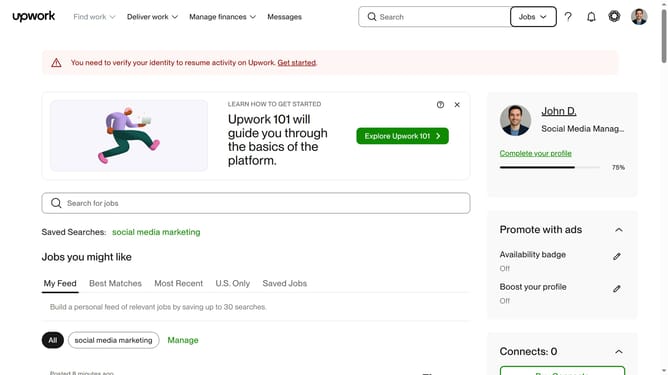
How to delete employment history in Upwork
Here is how to delete employment history in upwork
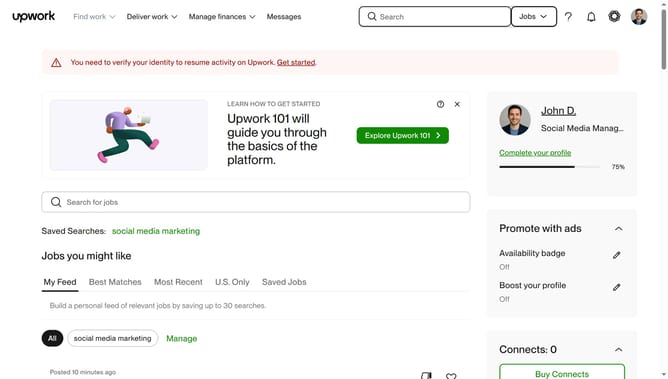
- First click on the profile icon in the top-right corner of the header
- Then click on "Account settings" option in the dropdown menu
- Next click on "My Profile" link in the left sidebar under User Settings section
- Then scroll down to the Employment history section
- Then click on the "Delete" button
- The employment entry has been successfully removed from the profile
Why should you delete employment history in Upwork
Upwork is a vibrant platform connecting freelancers with clients from around the globe for diverse projects.
Deleting employment history on Upwork is a streamlined feature that empowers freelancers to manage their profiles effectively.
This feature offers myriad benefits, helping users present a polished and updated profile. Tailoring your work history allows for a focused representation of your skills and accomplishments, ensuring prospective clients see the most relevant experiences first.
The ability to remove outdated or irrelevant information enhances your professional image, fostering better match-making opportunities.
Last update