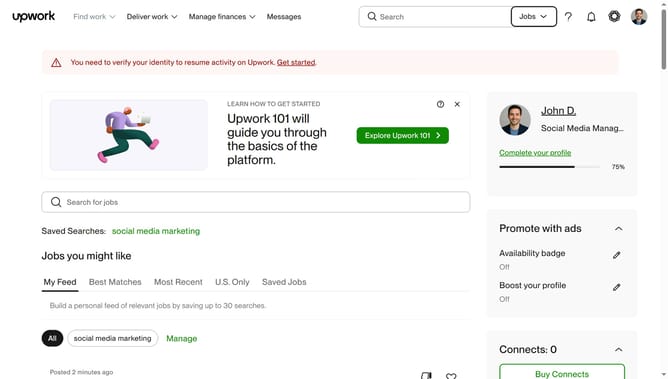
How to edit employment history in Upwork
Here is how to edit employment history in upwork
- First click on the profile icon in the top right corner of the header
- Then click on "Account settings" option in the dropdown menu
- Next click on "My Profile" link in the left sidebar under User Settings section
- Then scroll down the page
- Next click on the edit button or pencil icon next to the employment entry you want to edit
- Then click and update the input textbox where you want to make changes
- Finally click on the "Save" button to save the changes to the employment entry
Why should you edit employment history in Upwork
Upwork is a dynamic platform connecting freelancers with businesses worldwide to achieve their goals.
The ability to edit employment history in Upwork is a crucial feature for freelancers aiming to tailor their profiles to match potential job opportunities.
By refining this section, users can highlight relevant experiences and skills that align precisely with the tasks at hand, making profiles more attractive to clients.
A well-curated employment history not only boosts visibility in searches but also builds trust with prospective clients, leading to higher chances of securing desired projects.
Last update