How to filter talents based on hourly rate on Upwork
Here is how to filter talents based on hourly rate on upwork
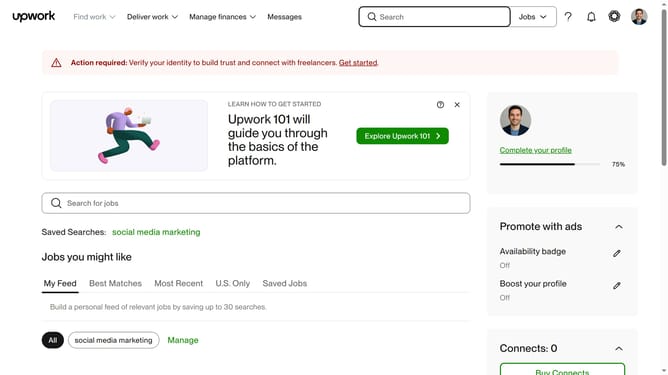
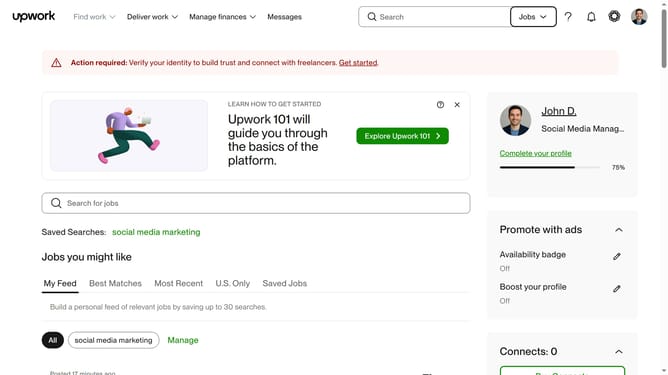
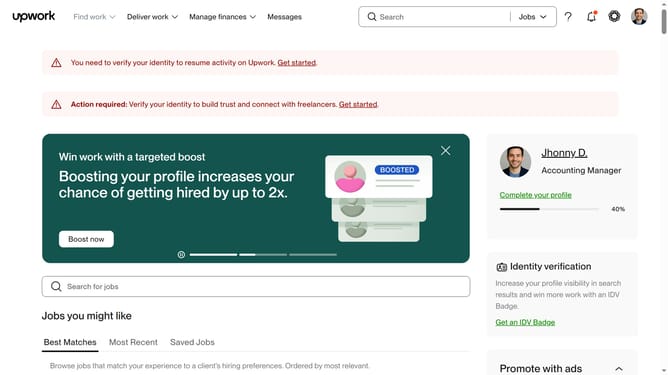
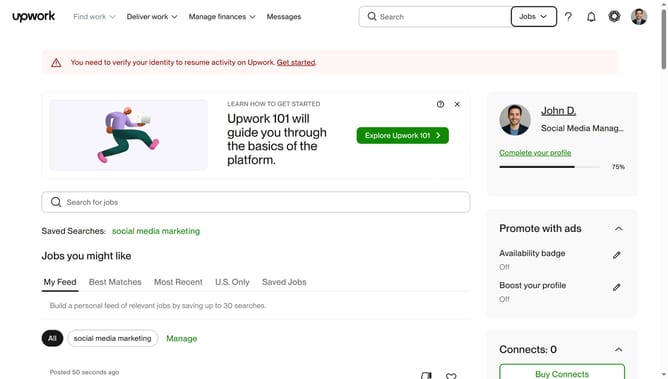
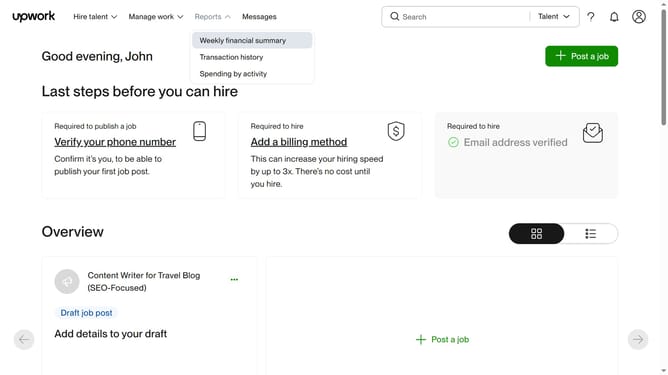
- First click on the dropdown button in the top navigation bar
- Then click on the "Talent" option from the dropdown menu
- Next click on the search field in the header and type your search query
- Then select from the search suggestions dropdown
- Finally click on the "Hourly rate" section to see options
Why should you filter talents based on hourly rate on Upwork
Upwork is a leading platform connecting businesses with talented freelancers across the globe.
One of Upwork's valuable features is the ability to filter talents based on hourly rates. This feature allows businesses to align with their budget by showcasing freelancers who match their financial parameters.
By utilizing this filtering, companies can efficiently allocate resources, ensuring they engage with talents whose rates fit within their project scopes.
Overall, this functionality streamlines the hiring process, making it both cost-effective and time-saving.
Last update