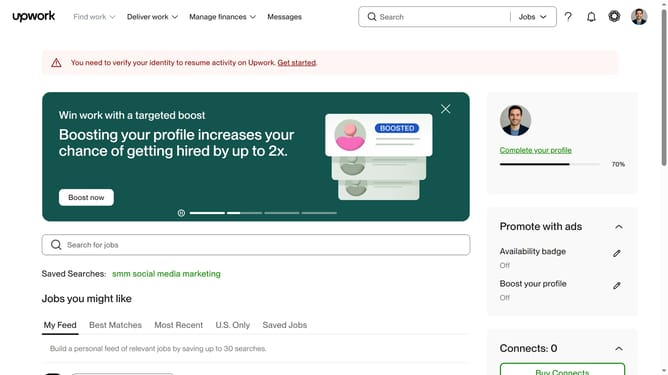
How to view a freelancer profile in Upwork
Here is how to view a freelancer profile in upwork
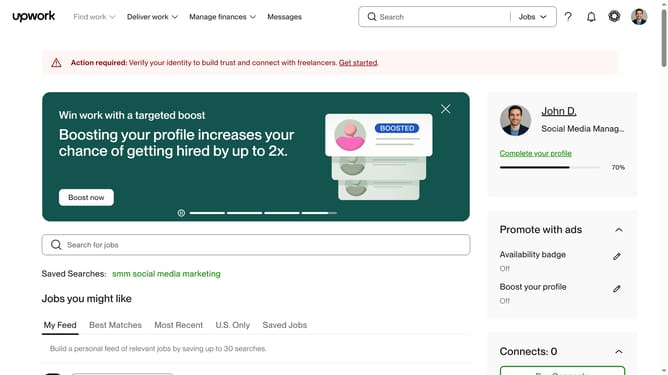
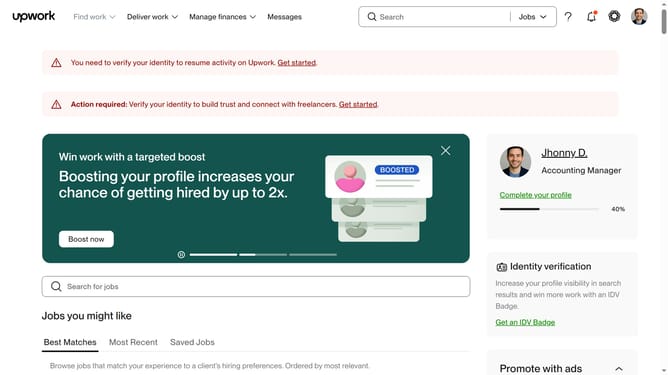
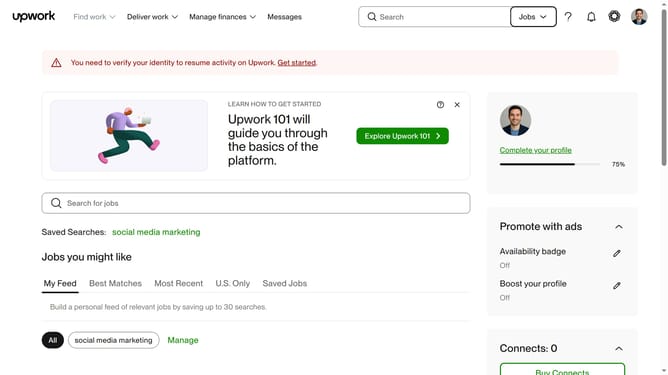
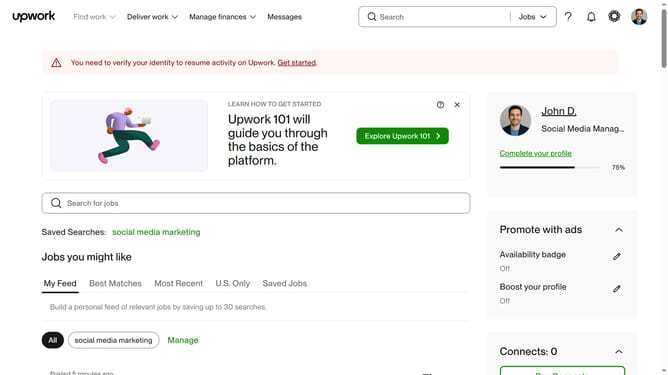
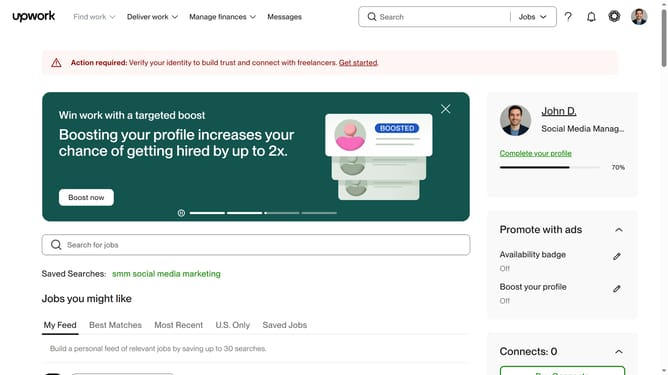
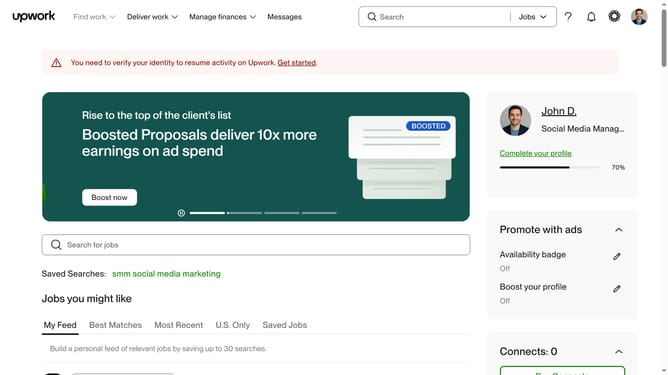
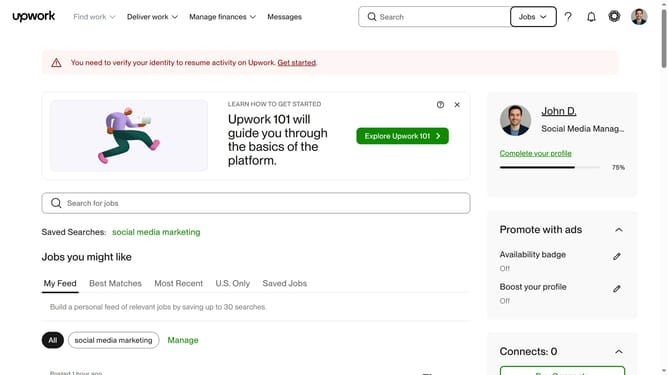
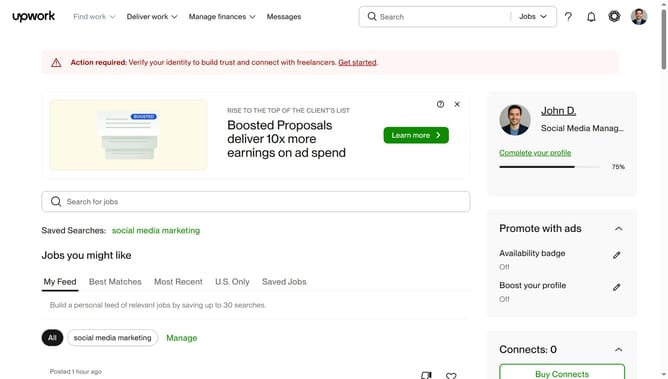
- First click on the dropdown button in the top navigation bar
- Then select "Talent" option from the dropdown menu
- Next click on the search bar in the header and type your search query
- Then select from the search suggestions dropdown
- Next click on the freelancer name in the search results
- Then click on "Open profile in a new window" link in the top right corner of the profile view
- Finally scroll the page down to view the profile
Why should you view a freelancer profile in Upwork
Upwork is a dynamic platform seamlessly connecting businesses and talented freelancers worldwide.
One of the key features of Upwork is the ability to view a freelancer's profile. This feature allows clients to gain insights into a freelancer’s skills, past work, and client feedback.
Exploring these profiles helps businesses make informed decisions, ensuring they find the right fit for their project needs. This transparency builds trust and fosters successful collaborations.
Last update