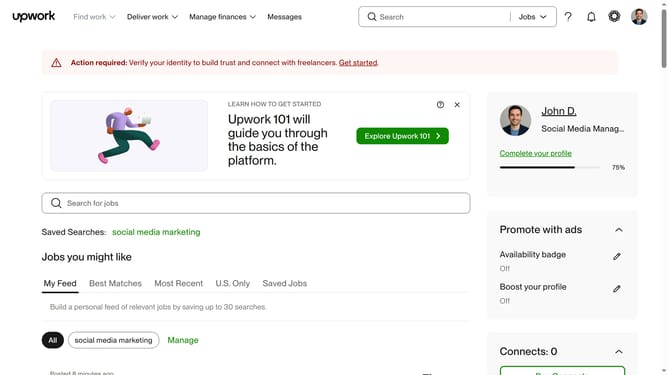
How to view projects by digital designs on Upwork
Here is how to view projects by digital designs on upwork
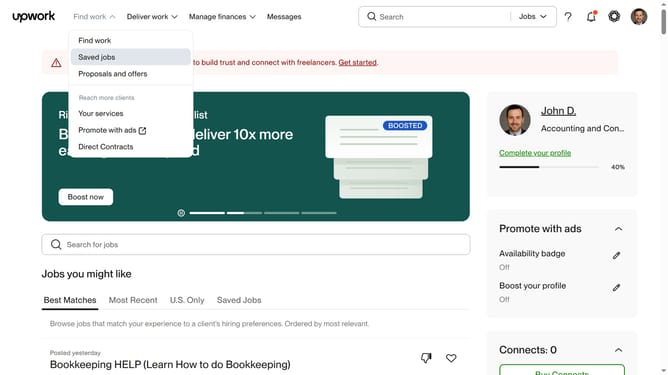
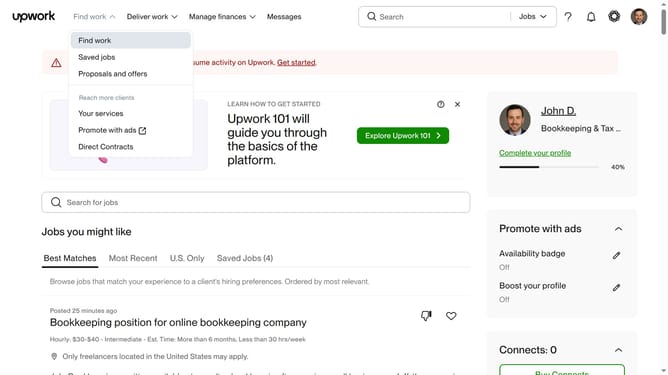
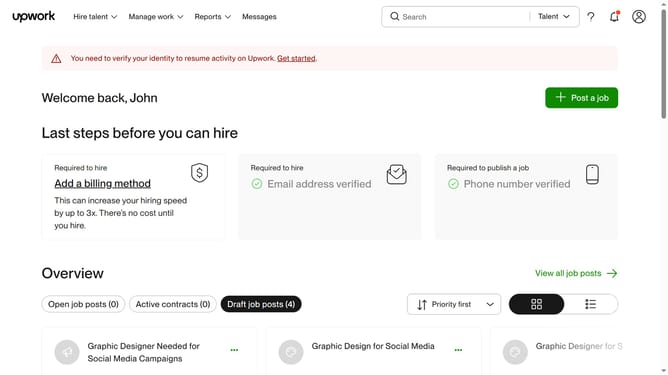
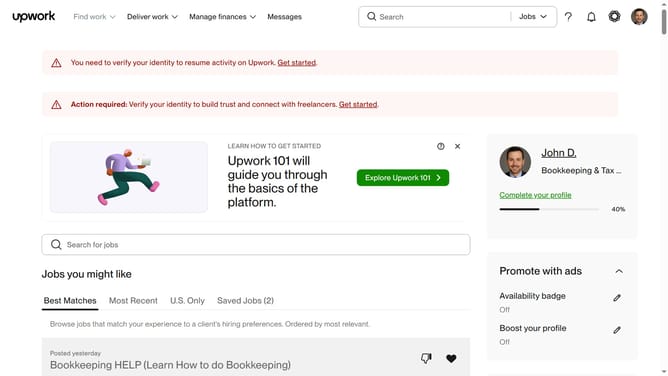
- First click on the dropdown button in the top navigation bar
- Then click on the "Projects" option from the dropdown menu
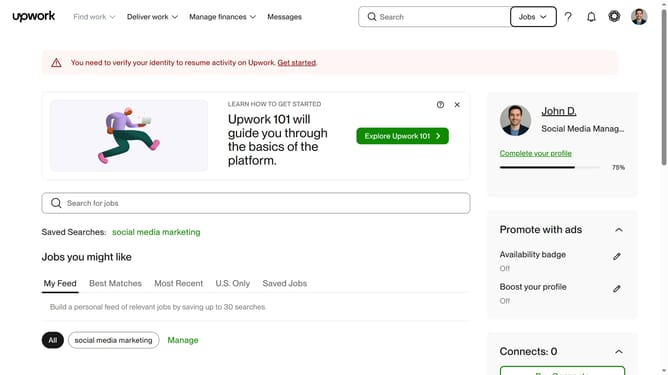
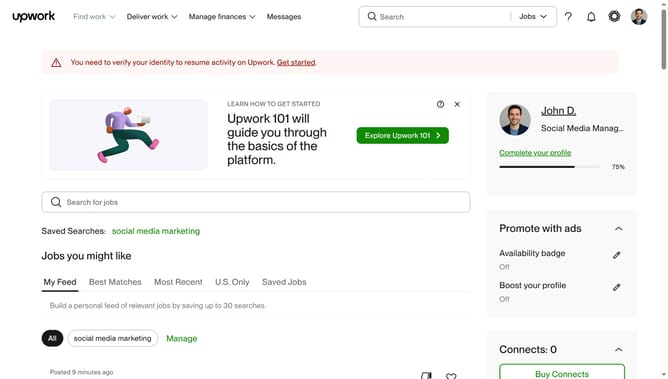
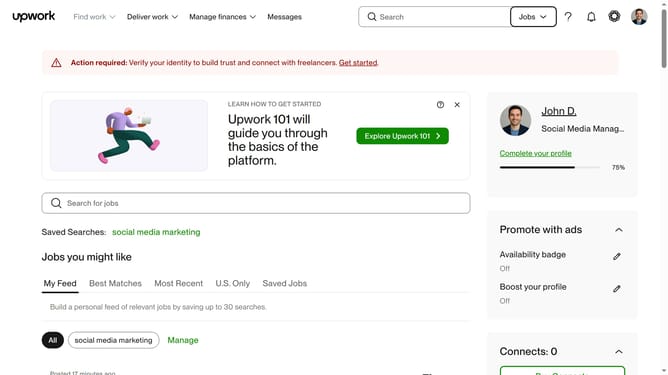
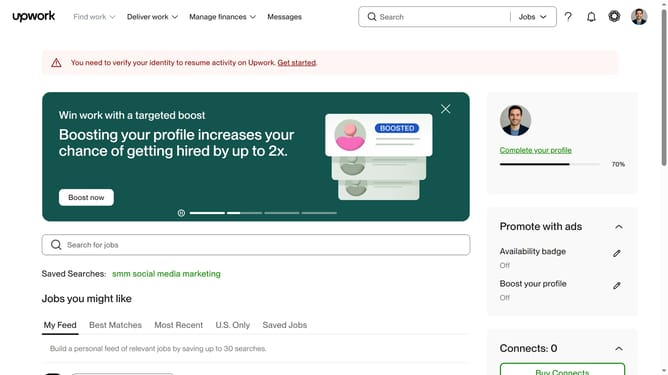
- Next click on the search bar in the top navigation area and type your search query
- Then click a suggestion from the search dropdown
- Finally click on the "Digital Design" in the project categories after hovering your mouse to "Design"
Why should you view projects by digital designs on Upwork
Upwork is a dynamic platform connecting freelancers with employers worldwide for countless project opportunities.
The ability to view projects by digital designs on Upwork is a powerful feature for creatives seeking specific work in their niche.
This targeted approach saves time, allowing you to focus on only the most relevant and inspiring projects that align with your skills and interests.
Employers benefit too, by easily finding freelancers with the precise digital design expertise they need, ensuring a perfect match every time.
Last update