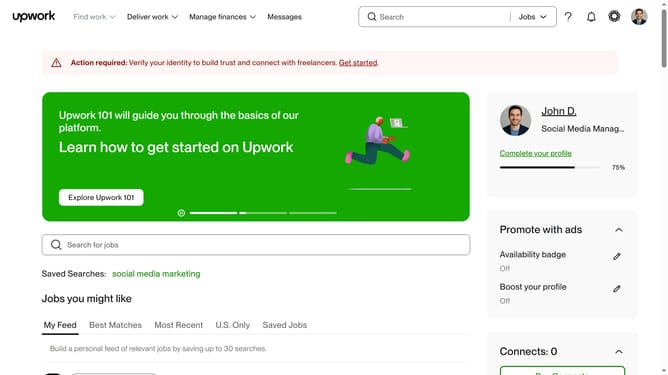
How to view the product catalog of a freelancer in Upwork
Here is how to view the product catalog of a freelancer in upwork
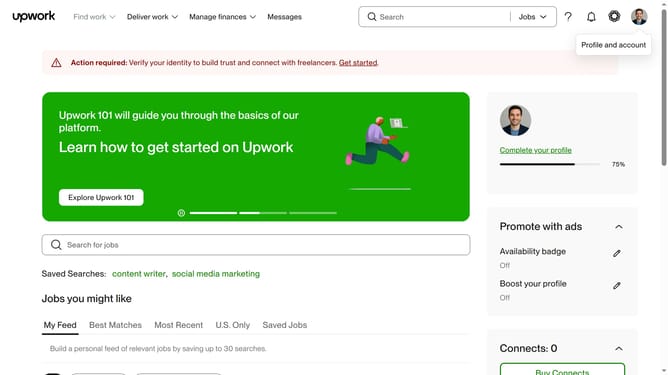
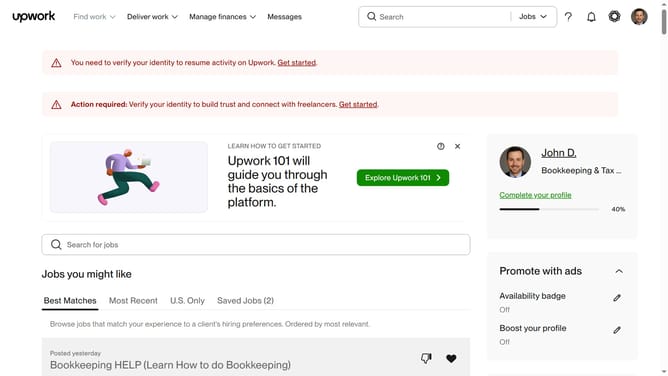
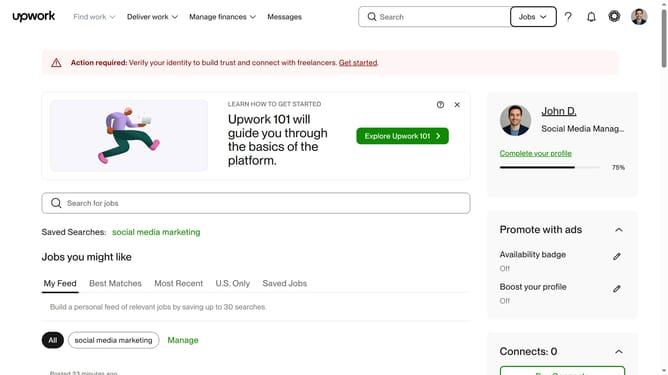
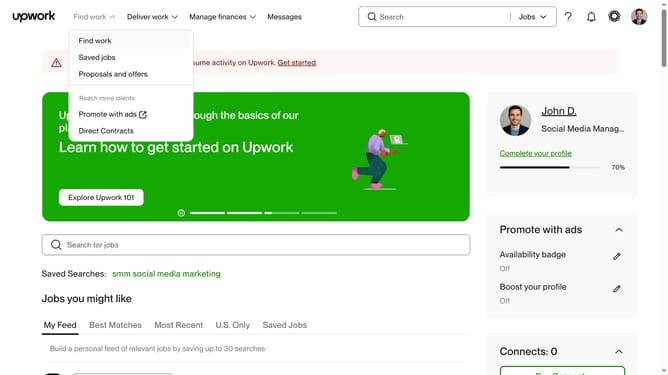
- First click on the dropdown button in the top navigation bar
- Then select "Talent" option from the dropdown menu
- Next click on the search bar in the header area and type your search query
- Then select from the search suggestions dropdown
- Click on the search result profile name to view their profile
- Then scroll down to the project catalog section
- Click on the "View project" button in the Project catalog section
- Finally scroll the page to review the project page
Why should you view the product catalog of a freelancer in Upwork
Upwork is a leading platform connecting top freelancers with businesses globally.
When you want to explore the capabilities of a freelancer, checking out their product catalog is a game-changer. It provides a structured overview of their offerings and various project types they excel in.
This feature enables you to efficiently assess whether a freelancer’s expertise aligns with your specific project needs. By reviewing the product catalog, you're making an informed choice, ensuring quality deliverables and enhancing collaboration.
Last update