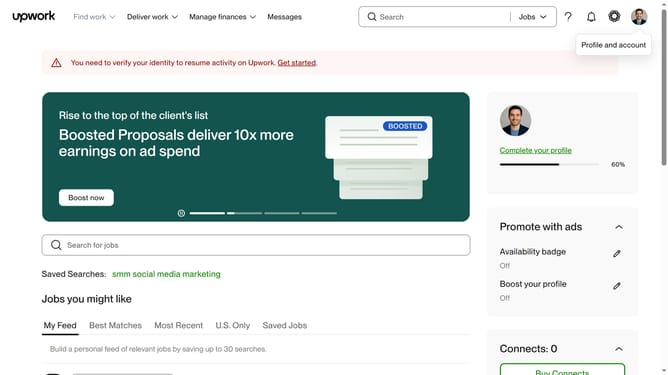
How to edit a published portfolio in Upwork
Here is how to edit a published portfolio in upwork
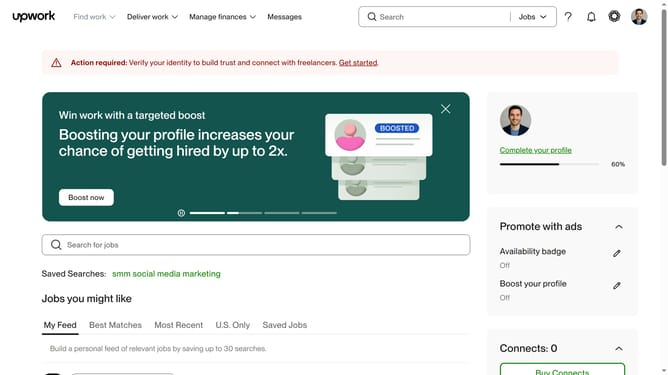
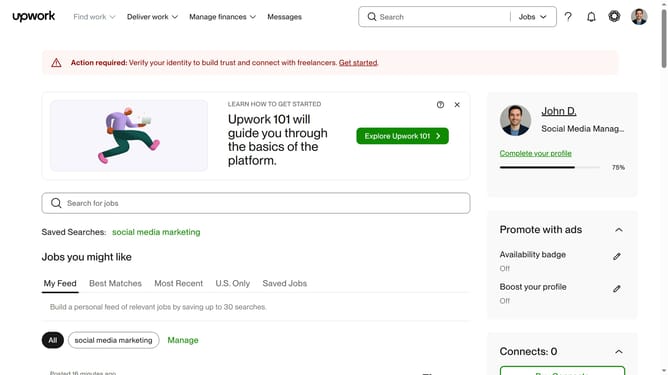
- First click on the profile icon in the top right corner of the header
- Then click on "Your profile" option from the dropdown menu
- Next click on the three-dot menu button on the portfolio project card that you want to edit
- Then select "Edit" option from the context menu
- Select the text field and edit the content
- Then click on the "Next: Preview" button at the bottom right of the form
- Next click on the "Next: Thumbnail" button at the bottom right of the preview page
- Then click on the "Save" button in the thumbnail preview modal
- Finally click on the "Done" button in the success confirmation modal
Why should you edit a published portfolio in Upwork
Upwork is a leading platform that connects freelancers with clients across the globe.
The ability to edit a published portfolio on Upwork ensures your profile accurately reflects your growing skill set and achievements.
As your experience evolves, updating your portfolio showcases your most recent and relevant work, capturing the essence of your professional journey.
This feature empowers you to maintain an up-to-date and compelling representation of your capabilities, attracting potential clients to your profile.
Last update