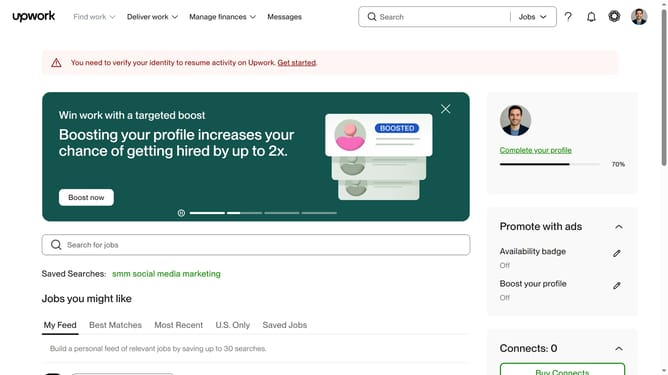
How to manage email notifications as a freelancer from Upwork
Here is how to manage email notifications as a freelancer from upwork
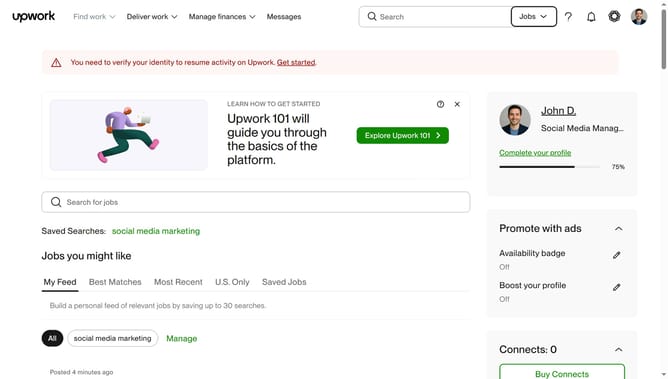
- First click on the profile icon in the top right corner of the header
- Then click on "Account settings" option in the dropdown menu
- Next click on "Notification Settings" link in the left sidebar menu
- Then click on the "Messages" tab in the top navigation menu
- Next click on the "Send an email with unread activity for" dropdown menu under the Email section
- Then select "All activity" option from the dropdown menu
- Next click on the time frequency dropdown on the right side
- Finally select your preferred option from the time frequency dropdown menu
Why should you manage email notifications as a freelancer from Upwork
Upwork is the premier platform for connecting talented freelancers with clients around the world.
Managing email notifications as a freelancer on Upwork is an essential feature that empowers you to stay organized and focused.
This tool ensures you are alerted about new job opportunities, important deadlines, and messages from clients. By customizing your notification settings, you can prioritize what matters most to your freelance business.
This efficiency not only enhances communication with clients but also helps you maintain a balanced work-life rhythm, elevating your overall freelance experience.
Last update