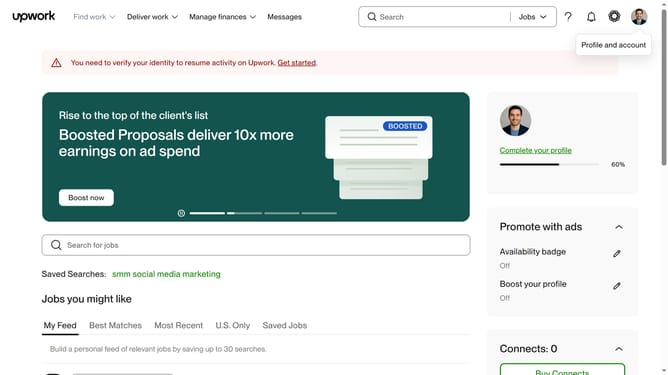
How to view projects related to copywriting on Upwork
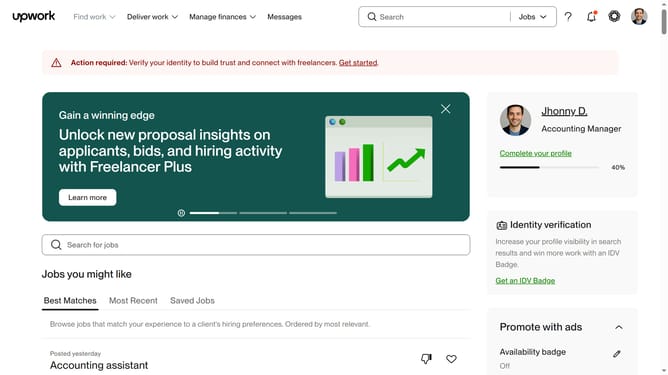
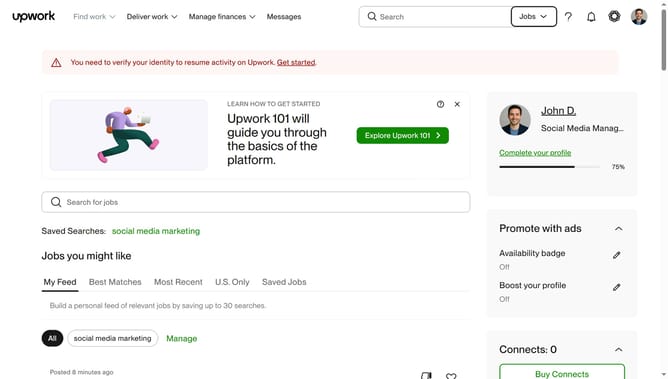
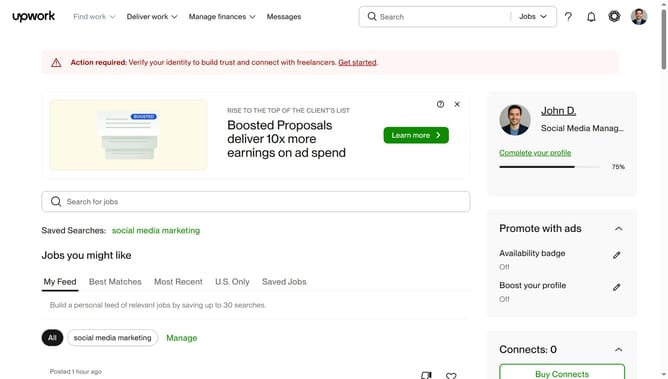
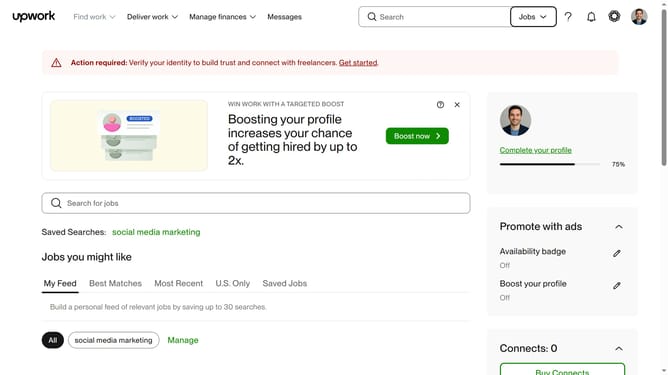
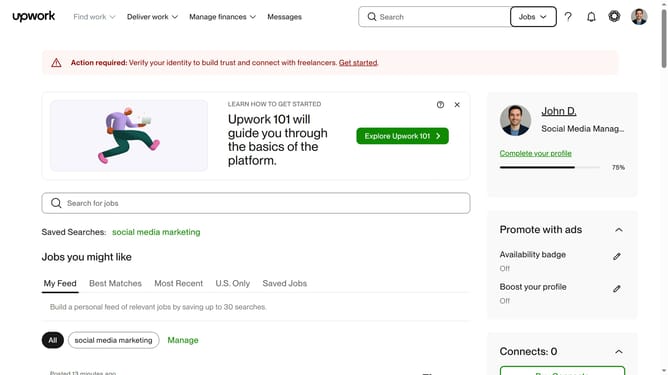
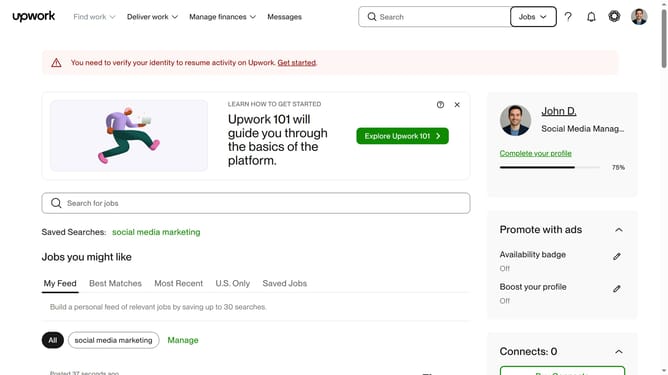
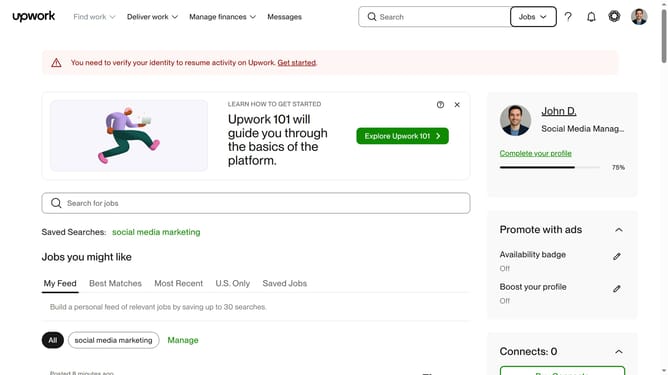
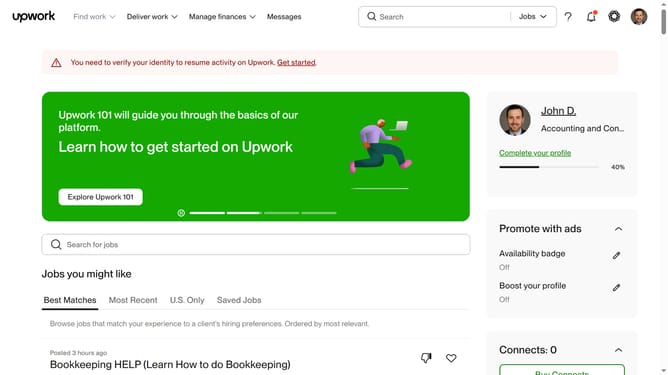
Here is how to view projects related to copywriting on upwork
- First click on the dropdown button in the top navigation bar
- Then select "Projects" option from the dropdown menu
- Next click on the search bar in the top navigation area
- Then select "emailcopywriting" from the search suggestions dropdown
- Next click on the "Writing & Translation" tab in the category navigation menu
- Finally click on the "Copywriting" link in the subcategory menu
Why should you view projects related to copywriting on Upwork
Upwork is a dynamic platform designed to connect freelancers with various job opportunities across the globe.
By viewing projects related to copywriting on Upwork, freelancers can easily pinpoint job listings that match their skills and interests. This feature streamlines the process, helping freelancers efficiently find work that fits their niche.
Leveraging this feature, freelancers can explore a wide array of copywriting opportunities, enhancing their career prospects and expanding their professional network. This leads to increased job flexibility and potential income growth, making it an invaluable tool for freelance professionals.
Last update