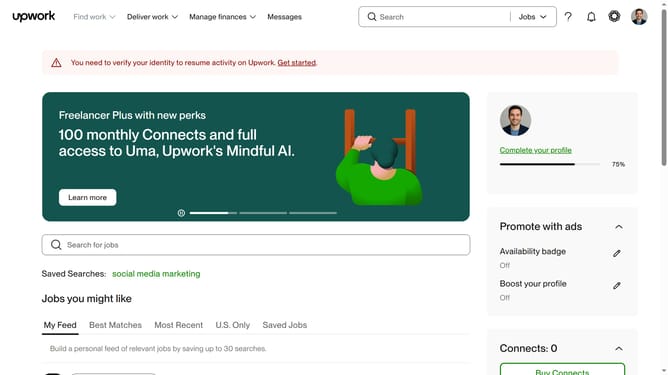
How to view projects related to development on Upwork
Here is how to view projects related to development on upwork
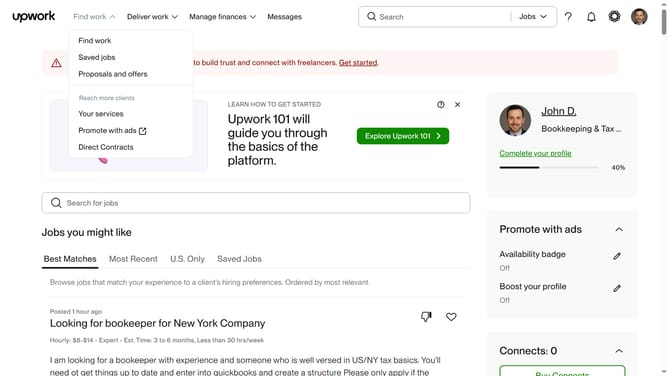
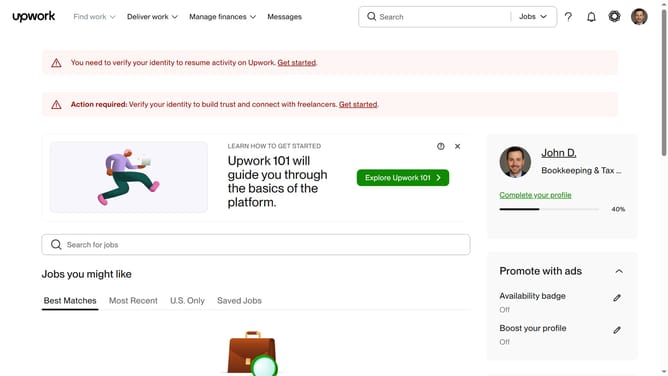
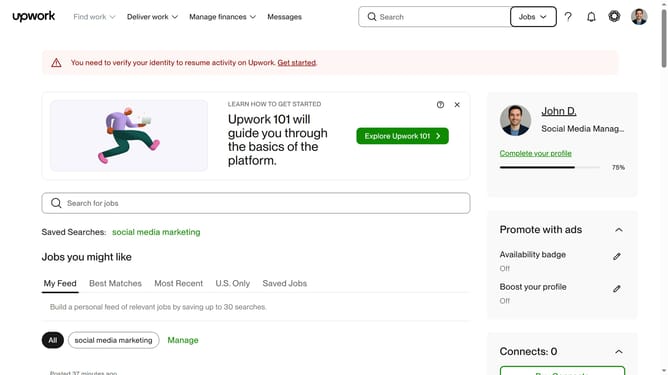
- First click on the "Jobs" dropdown button in the top navigation bar
- Then select the "Projects" option from the dropdown menu
- Next click on the search bar in the header and type "mobile apps"
- Then click on suggestions from the search dropdown
- Next click on the "Development & IT" tab in the top menu navigation
- Finally click on the "Development" category link in the left sidebar and see the filtered results
Why should you view projects related to development on Upwork
Upwork is a dynamic platform that connects talented freelancers with businesses seeking their expertise.
For professionals interested in development, Upwork offers a straightforward way to access a wealth of projects tailored to various complexities and requirements. The search functionality allows you to filter projects by specifics, such as development skills, budget, and client history.
Engaging with these projects on Upwork not only helps you broaden your portfolio but also provides opportunities to collaborate globally, enhancing your skill set and expanding your career horizons.
Last update