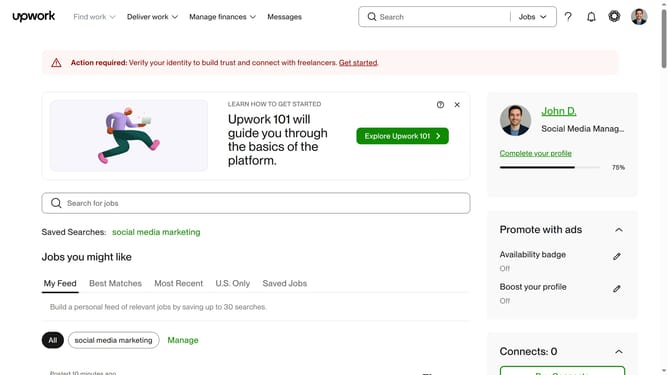
How to delete saved searches in Upwork
Here is how to delete saved searches in upwork
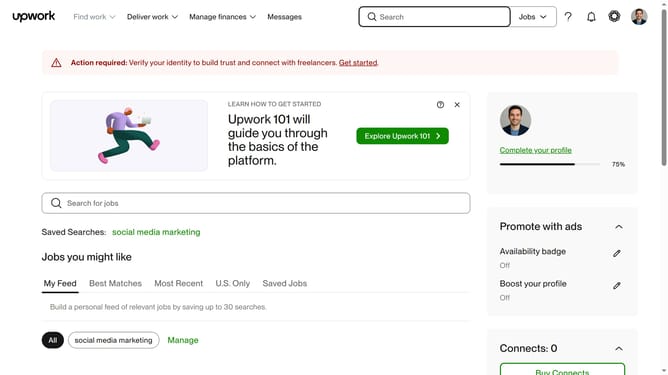
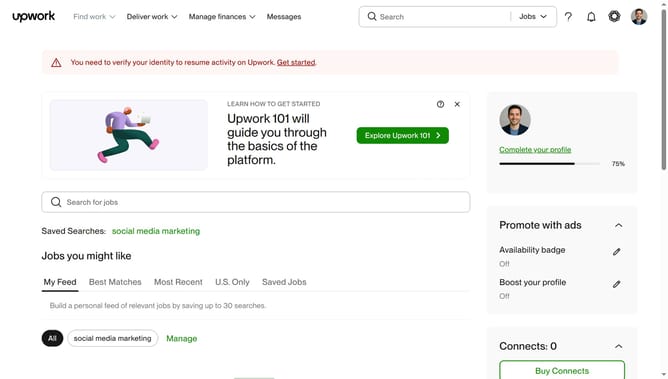
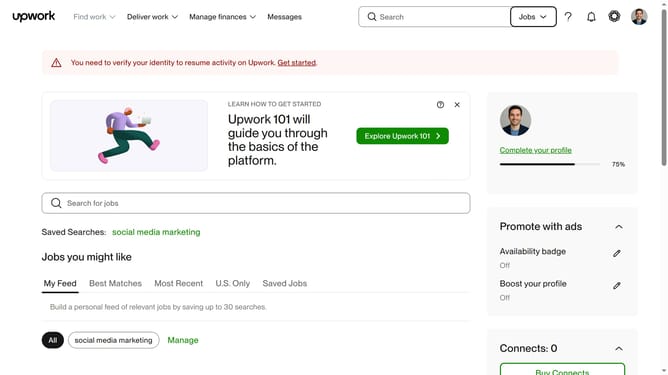
- First click on the "Manage" button in the filter section below the saved searches
- Then click on the delete icon next to the title of the saved search
- Finally click on the "Delete" button in the confirmation dialog to remove the saved search
Why should you delete saved searches in Upwork
Upwork is a versatile online platform connecting freelancers and clients worldwide for various professional projects.
The ability to delete saved searches in Upwork is a user-friendly feature that enhances productivity and keeps your dashboard organized.
This feature allows you to easily manage your search preferences, ensuring that the job listings align more accurately with your current skills and interests.
By removing outdated searches, you streamline your workflow, making it easier to stay focused and efficient.
Last update