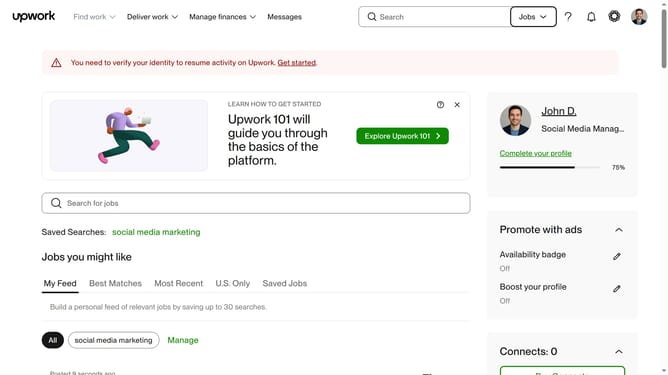
How to view projects related to editing and beta reading on Upwork
Here is how to view projects related to editing and beta reading on upwork
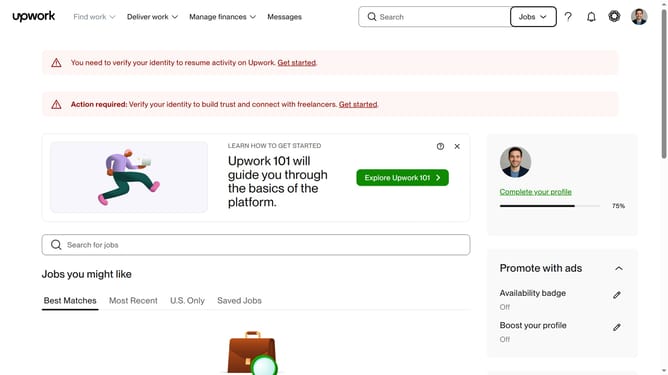
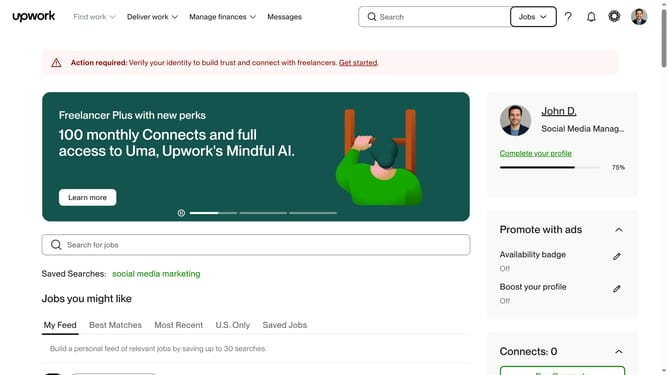
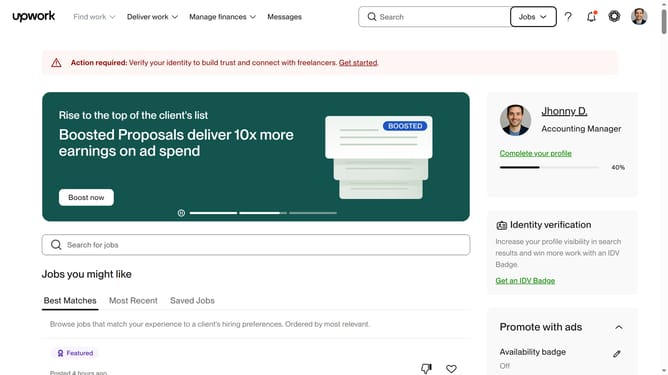
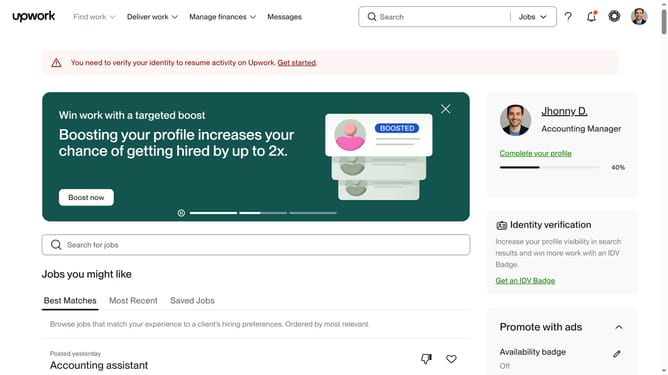
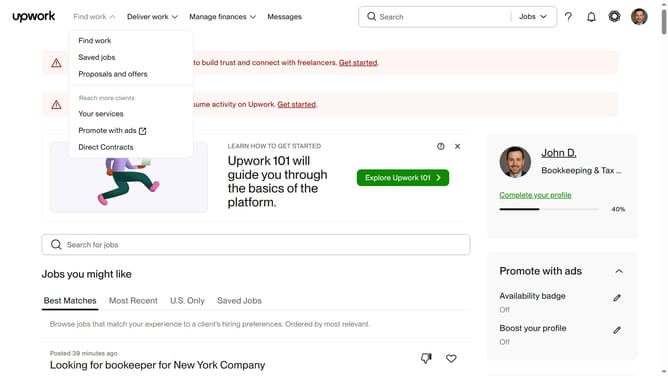
- First click on the dropdown button in the top navigation bar
- Then select the "Projects" option from the dropdown menu
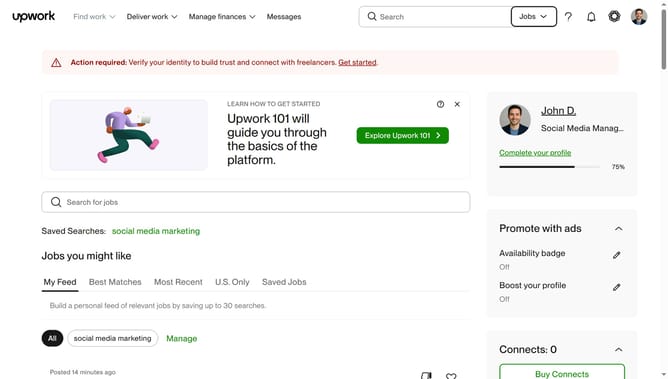
- Next click on the search field in the top navigation bar and enter your search query
- Then click on the suggested search result
- Then, click on the "Writing & Translation" category tab in the navigation menu
- Finally select "Editing & Beta Reading" from the subcategory menu
Why should you view projects related to editing and beta reading on Upwork
Upwork is a platform connecting freelancers with a world of job opportunities.
Viewing projects related to editing and beta reading on Upwork is streamlined and intuitive.
You can easily access a plethora of opportunities tailored to your skills.
This feature allows you to focus on projects that match your expertise, increasing chances of success.
By selecting these projects, you align with roles that can enhance your professional growth and portfolio.
Last update