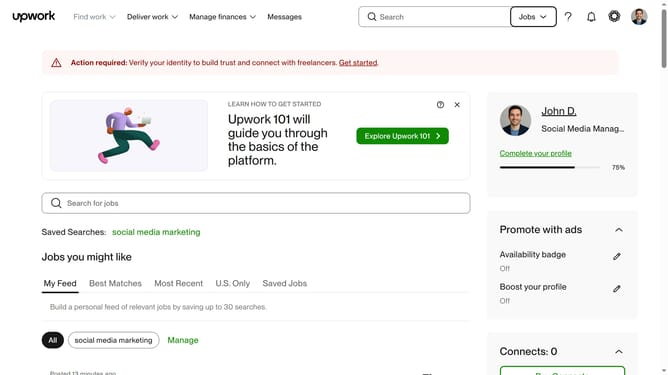
How to add skills as a freelancer in Upwork
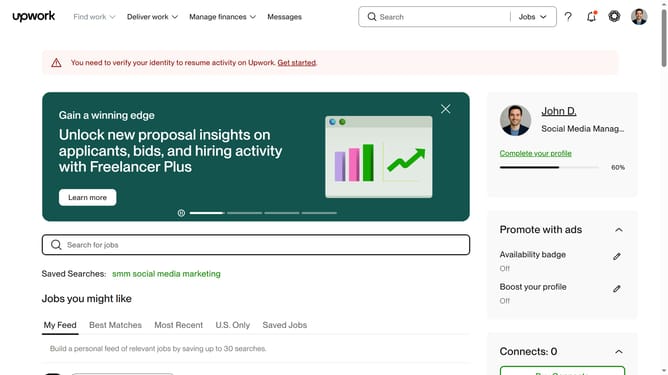
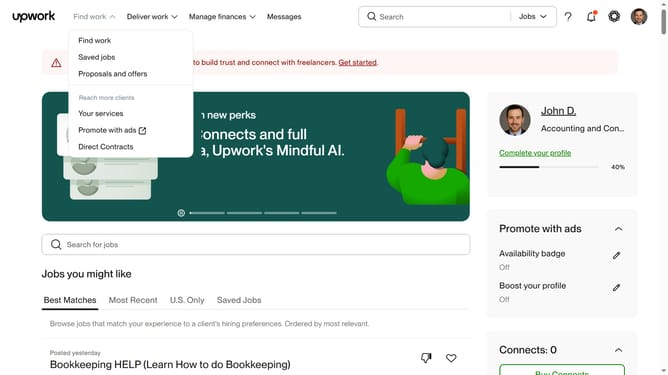
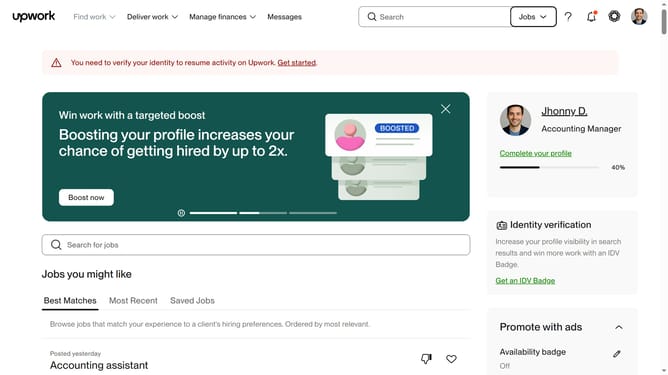
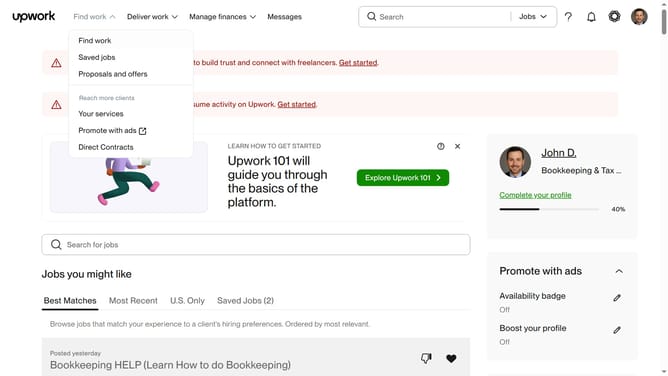
Here is how to add skills as a freelancer in upwork
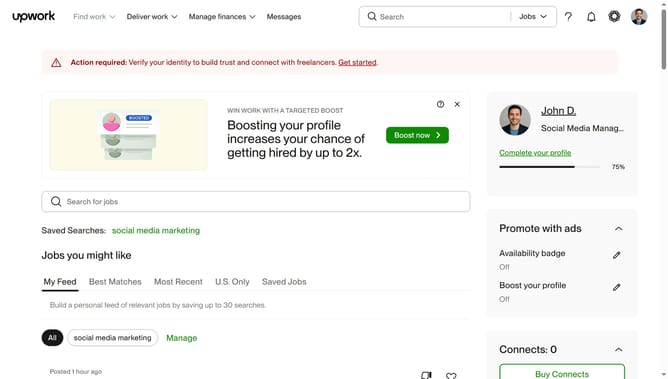
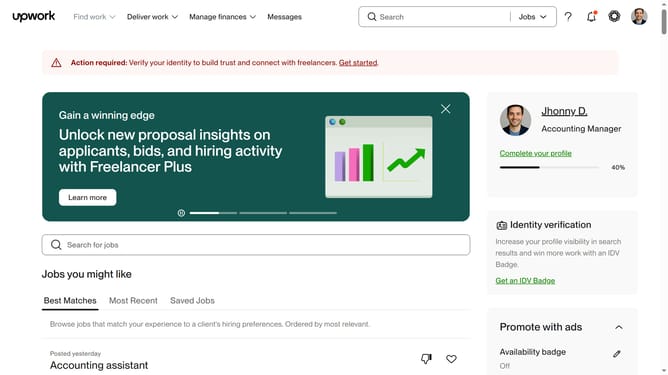
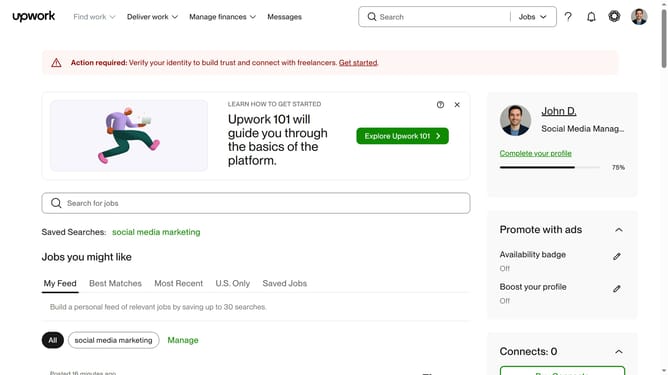
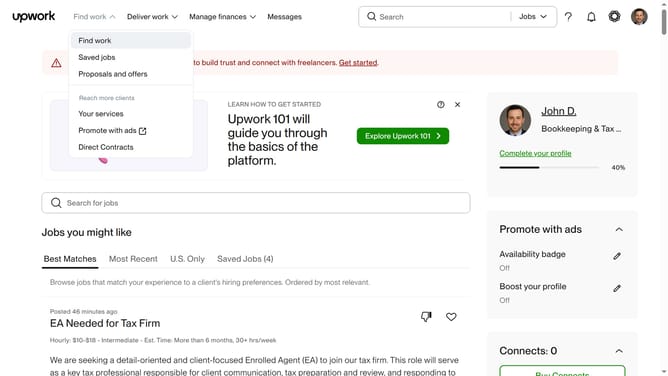
- First click on the profile avatar button in the top right corner of the header
- Then click on "Your profile" option in the dropdown menu
- Next click on the edit icon next to the current title in the profile section
- Then your new freelancer title in the text field
- Finally click on the "Save" button to confirm the changes
Why should you add skills as a freelancer in Upwork
Upwork is a leading platform designed to connect freelancers with businesses seeking specialized skills.
As a freelancer, showcasing your skills on Upwork is vital for attracting potential clients and standing out in a competitive marketplace.
By adding relevant skills to your profile, you enhance your visibility and signify your expertise, making it easier for clients to find you.
This feature not only highlights your capabilities but also allows you to align your skills with current market demands, increasing your opportunities for successful collaborations.
Last update