How to view projects related to translation and localization on Upwork
Here is how to view projects related to translation and localization on upwork
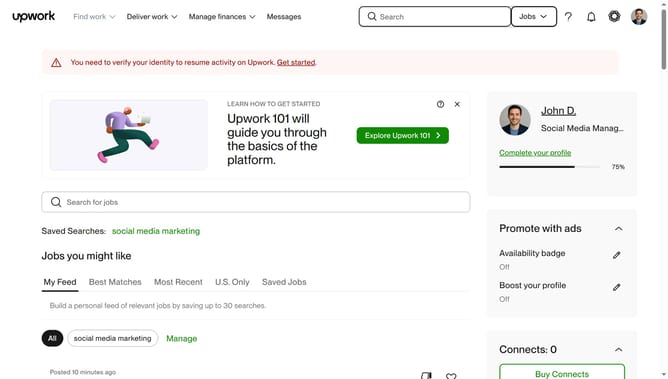
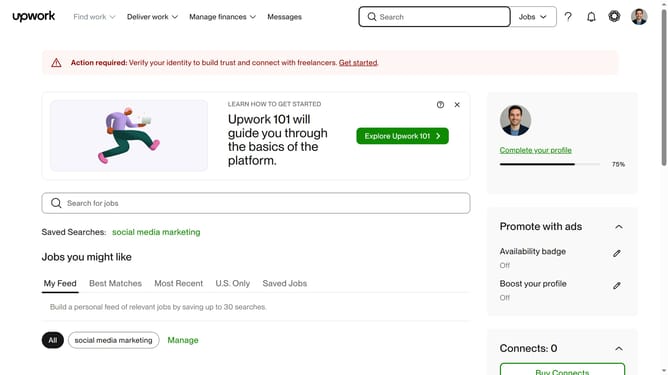
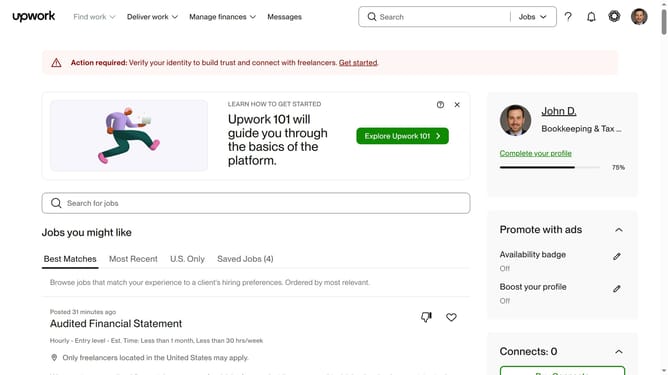
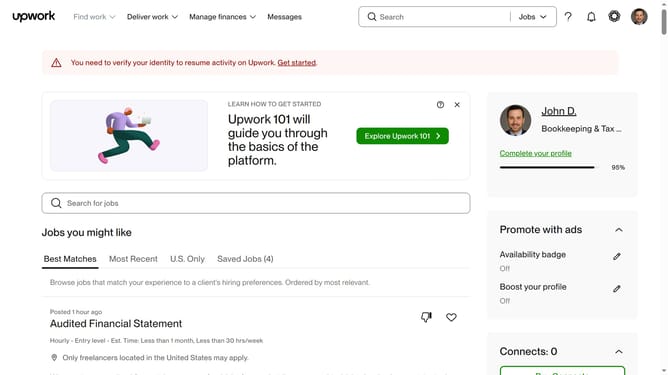
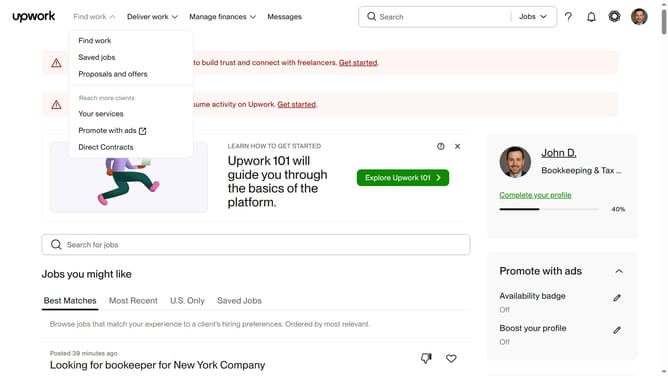
- First click on the dropdown button in the top navigation bar
- Then click on the "Projects" option from the dropdown menu
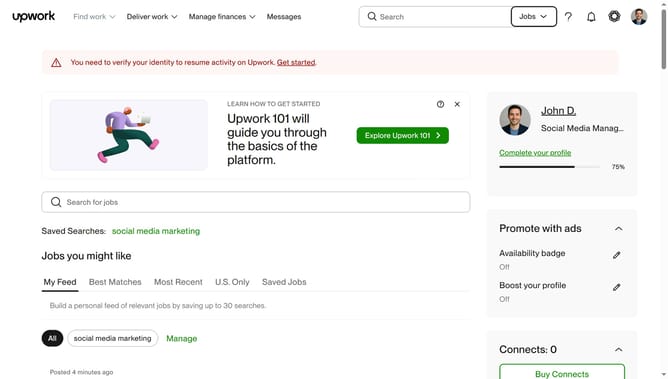
- Next click on the search bar at the top of the page and type your search query
- Then click on a suggestion from the search dropdown
- Next click on the "Writing & Translation" category tab
- Finally click on the "Translation & Localization" subcategory in the left sidebar
Why should you view projects related to translation and localization on Upwork
Upwork is a dynamic platform that connects freelancers with projects tailored to their unique skill sets.
For those specializing in translation and localization, Upwork offers an intuitive way to explore and filter projects aligned with your expertise.
This feature ensures that you can easily find work that matches your skills, enabling you to work on meaningful global projects.
By using Upwork's search features, translators can maximize their potential and gain access to a diverse array of opportunities.
Last update