How to edit licenses in Upwork
Here is how to edit licenses in upwork
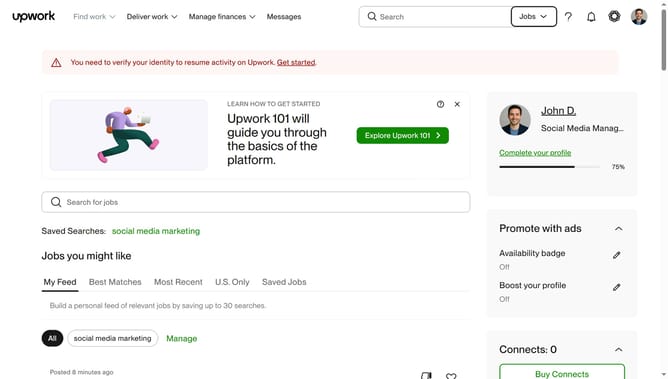
- First click on the profile icon in the top right corner of the header
- Then click on "Your profile" option in the dropdown menu
- Next scroll down to the "Licenses" section on the profile page
- Then click on the edit icon next to the license entry
- Click on the text field and modify it
- Finally click on the "Save" button to save the changes to the license
Why should you edit licenses in Upwork
Upwork is a dynamic platform that connects freelancers and clients for a wide range of professional collaborations.
Editing licenses in Upwork is a feature that allows professionals to update or modify their credentials, ensuring their profiles are accurate and up-to-date.
This not only enhances the credibility of freelancers but also instills confidence in potential clients, leading to more successful engagements.
By keeping licenses updated, freelancers can better showcase their qualifications, making it easier to match with suitable job opportunities.
Last update