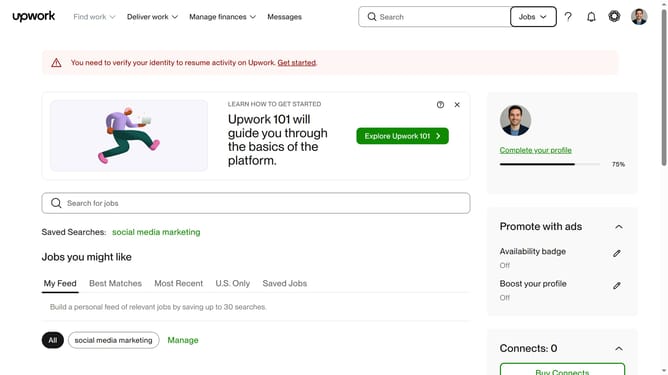
How to edit other experiences in Upwork
Here is how to edit other experiences in upwork
- First click on the profile icon in the top right corner of the header
- Then click on "Account settings" option in the dropdown menu
- Next click on "My Profile" link in the left sidebar under User Settings section
- Then scroll down to the "Other experiences" section
- Then click on the edit button next to entry that you want to edit
- Click on the text field and modify the text
- Finally click on the "Save" button to confirm the changes
Why should you edit other experiences in Upwork
Upwork is a dynamic platform designed to connect skilled freelancers with businesses in need of their expertise.
The "edit other experiences" feature on Upwork allows freelancers to showcase a broader range of skills and past projects, enhancing their profile’s appeal.
Presenting diverse experiences can effectively portray a well-rounded background, making a freelancer more attractive to potential clients.
By leveraging this feature, freelancers can ensure their profiles reflect their evolving career journey, maintaining competitiveness in the marketplace.
Last update