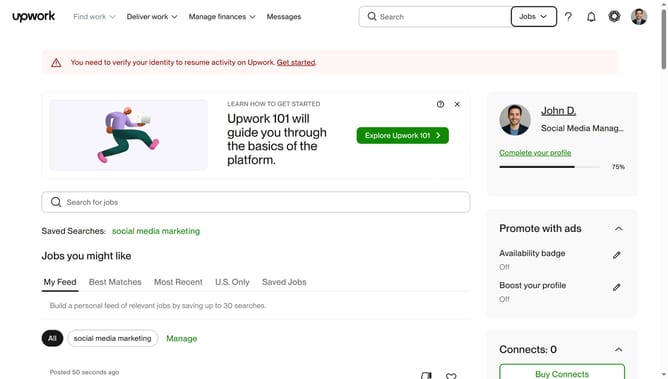
How to view client feedback on a project on Upwork
Here is how to view client feedback on a project on upwork
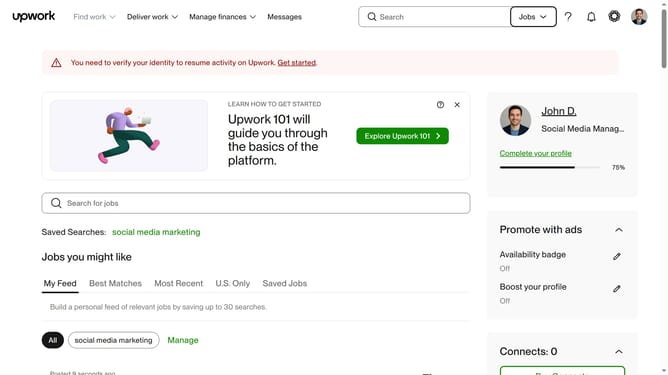
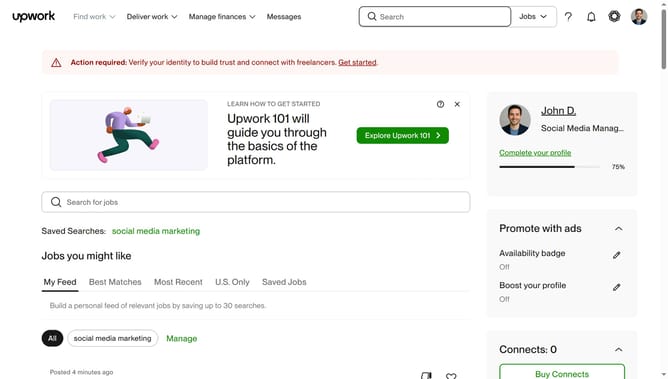
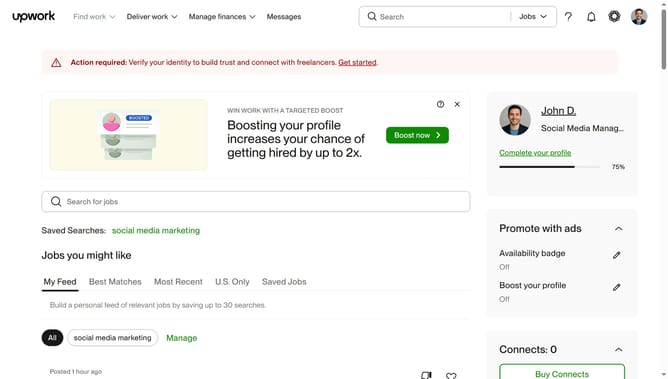
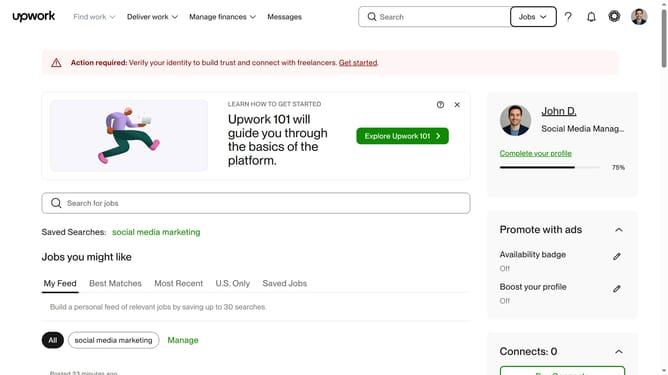
- First click on the dropdown button in the top navigation bar
- Then select "Projects" from the dropdown menu
- Next click on the search field in the top navigation bar and type your search query
- Then click on the suggestion from the search dropdown
- Next click on the title of your preferred project from the results
- Then scroll down the page
- Finally click on the "This project" tab to view reviews specific to this project
Why should you view client feedback on a project on Upwork
Upwork is a leading freelance platform connecting talented professionals with businesses seeking expertise for their projects.
One essential feature is the ability to view client feedback on completed projects. This feedback offers valuable insights into how well the project was received, showcasing strengths and areas for improvement.
Understanding client feedback enhances job prospects by illustrating professionalism and proficiency in meeting client needs. It also builds trust and strengthens freelancer-client relationships, making it a vital tool for continuous success.
Last update