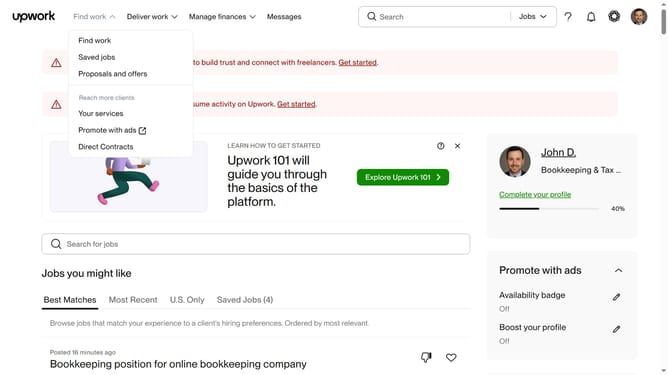
How to save freelance jobs in Upwork
Here is how to save freelance jobs in upwork
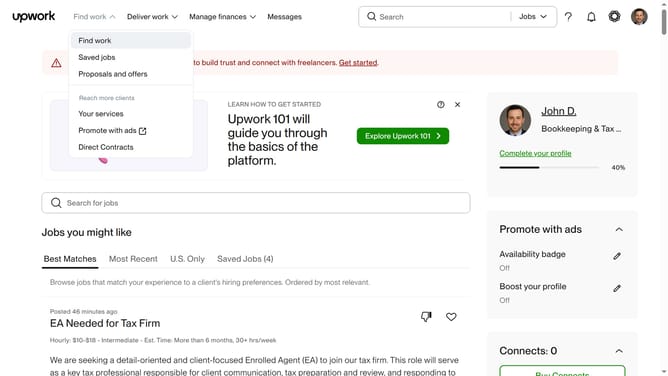
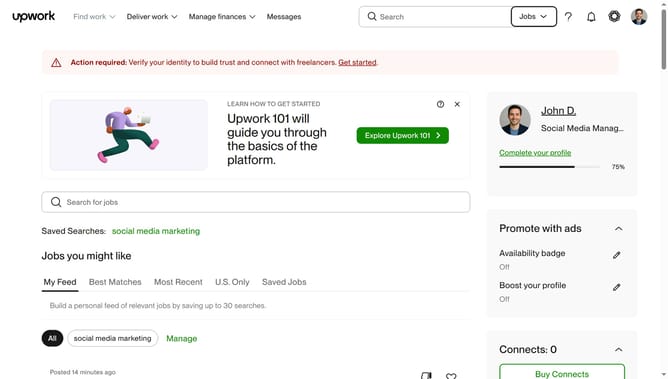
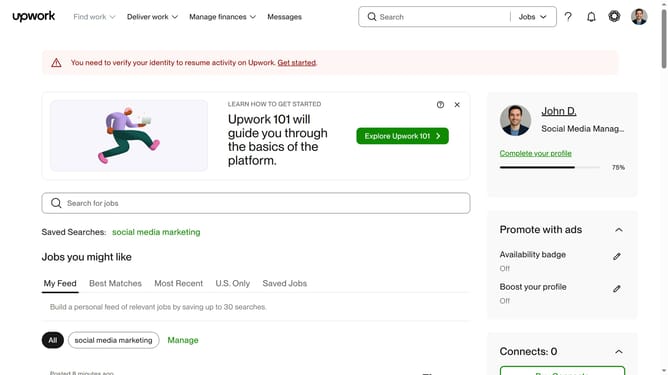
- First click on the "Find work" dropdown menu in the top navigation bar
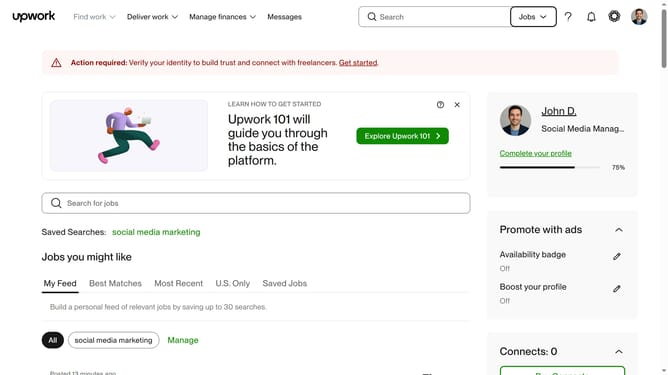
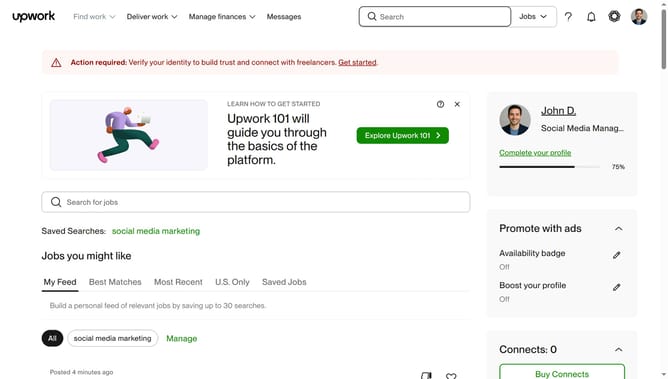
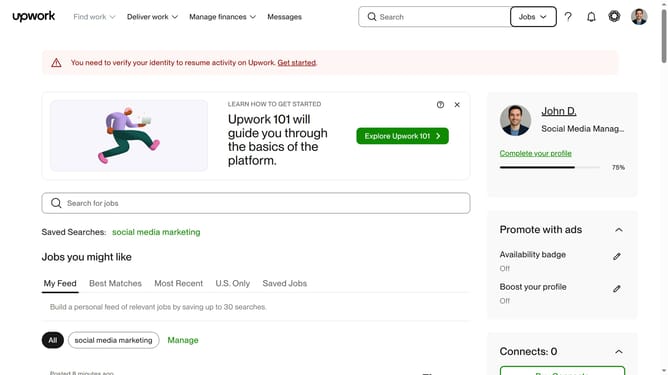
- Then click on the "Search for jobs" input field in the main content area and type the job you are looking for
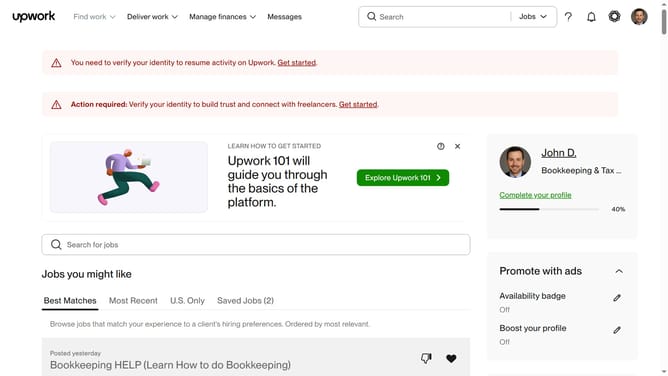
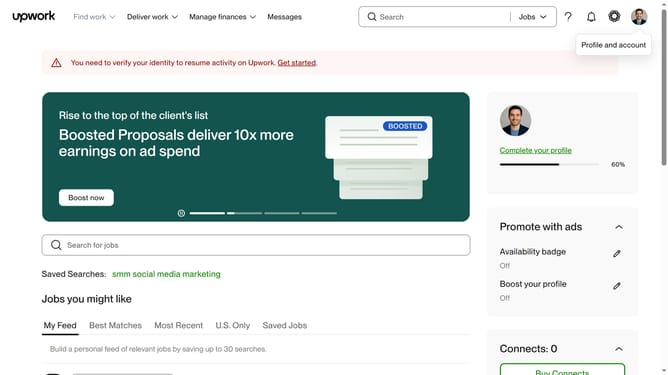
- Next click on the job post to view its details
- Finally click on the "Save job" button in the right sidebar
Why should you save freelance jobs in Upwork
Upwork is a dynamic platform designed to connect freelancers with businesses worldwide, facilitating fruitful collaborations.
One standout feature is the ability to save freelance jobs, enhancing the workflow for users. This feature allows freelancers to bookmark jobs that catch their interest, helping them manage potential opportunities efficiently.
By saving jobs, freelancers can quickly revisit listings without needing to search repeatedly, ensuring they remain organized and focused on pursuing the most promising gigs.
This streamlined approach not only saves time but also increases the chances of applying to the most relevant projects, ultimately boosting productivity and success.
Last update